Video Tutorials
 2019-07-19

 0
0
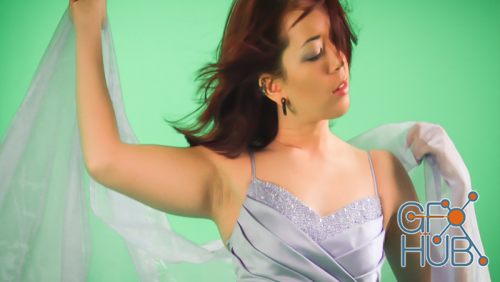
This intro to visual effects course will not only teach you how to get great results through compositing, it will also teach all of the technical details that need to be considered with compositing. This includes image levels, image colors, color management, handling proper alpha values, green screen keying, and much more.
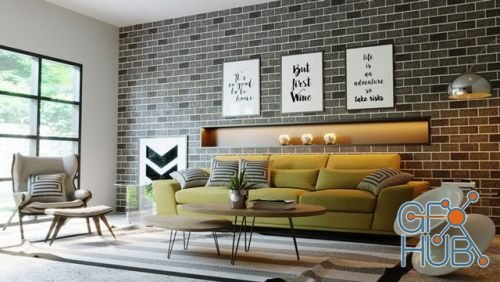
This course will teach you how to use Corona Plugin, which gives you a smooth, realistic light that is easy to adjust. Not complicated and can be customized in the program.
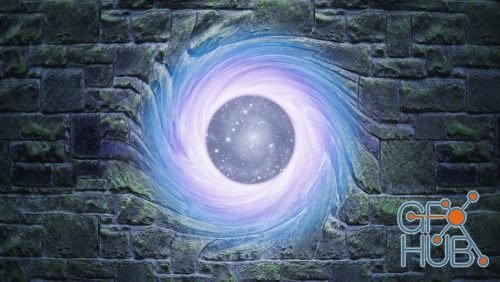
This course covers how to create custom mapping and transformation nodes in Cycles, including the math and theory behind vectors. Blender's default mapping node allows simple transformations of texture coordinates, but there are a lot of cases where more flexible inputs and non-uniform transformations would be incredibly valuable.

While photorealistic rendering is the more popular focus for computer graphics, cartoon rendering is still in high demand. In this course, you'll learn how to create 2D looking renders using Freestyle. We'll cover all of Freestyle's settings as well as look at three practical examples of how to use them to achieve great results.
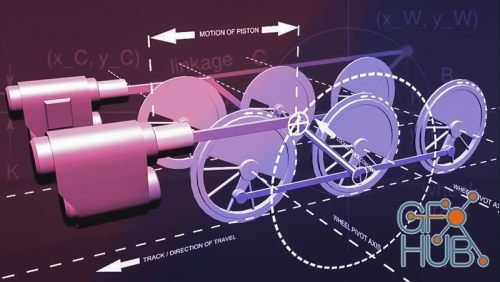
In this course, we'll rig a set of locomotive wheels in Blender using constraints. We'll focus on converting rotational motion to reciprocal (back and forth) motion. This type of rigging can be very difficult, and is most often achieved with the use of Armatures and Inverse Kinematics (IK). In this course, however, we'll look at a way to do it using the Locked Track, Copy Location, and Shrinkwrap constraints.
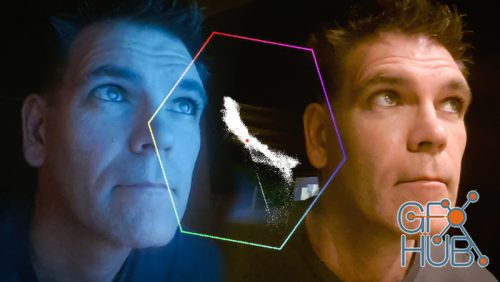
CGCookie – VSE Color Correction with Scopes | Learn how to color correct within the video sequence editor
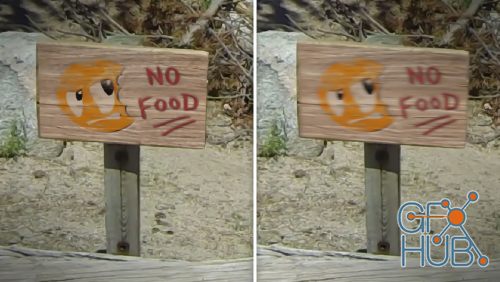
Compositing elements into live action footage is one of the most common visual effects tasks. Those elements could be patches, fixes, matte paintings, other pieces of footage, CG objects, or even plane tracks. Regardless of what it is, it's going to have to match the live action footage in every way possible, and one of the most important is making sure it is motion blurred correctly.
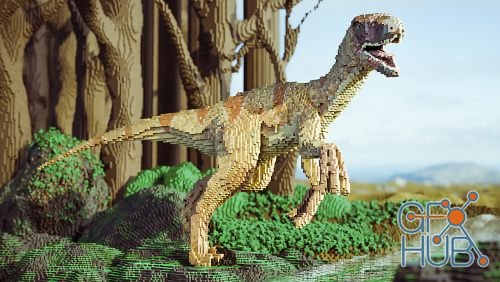
In Blender, stacking blocks is a serious art form! A voxel is just like a pixel but with three dimensions instead of two, and building scenes with them results in a really fun style that has been made popular by things like Lego and Minecraft. This course will show you how to make the most of that style by speeding up your snapping, converting meshes with the remesh modifier, and adding extra pixel detail through the use of a shader.
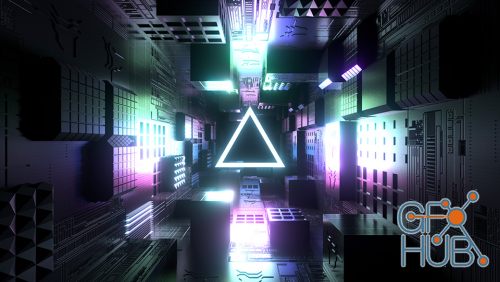
MP4 1920x1080 | Total time: 0h 45m | ENG | Project Files Included | 313 MB | In these seven lessons you will be exposed to a Blender workflow for modeling and animating a looping corridor tunnel scene in Blender. This style is popular with motion graphics and the techniques can be applied to a variety of projects.
I will show you how to create outstanding color profiles using camera raw to use them in Lightroom software! What is the best part of this course, you will get 8 color profiles that I have created while recording this course. And they're really amazing!
Tags
Archive
| « March 2026 » | ||||||
|---|---|---|---|---|---|---|
| Mon | Tue | Wed | Thu | Fri | Sat | Sun |
| 1 | ||||||
| 2 | 3 | 4 | 5 | 6 | 7 | 8 |
| 9 | 10 | 11 | 12 | 13 | 14 | 15 |
| 16 | 17 | 18 | 19 | 20 | 21 | 22 |
| 23 | 24 | 25 | 26 | 27 | 28 | 29 |
| 30 | 31 | |||||
Vote


New Daz3D, Poser stuff


New Books, Magazines



