Video Tutorials
 2019-08-14

 0

A step by step tutorial on how to use Lumion 3D as a beginner, going through each of the categories, familiarizing yourself with the stage and how to use each effect to your advantage and finally going through to the more advanced tutorials helping you become a more proficient 3D artist. And lastly, an introduction to Lumion 9's new features.
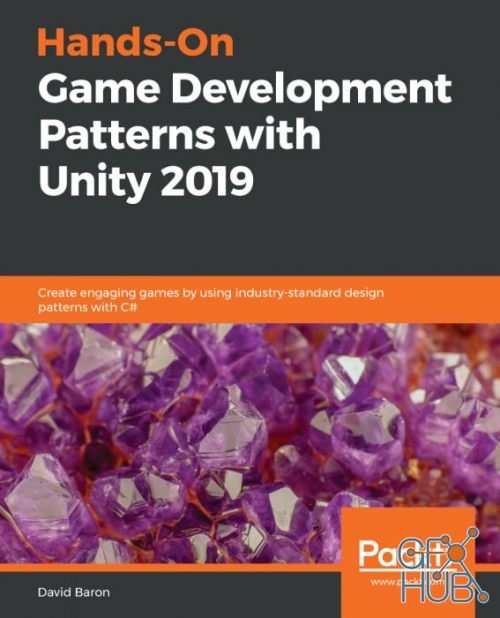
Unity is the world’s leading cross-platform game engine. It has helped create about half of the world’s games. This course will help you learn the game development patterns and best practices in Unity 2019. This course will guide you through Unity’s modern features, showing you how to divide work to get your game made faster, built faster, and modularize behaviours so you can spend less time coding and more time creating.
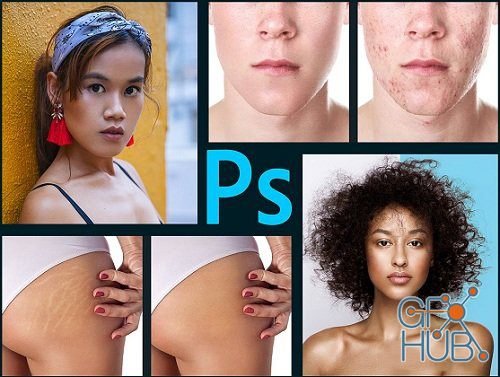
I have designed this course thinking of every day photographers and photoshop users that struggle with retouching when some weird problem appears. We have all been there, working on set of the images while suddenly we need to face this one annoying issue, trying to fix it for hours before finally finding a solution. But not anymore, becausethis course is full of retouching solutions for most common retouching tasks!

Shoot better video by learning the video production techniques used by Hollywood filmmakers. And get paid to do it!

Learn the fundamentals of oil painting with acclaimed artist and instructor Charles Hu. This course breaks down the entire process of oil painting from life and is intended for beginning and experienced artists alike. Charles explains the important concepts of gesture, shape design, and composition.

I bet you had no idea that the footage that comes directly out of your camera is actually not optimized to be viewed immediately. Cameras capture footage in a way to preserve information, NOT to naturally look beautiful to the eye. That's where color correction comes in.

Create incredible games without coding or technical knowledge
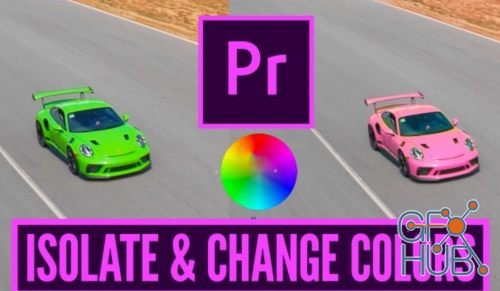
Hi everyone and welcome to this quick, free class where you'll learn 4 different techniques to isolate and change the color of a specific object or part of your clip. We'll look at whitening someones teeth, changing eye color, making the background black and white, while leaving one area of the frame saturated and changing the color of a car from blue to pink.

MP4 1280x720 | Total time: 3h 05m | ENG | Project Files Included | 1.03 GB

After many years on the job, I learned some effective workflow tips to help me create this data driven info graphic over footage, and now you can too. I’ll be covering a lot of important workflow concepts as well as tricks so that you can create this animation.
Tags
Archive
| « November 2026 » | ||||||
|---|---|---|---|---|---|---|
| Mon | Tue | Wed | Thu | Fri | Sat | Sun |
| 1 | ||||||
| 2 | 3 | 4 | 5 | 6 | 7 | 8 |
| 9 | 10 | 11 | 12 | 13 | 14 | 15 |
| 16 | 17 | 18 | 19 | 20 | 21 | 22 |
| 23 | 24 | 25 | 26 | 27 | 28 | 29 |
| 30 | ||||||
Vote


New Daz3D, Poser stuff
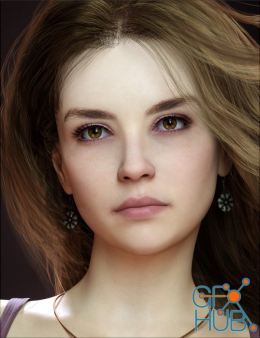
New Books, Magazines