Video Tutorials
 2020-04-27

 0
0

Capture One Pro is a complete digital photo management and editing application for professional photographers and serious enthusiasts. Photographers who appreciate outstanding raw processing, expert color control, and logical organization should consider Capture One Pro for its comprehensive feature set. In this course, instructor and pro photographer Derrick Story helps you learn the basics quickly, then takes you deeper into the application to
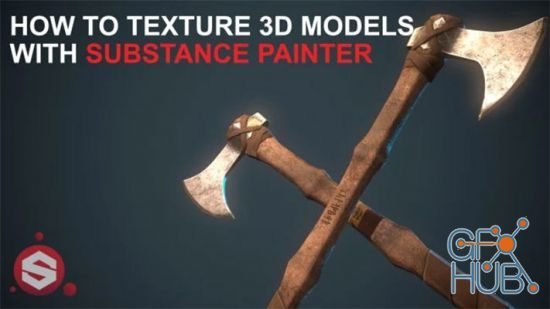
In this class, I am going to teach you my favourite workflow for texturing your 3D models using Substance Painter. Once you learn the basic methods for texturing your assets you can just let loose and let your creativity flow! A bit like when you get in the zone when you are sketching.
In this 5 hour long lecture I share everything I know about freelancing. Learn from my mistakes, make the most of my successes, and maybe be amused by my occasional stupidity.
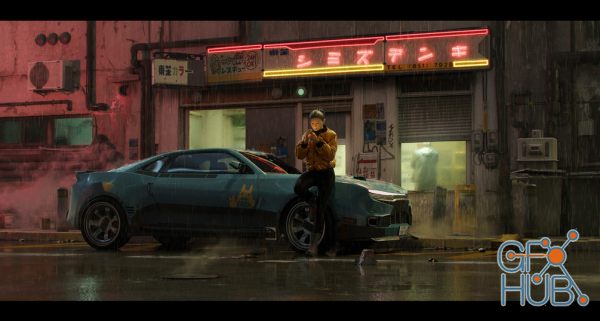
In this tutorial I will discuss my latest workflow, from ideation to finished image. By mixing techniques and tools like projection mapping, curves, and grease pencil I am able to create realistic props in a very quick and efficient manner. I will also show how I set up my character and talk about scene set-up and lighting.
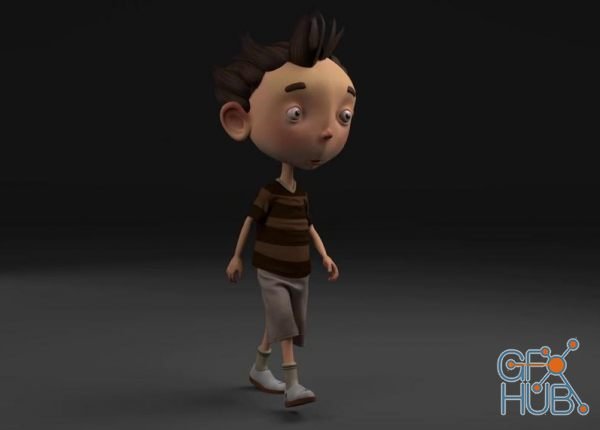
Are you a beginner and want to learn complete character creation process in Maya for production ? I mean Everything from modeling, texturing, rigging, animation, cloth and hair simulation and rendering
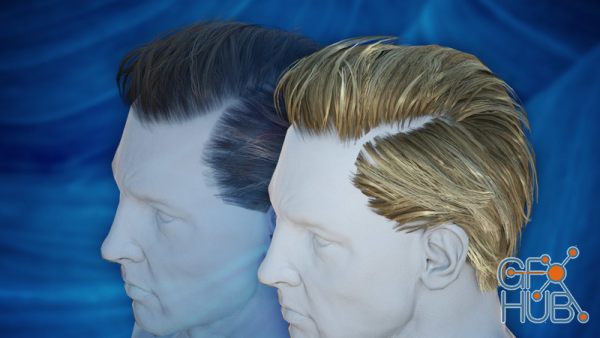
Hair in modern games is more impressive than ever. By mapping hair textures to a bunch of geometric cards, strikingly convincing hair visuals can be achieved. In this course I'll show you how we can accomplish such hair with Blender.
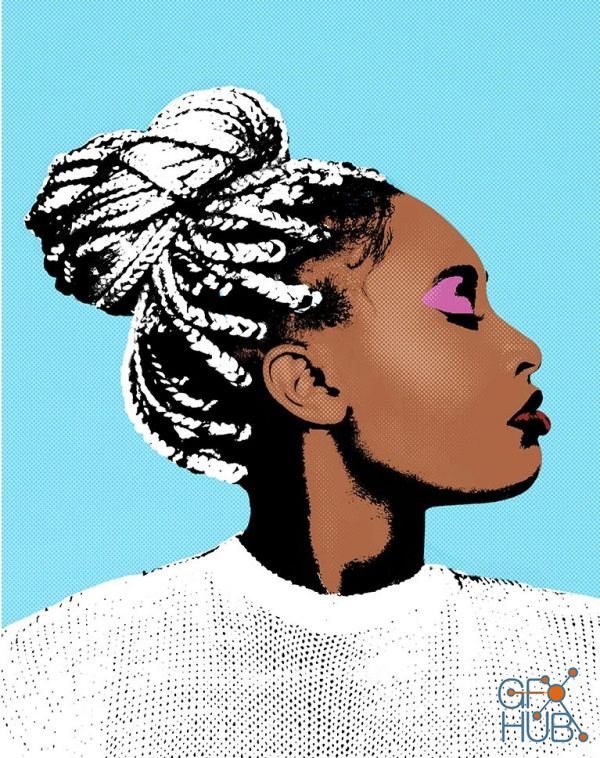
Tap into your inner Warhol by creating pop art in Photoshop! Learn how to transform any photo into eye-catching graphic art as we walk you through multiple examples using the included Photoshop Actions, Photoshop Brushes, and custom textures. From bright and vibrant coloring, to comic book-style halftone effects, we show you how to create your own stunning works of art.
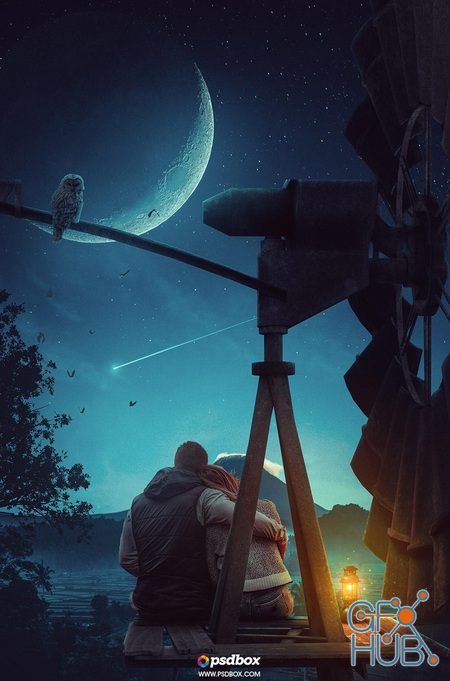
Learn how to effectively use colors and blend modes in conjunction with backgrounds to create the perfect lighting on any scenario. This class is made in Photoshop CC 2019 but you can create this artwork using almost any Photoshop version although at least Photoshop CS6 is recommended if you’re not very experimented with Photoshop.
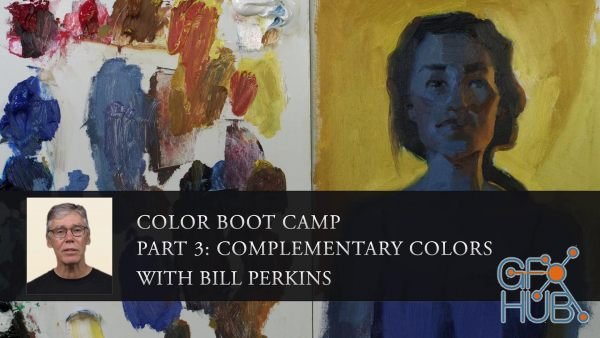
In this series, instructor Bill Perkins brings you his crash course on color theory and practice. This six part series is designed to accelerate your learning curve, allowing you to gain confidence in your paintings and an overall understanding of how color works in various situations. Each lesson will focus on a different aspect of color, and will center around images of a model in different color and lighting set-ups designed by Bill himself.
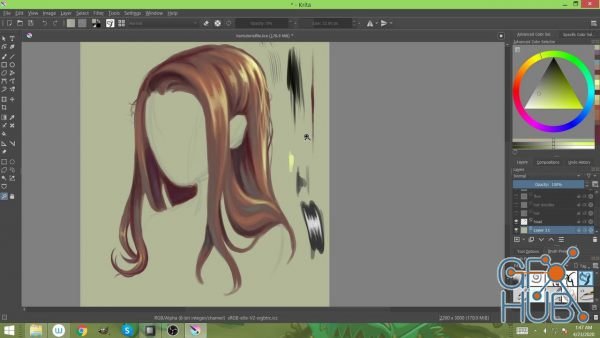
In this tutorial, I demonstrate how to digitally illustrate hair. I walk through steps on how to achieve this and show you do's and don'ts in detail.
Tags
Archive
| « October 2026 » | ||||||
|---|---|---|---|---|---|---|
| Mon | Tue | Wed | Thu | Fri | Sat | Sun |
| 1 | 2 | 3 | 4 | |||
| 5 | 6 | 7 | 8 | 9 | 10 | 11 |
| 12 | 13 | 14 | 15 | 16 | 17 | 18 |
| 19 | 20 | 21 | 22 | 23 | 24 | 25 |
| 26 | 27 | 28 | 29 | 30 | 31 | |
Vote


New Daz3D, Poser stuff


New Books, Magazines



