Video Tutorials
 2020-07-17

 0
0
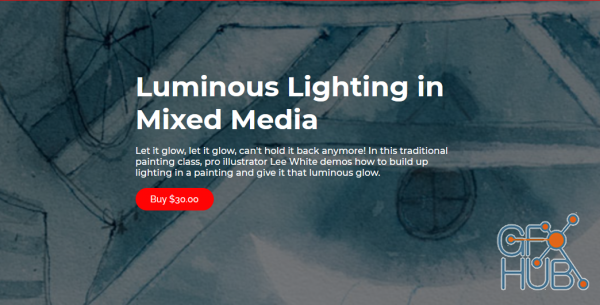
Let it glow, let it glow, can't hold it back anymore! In this traditional painting class, pro illustrator Lee White demos how to build up lighting in a painting and give it that luminous glow.
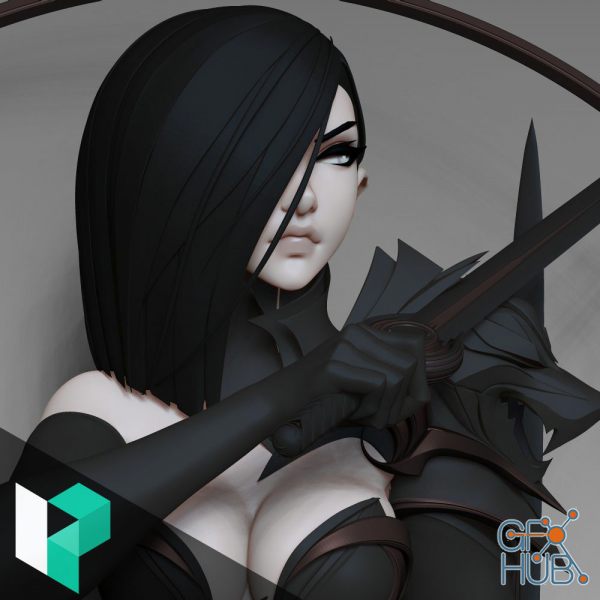
Well known for his iconic and clean character designs, Dmytro Bajda shares his complete workflow for creating his Elven Warrior. In this tutorial, Dmytro shares the techniques and brushes he uses to achieve his high quality results. Watch as Dmytro creates several variations of his model before arriving at the final concept, demonstrating the possibility of utilizing ZBrush for concepting.
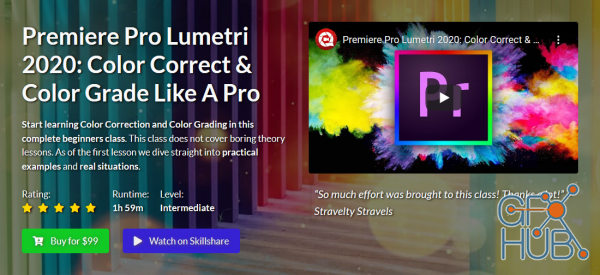
Start learning Color Correction and Color Grading in this complete beginners class. This class does not cover boring theory lessons. As of the first lesson we dive straight into practical examples and real situations.
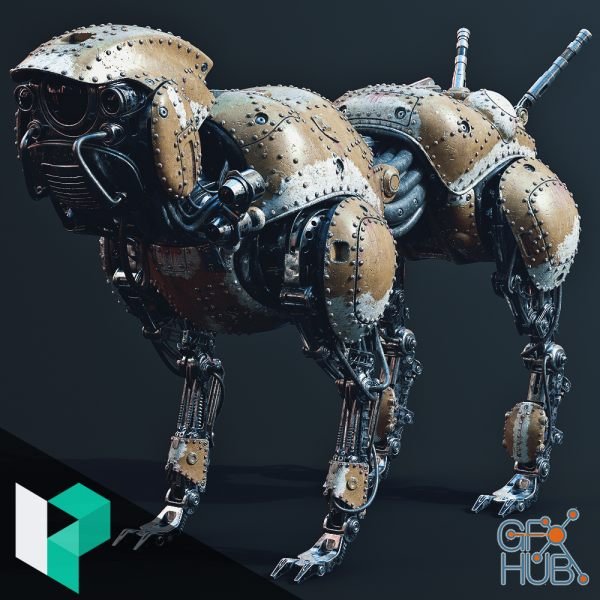
Lennard Claussen is back with another incredible hard surface project. This time he walks you through his process for how to create a mechanical dog using Maya, Substance Painter, and Photoshop. Lennard shares his personal scripts as well as a handful of tools that he uses to speed up his workflow when creating complex high poly meshes
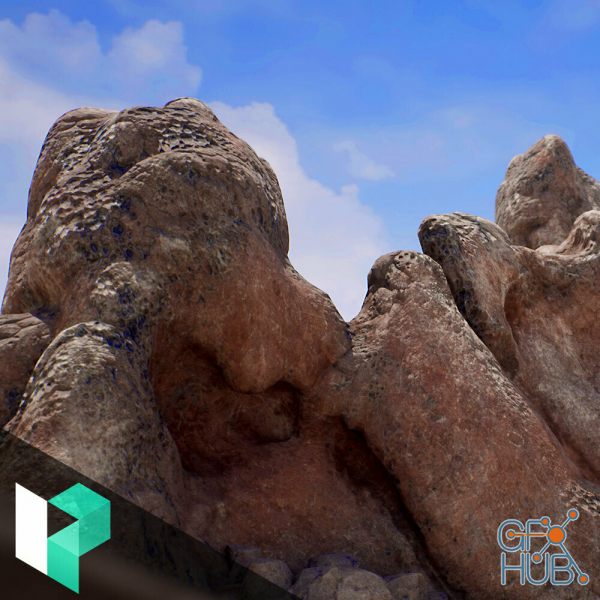
Watch as Lead Environment Artist at Ubisoft, Casper Wermuth create highly realistic volcanic rocks for Unreal using a combo workflow of Zbrush, Substance Designer, and Substance Painter. His techniques can be applied to any type of rock project and allows for scaling objects without messing up the texel density. His process covers modelling in Zbrush, creating UVs using 3d Coat, Creating tiling textures in Substance Designer, mask creation in
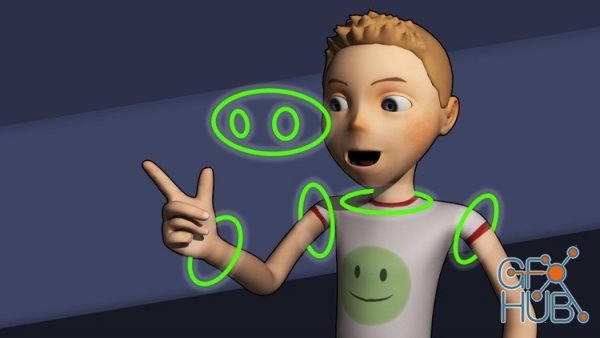
This is a step-by-step tutorial showing how to rig a character in Maya! You will learn how to create controls for your character so it can be animated. Learn to create a Skeleton and set up a Control Rig. Unlock the power of Maya's Human IK solver to save time and offer complex control over your character. Blendshapes, Painting Skin Weights, Creating Custom GUIs, Set Driven Keys and Creating Custom Attributes will all be covered.
Once we learn all of the fundamentals of creating art, we'll do a simple value painting of an apple. Any simple object will do (no apple required!) This course is designed from a digital art perspective. I'll be using Adobe Photoshop and a Wacom tablet. Once you have completed this course, you will officially be a digital artist - an amazing world of possibilities awaits!
This course can get you there. I’ll show you all of my professional level techniques and tricks that will demystify the entire process of creating creature art with Adobe Photoshop. In an easy to grasp, step by step process, you’ll learn digital painting techniques that will have you amazed at how alive, beautiful and realistic your creature art has become.
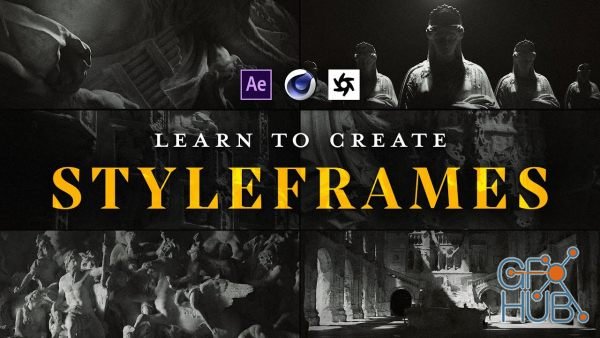
Styleframes are an invaluable part of films, games, TV shows, commercials and more, allowing the artist to shape a project’s look and feel. Across four in-depth lessons, motion graphics legend zaoeyo has constructed an incredible learning experience for you. Covering the ins and outs of his process in Cinema 4D and Octane Render, you’ll learn to quickly create stunning styleframes to tell your stories, pitch your projects, and land bigger jobs
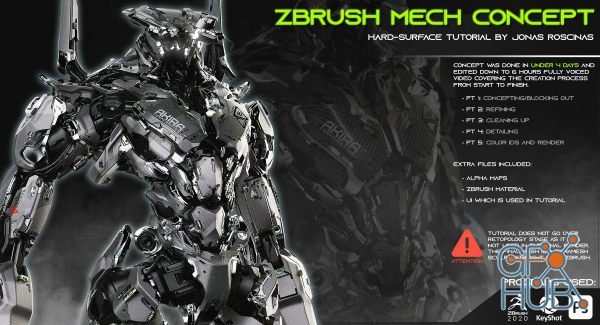
In this tutorial we will walk through the creation of mech/robot character within zBrush! The overall process took around 4 days, and the video was edited down to 6 hours of fully voice footage. The tutorial is separated into sections which cover the initial blockout, refining, cleaning up, detailing, matID and render stages. I hope by the end of the tutorial you will have learned something new to add to your knowledge, whether is the tools and
Tags
Archive
| « March 2026 » | ||||||
|---|---|---|---|---|---|---|
| Mon | Tue | Wed | Thu | Fri | Sat | Sun |
| 1 | ||||||
| 2 | 3 | 4 | 5 | 6 | 7 | 8 |
| 9 | 10 | 11 | 12 | 13 | 14 | 15 |
| 16 | 17 | 18 | 19 | 20 | 21 | 22 |
| 23 | 24 | 25 | 26 | 27 | 28 | 29 |
| 30 | 31 | |||||
Vote


New Daz3D, Poser stuff


New Books, Magazines



