Video Tutorials
 2021-06-1

 0

Learn how to make BETTER games FASTER by using all the Unity Tools and Features at your disposal!
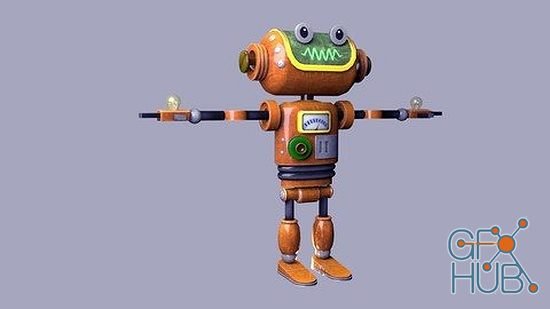
In this course you will learn from scratch on how to model and texture stylized hard-surface robot in Maya. We start with very basis stuff like Maya interface, project folder setup, setting up image plane in Maya and Photoshop. Through the course, we will discuss the amazing features of Maya and Photoshop as well as tips & tricks on how to work efficiently so you can achieve the result much faster and accurate.
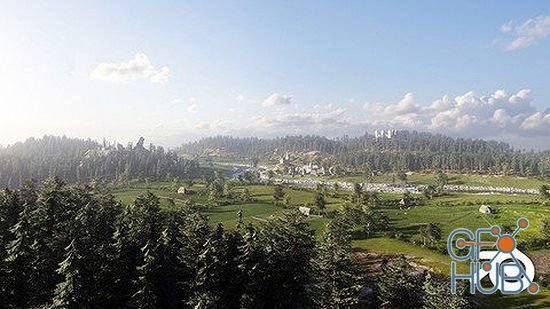
Creating modular environments is our brand-new course, focusing on large scale environments. For a long time, we had this dream of building a scene that had multiple areas to highlight. The classic approach was building a scene from one or two perspectives and make renders out of it. This new course lets you build villages, cities, and castles in a very efficient way. We achieve this by modular building design, already quite common in the gaming
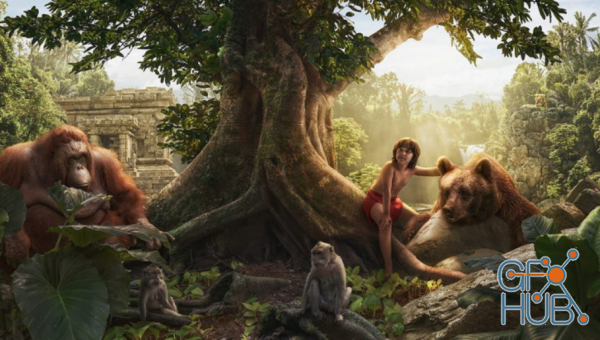
How great is it, to create your own reality!! In earlier tutorials, Adrian Sommeling worked with an existing photo as a background, but in this tutorial, he is gonna create the complete scene from scratch. Together with Adrian, you will create your own background... your own world! And in this video, he will put some animals and his son in his created world.
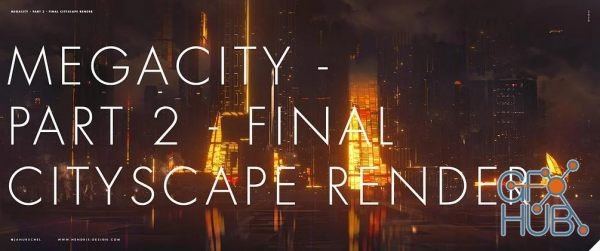
In this second part of my two-part cityscape design and rendering course we're looking at getting our renders out of Blender and into Photoshop for a final illustration treatment.
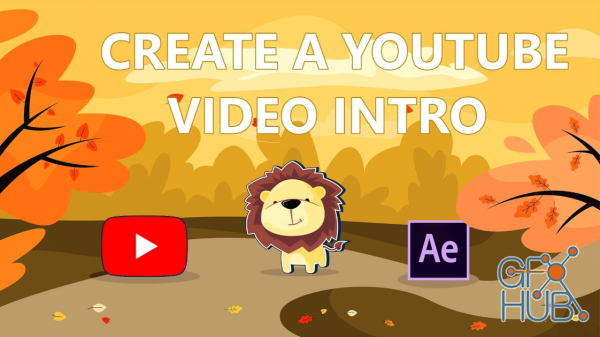
Want to be on YouTube, Facebook, Instagram, TikTok? You will likely need a custom video intro or outro for your channel! You could pay a (decent) freelancer hundreds of dollars to create one for you...

Create a golden Look composition inside photoshop
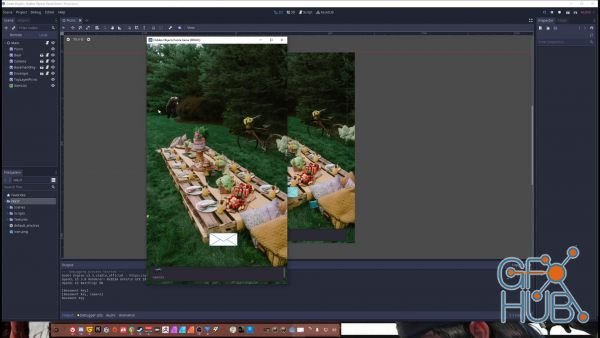
Learn to create games in the Godot game engine using a python-like programming language, GDscript. In this course, we will create a Hidden Objects game that is cross-platform for MacOS, Windows, Linux, Android, IOS or even embed into a browser.
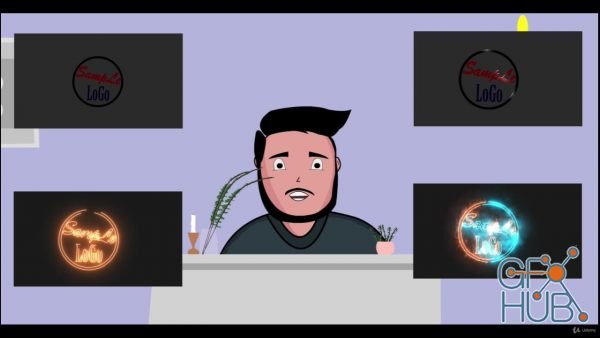
This course is for those who want to learn making logo animations in After Effects. The course starts from explanation of Key frames and how they are used to animate. Then, it progresses to some basics of Logo Animation in which we will learn to create some logo animations using built-in effects of After Effects. Then, A detailed section on free plugin of After Effects- Saber, is present. Then we will be learning how to create backgrounds for
Tags
Archive
| « November 2026 » | ||||||
|---|---|---|---|---|---|---|
| Mon | Tue | Wed | Thu | Fri | Sat | Sun |
| 1 | ||||||
| 2 | 3 | 4 | 5 | 6 | 7 | 8 |
| 9 | 10 | 11 | 12 | 13 | 14 | 15 |
| 16 | 17 | 18 | 19 | 20 | 21 | 22 |
| 23 | 24 | 25 | 26 | 27 | 28 | 29 |
| 30 | ||||||
Vote


New Daz3D, Poser stuff
New Books, Magazines