Video Tutorials
 2021-06-15

 0
0

CorelDRAW is an advanced computer graphic editing software that includes various types of alteration and transformation of images and pages capabilities. The CorelDRAW program is part of the package of Corel Graphics Suite designed by Corel Corporation, which has several versions from the most basic to the most advanced and latest.
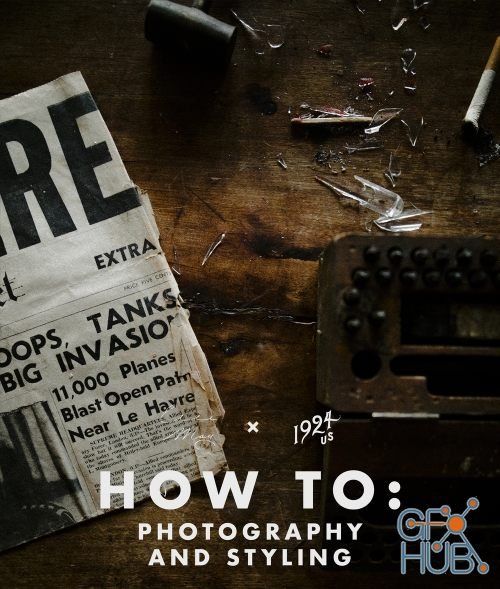
Thank you so much for coming here to read what we’re all about when it comes to this new adventure! Elle-May and myself have been photographing most all of our lives, myself for the better part of the last 10 years and her as well! We both come from the extremes of photography, at 1924 it’s mainly been moody vibes, soft light and inclement weather. For Elle, it’s been harsh light, beautiful sunsets/rises and high-fashion done in an approachable
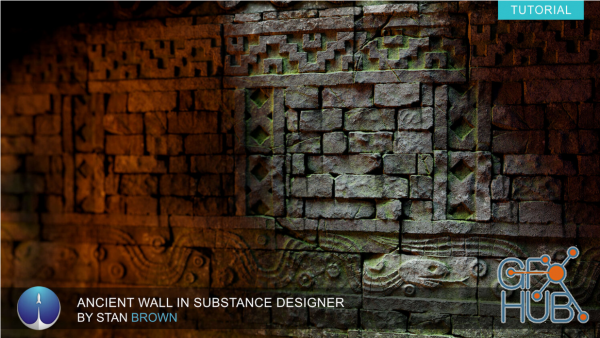
Substance Designer is one of the best material creation tools out there. Whether you’re creating man-made or organic materials, Substance Designer is a must-have in any Material Artists toolkit. Often, stone walls have been created using sculpting tools such as ZBrush but in this tutorial Stan Brown covers step by step the process of creating an ancient stone wall using Substance Designer. Stan also teaches you how he renders and presents

MP4 | Video: h264, 1280x720 | Audio: AAC, 44100 Hz Language: English | Size: 2.18 GB | Duration: 6h 0m
This course is for people new to Twinmotion and 3d rendering/animation. The people whoa are and also are not familiar with any 3D rendering software or render engines.
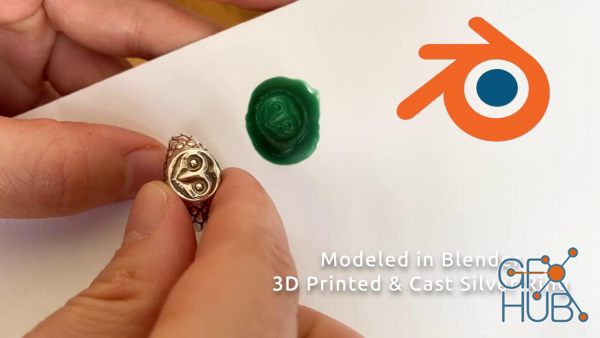
Hey there! In this class, you will learn all about 3D modeling signet rings, be it for printing, rendering, or just for fun! We use the open source tool Blender, which possesses a quality unheard of: it is both free and extremely well made.

Go from Beginner to Advanced with Adobe Creative Cloud 2021
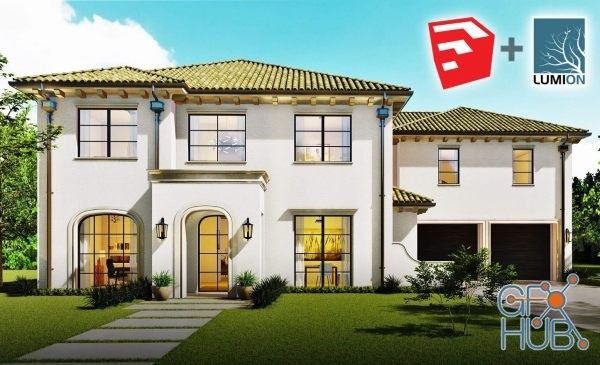
In this class we will model a spanish style home from start to finish. We will begin with a Cad file and model a front view of a spanish modern style home. Students will learn a workflow system that will allow you to quickly create a professional looking 3D Architectural model. Once we have created our model we wil import into Lumion where we will create a stunning photorealistic rendering.
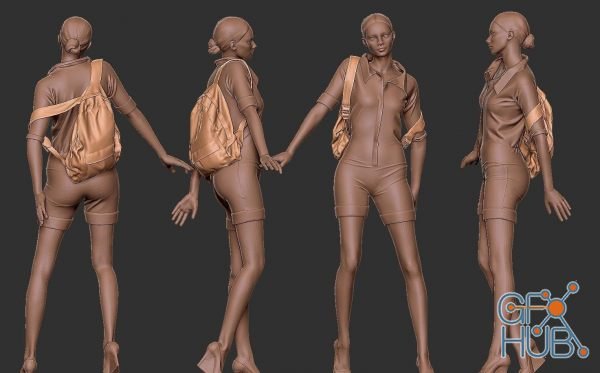
In this series, we are going to create a simple backpack using Marvelous Designer for quick conception. The methods I use in this series are simple enough for a beginner to an intermediate learner who wants to make more than clothing using Marvelous Designer.
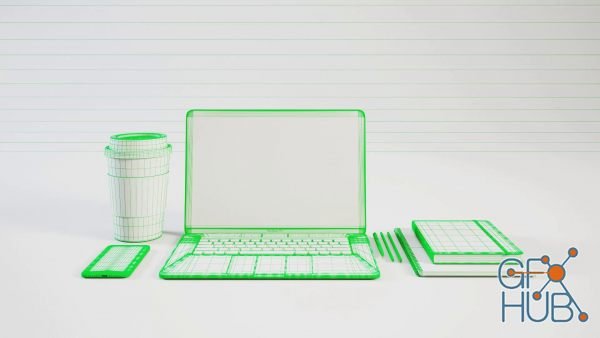
In the class, we will learn how to use 3ds Max to create realistic 3D models. This is a project based class so follow ago and create your own 3D assets.
Tags
Archive
| « April 2026 » | ||||||
|---|---|---|---|---|---|---|
| Mon | Tue | Wed | Thu | Fri | Sat | Sun |
| 1 | 2 | 3 | 4 | 5 | ||
| 6 | 7 | 8 | 9 | 10 | 11 | 12 |
| 13 | 14 | 15 | 16 | 17 | 18 | 19 |
| 20 | 21 | 22 | 23 | 24 | 25 | 26 |
| 27 | 28 | 29 | 30 | |||
Vote


New Daz3D, Poser stuff


New Books, Magazines



