Video Tutorials
 2017-06-21

 0
0
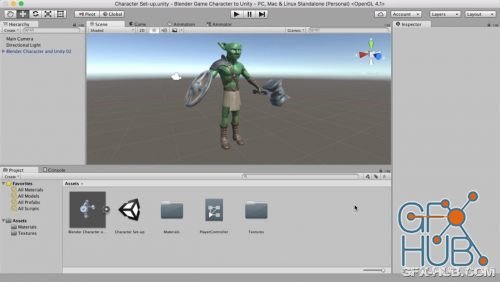
Learn to export your Blender game characters to Unity and set-up a character controller to move them around. In this course we will write some C# code in Unity to trigger the run and jump animations in our test level.
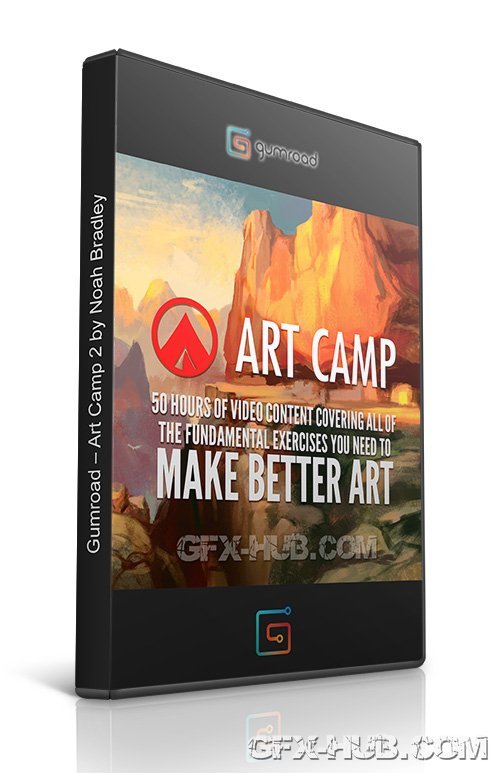
Gumroad – Art Camp 2 by Noah Bradley | Expand your horizons and try totally new techniques and materials
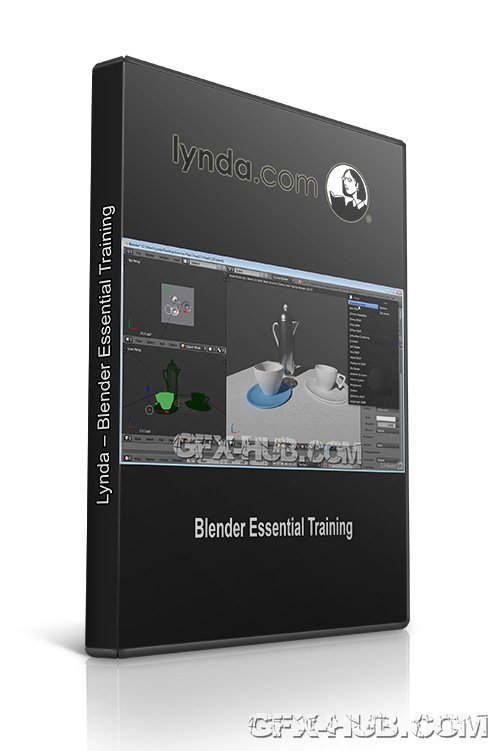
This course provides an overview of modeling, animating, and rendering 3D graphics in the open-source software Blender. Beginning with a tour of the Blender interface, author George Maestri shows how to create and edit basic objects, work with modifiers and subdivision surfaces, and apply materials and textures. The course also demonstrates lighting 3D scenes, setting up and using cameras, animating objects, and assembling basic character rigs.
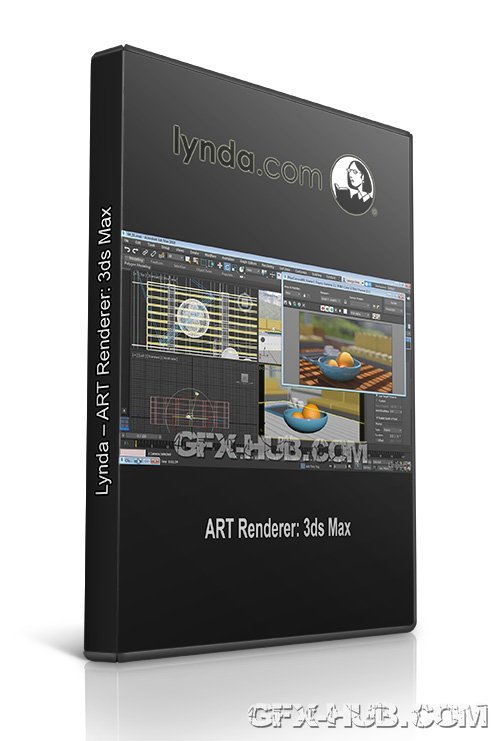
The Autodesk Raytracer (ART) renderer is a fast, physically-based renderer that’s available for a number of Autodesk applications, including 3ds Max, Revit, and Inventor. In this course, learn how to get the most out of this exciting, easy-to-use renderer. George Maestri starts out with the basics, taking a look at rendering controls for the ART Render, and explaining how to use the 3ds Max Scene Converter to translate scenes that were migrated

Discover how to enhance your paneling design workflow with Autodesk Dynamo, the visual scripting tool for Revit. In this course, Colin McCrone shows how to use Dynamo to describe the logic behind a project, rationalize and document a complex façade with flat panels, and represent panels in Revit. Colin covers strategies for paneling different types of design surfaces, meeting various design constraints, analyzing results, and applying patterns.

Duration 1h 4m MP4
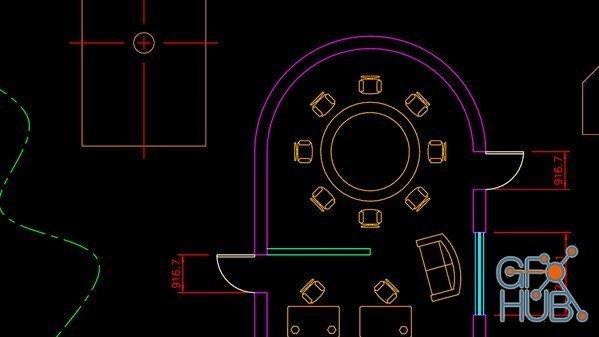
DraftSight Professional provides straight-forward 2D documentation, design, and drafting tools with a toolbox, a standards-based mechanical symbol library, and a mechanical annotation add-on. This course provides you with the essential techniques required to effectively use DraftSight 2017 Professional. Join Shaun Bryant as he shows you how to develop and optimize DraftSight drawings, and how to start setting up 2D DraftSight drawings from
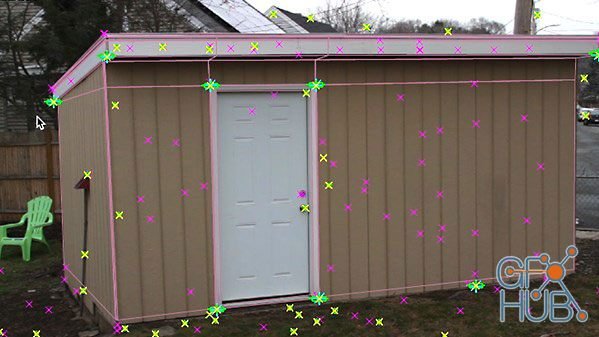
Whether you’re working with a team or on your own, understanding how to efficiently use 3D tracking information in compositing can help you speed up your workflow. In this course, learn how to use 3D tracking data to add 3D objects to a 2D shot in Adobe After Effects. Brian Morse shows how to export your cameras to Maya and After Effects from SynthEyes, and explains how to set up your 3D scene once and use it for all of your shots. He also
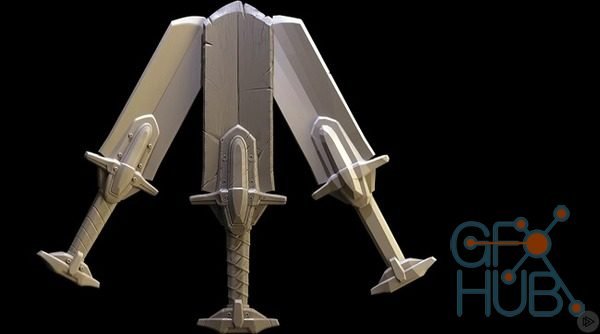
Game Weapon Modeling Fundamentals – download video сourse Weapons can be one of the most enjoyable assets to create in modern game development as they can receive a lot of attention and care, and are highly appreciated by players and developers alike. Traditional hard surface workflows are powerful but can tend to feel technical and cumbersome. Instead, some of ZBrush’s modern workflows allow for more flexibility and creativity using ZModeler
Tags
Archive
| « April 2026 » | ||||||
|---|---|---|---|---|---|---|
| Mon | Tue | Wed | Thu | Fri | Sat | Sun |
| 1 | 2 | 3 | 4 | 5 | ||
| 6 | 7 | 8 | 9 | 10 | 11 | 12 |
| 13 | 14 | 15 | 16 | 17 | 18 | 19 |
| 20 | 21 | 22 | 23 | 24 | 25 | 26 |
| 27 | 28 | 29 | 30 | |||
Vote


New Daz3D, Poser stuff


New Books, Magazines



