Video Tutorials
 2019-01-11

 0
0
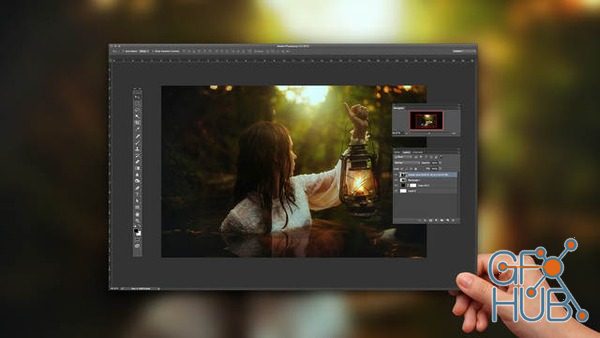
In this class, you’ll learn how to use Photoshop’s Actions feature to customize and automate your editing workflow. Join TJ for tips on creating multiple adjustment layers, saving and sharing your actions, and more.
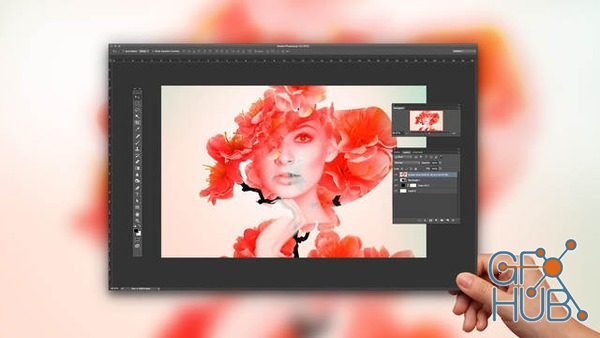
Creating one interesting image out of two or more requires good composition, lighting, and an eye for which images will work together to tell a compelling story. Aaron Nace will walk you through this process, and show you how to create double exposure images from shoot through post.
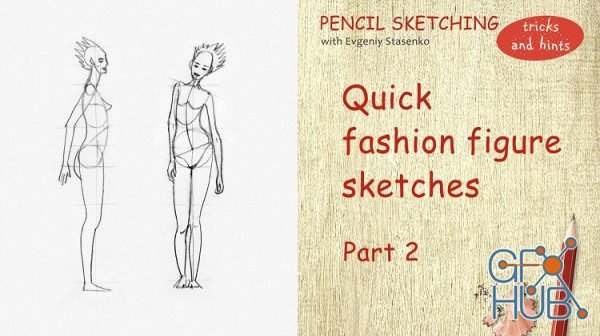
Video: .MP4, 1280x720 | Audio: AAC, 48kHz, 2ch | Duration: 21m
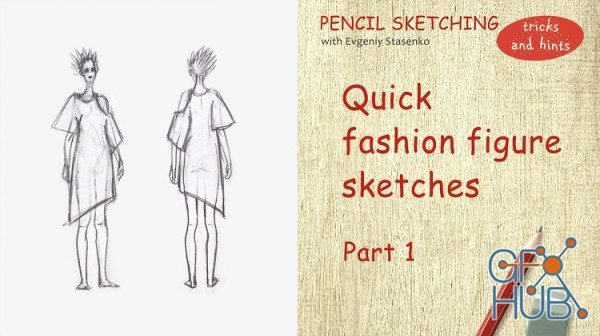
Video: .MP4, 1280x720 | Audio: AAC, 48kHz, 2ch | Duration: 16m
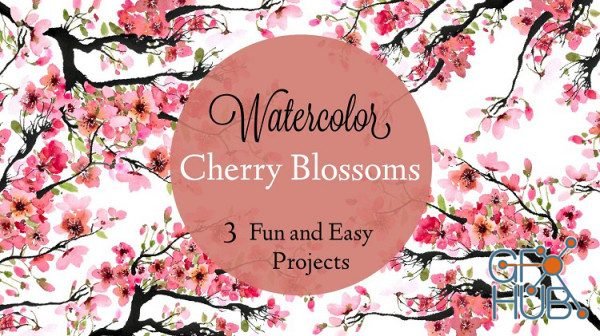
Video: .MP4, 1280x720 | Audio: AAC, 44kHz, 2ch | Duration: 44m

Video: .MP4, 1280x720 | Audio: AAC, 48kHz, 2ch | Duration: 1h 17m
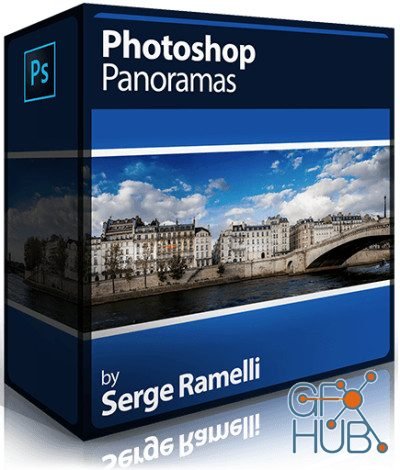
Duration: 57m | Video: h264, yuv420p, 1280x720, 29.97 fps | Audio: aac, 44100 Hz, 1 ch | 808 MB
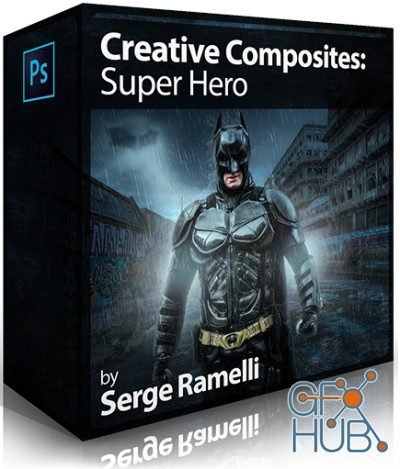
Video: .MP4, 1920x1080 | Audio: AAC, 44kHz, 2ch | Duration: 1h 10m
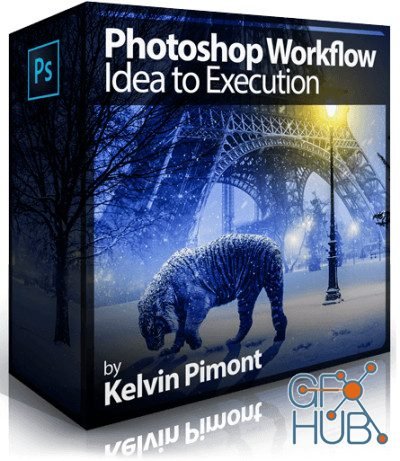
Video: .MP4, 1920x1080 | Audio: AAC, 44kHz, 2ch | Duration: 5h 5m
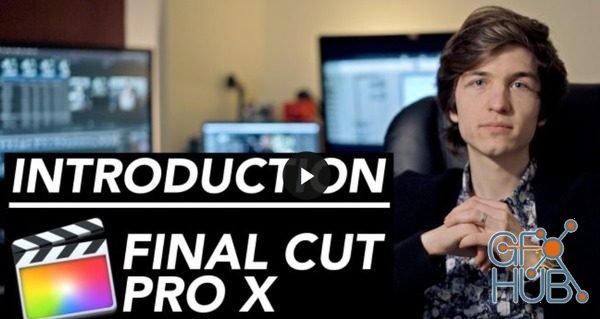
Final Cut Pro X Course starts from the beginning and assumes no prior knowledge of Final Cut Pro or any other Mac-based video editing. Our tutorial walks you through the complete post production workflow, from initial media import to final output and everything in between.
Tags
Archive
| « April 2026 » | ||||||
|---|---|---|---|---|---|---|
| Mon | Tue | Wed | Thu | Fri | Sat | Sun |
| 1 | 2 | 3 | 4 | 5 | ||
| 6 | 7 | 8 | 9 | 10 | 11 | 12 |
| 13 | 14 | 15 | 16 | 17 | 18 | 19 |
| 20 | 21 | 22 | 23 | 24 | 25 | 26 |
| 27 | 28 | 29 | 30 | |||
Vote


New Daz3D, Poser stuff


New Books, Magazines



