Video Tutorials
 2019-06-1

 0
0
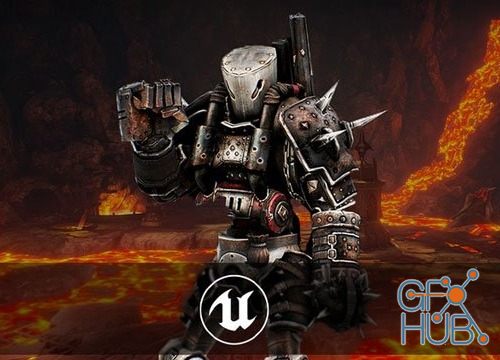
MP4 1280x720 | Total time: 9h 52m | ENG | Project Files Included | 8.71 GB
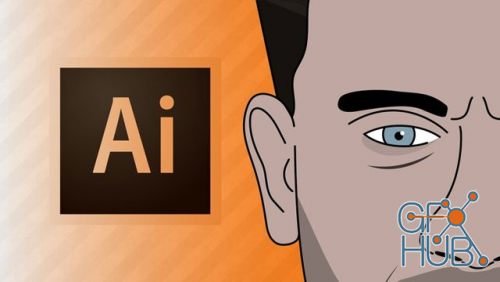
MP4 1280x720 | Total time: 1h 58m | ENG | Project Files Included | 1.72 GB
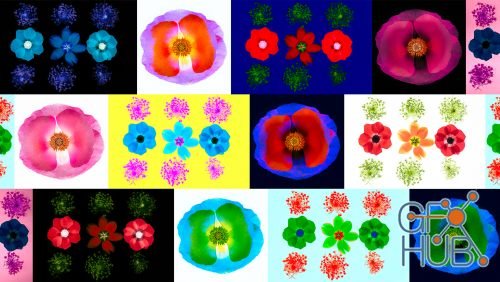
MP4 1280x720 | Total time: 2h 18m | ENG | Project Files Included | 990 MB
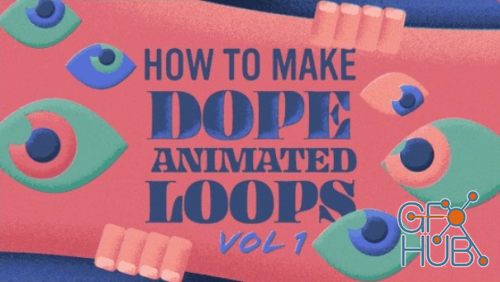
Have you ever wanted to learn how to make a cool loop in After Effects? Well then, you are in luck! In this skillshare class we will be animating a sneaky set of eyes peeking out of a letter, shape, or whatever your heart desires.

If you’re a graphic designer, illustrator, or anyone wanting to learn 2D animation, this is a great place to start! Learn or practice Adobe After Effects by creating a fun set of animated icons.
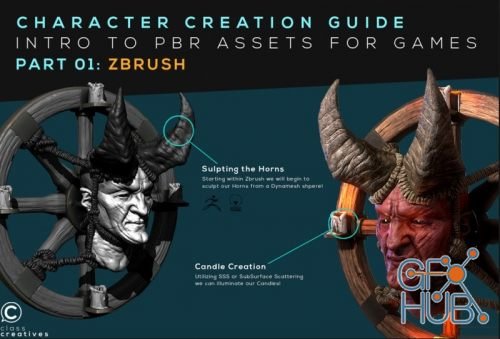
As with all Class Creative’s courses, we’ve laid out a structure that covers the full spectrum of industry standard character workflows from start to finish. Please remember, if this is your first time creating a 3D character, we highly recommend that you follow the outline carefully, according to how our instructors have structured the course.

At the end of this course, you will be able to use Marvelous Designer & Zbrush workflow to create high quality realistic clothing for AAA game male characters.
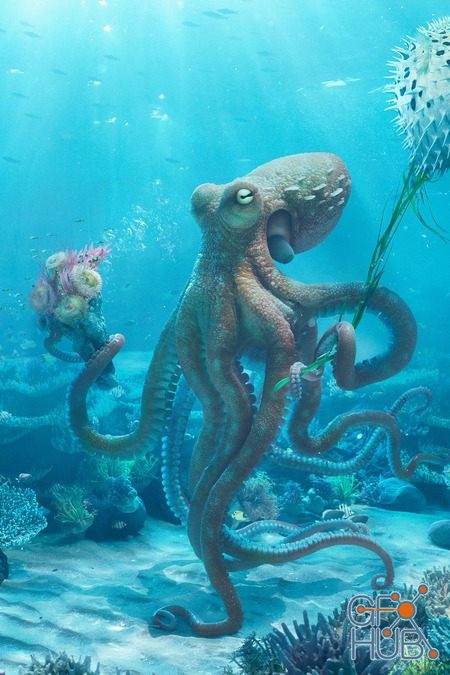
Learn step-by-step from blending 3D passes in 32 Bits and compositing 3D with stock photos to the final colour grading.
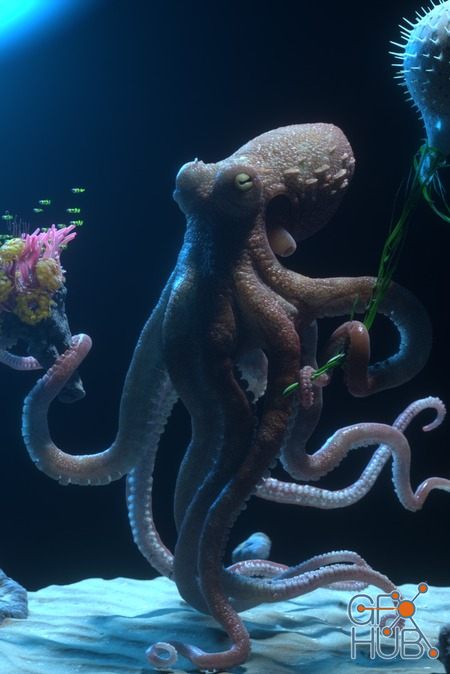
Here we’ll be teaching how to use MODO, Cinema 4D, Zbrush and Octane render to create an Octopus model and its surroundings.
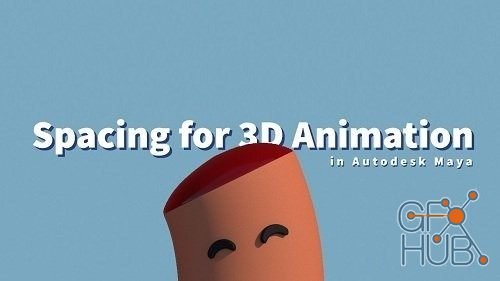
Are you ready to take your animations to the next level? In this class we are going to explore how to use effective spacing to animate in Autodesk Maya. Spacing describes how far something moves or changes shape from one frame to the next.
Tags
Archive
| « October 2026 » | ||||||
|---|---|---|---|---|---|---|
| Mon | Tue | Wed | Thu | Fri | Sat | Sun |
| 1 | 2 | 3 | 4 | |||
| 5 | 6 | 7 | 8 | 9 | 10 | 11 |
| 12 | 13 | 14 | 15 | 16 | 17 | 18 |
| 19 | 20 | 21 | 22 | 23 | 24 | 25 |
| 26 | 27 | 28 | 29 | 30 | 31 | |
Vote


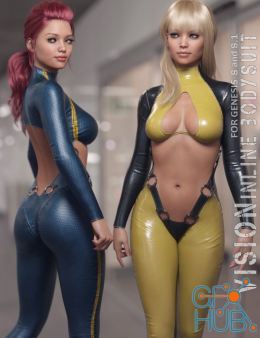
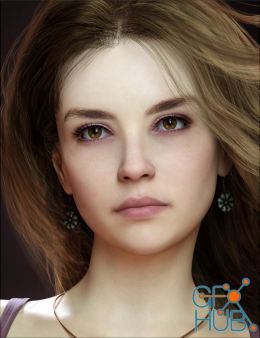
New Daz3D, Poser stuff
New Books, Magazines