Video Tutorials
 2020-03-10

 0
0
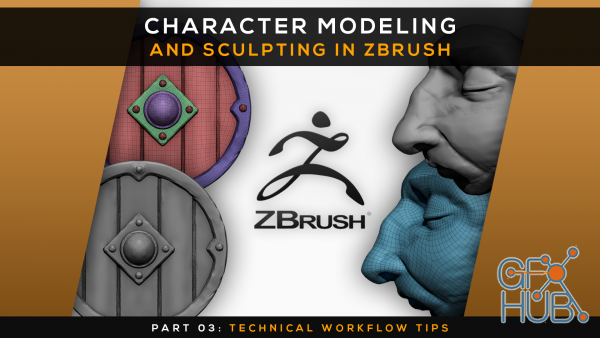
Skillshare – Character Modeling and Sculpting in Zbrush | Part 03: Technical Workflow Tips
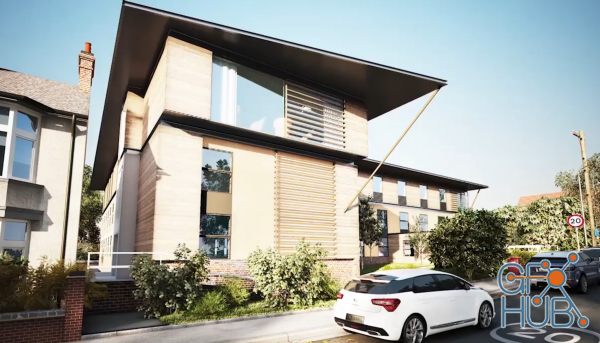
Learn Groundbreaking Techniques on how to Light an Exterior Daylight scene Photo-Realistically
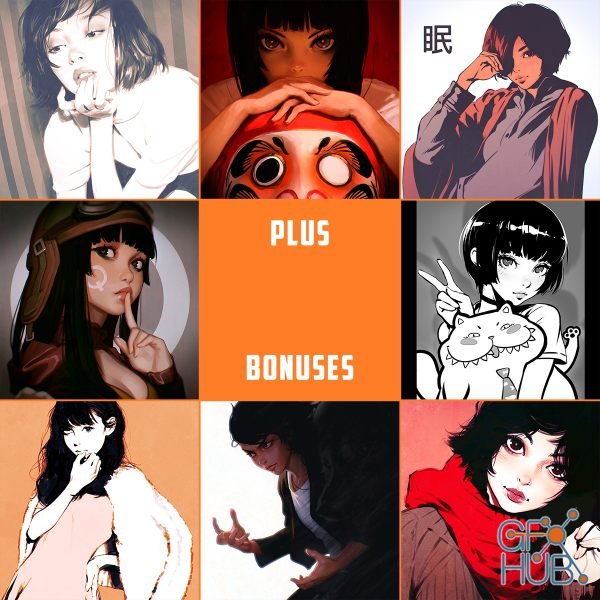
Ilya Kuvshinov – Weekly Reward 17 | Video course, JPG +MP4 +PSD
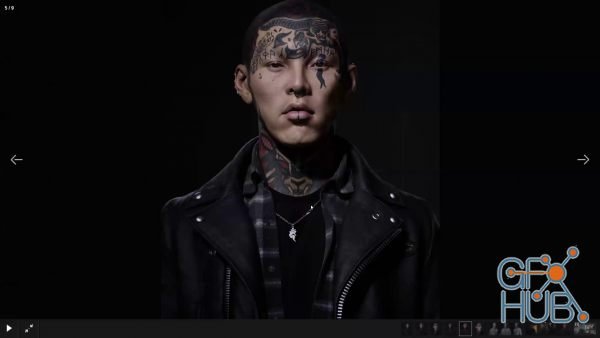
This course has been designed to learn in-depth techniques for modeling, texturing and rendering a cutting edge real-time character. The class will work similarly to a live mentorship, as students approach the creation of AAA game characters for their portfolios. Students should expect to cover for head and hair, costume elements, low poly UV’s and processing required to get the asset real-time ready, and finishing with material and texture
Goal-Oriented Action Planning (GOAP) is an AI architecture that provides game characters with the ability to select goals and make plans to achieve those goals based on the state of the environment and available resources. It can be used across a wide range of game genres from first-person shooters to real-time strategies, to develop intelligent characters capable of making smart decisions without the need for large finite state machines. The
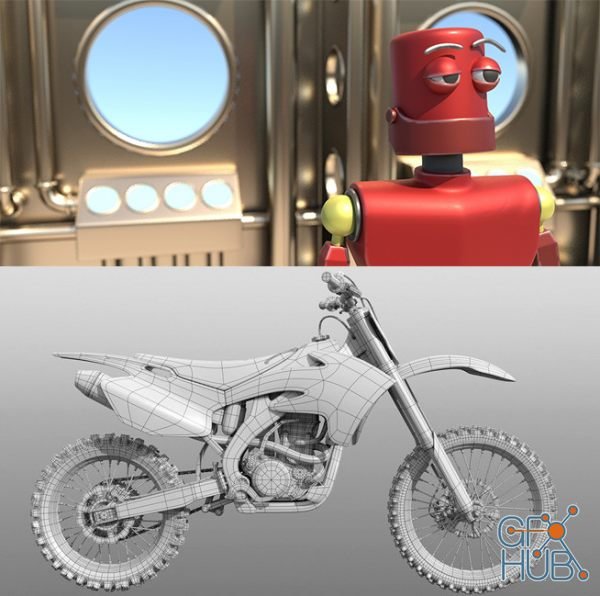
Students are introduced to the Maya interface and philosophy, as well as 3D modeling, texturing, lighting, rendering, and animation. Lectures cover the application of these tools in the VFX, game, and animation industries. Students will work on multiple projects throughout the course.

This guide aims to introduce the fusion page of DaVinci Resolve for the purposes of creating custom titles, effects, and 3d compositions. We start off with a walkthrough of how you build out your effects with nodes and connectors on the fusion page and then lead in to several examples that beginners to intermediates can follow along to get some good results in the DaVinci Resolve video editor. You can follow along all of the tutorials with the
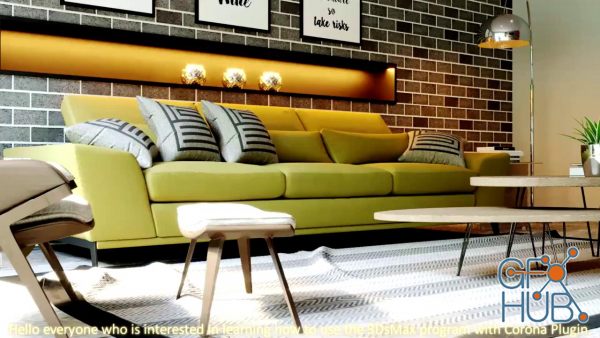
[center][/center] This course will teach you how to use Corona Plugin, which gives you a smooth, realistic light that is easy to adjust. Not complicated and can be customized in the program.

Lighting inside of Unreal Engine is hard. Not only are there literally hundreds of options for controlling lighting, but there are multiple menus for controlling the lighting that you might not even know about. This can leave you feeling overwhelmed. What light to select, how to use it, and when to use it seems impossible to wrap your head around.
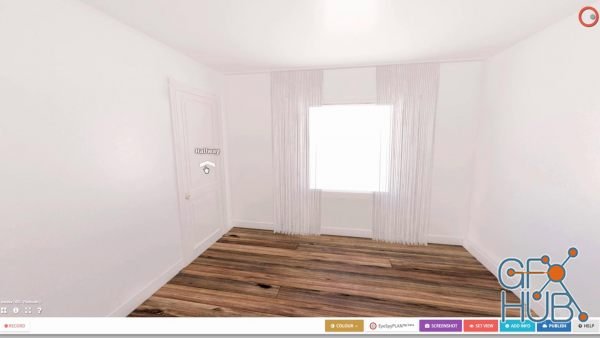
In the class, we will use 3ds Max, Vray and Photoshop to create our 360 renders, but these techniques can be applied to most 3d applications.
Tags
Archive
| « March 2026 » | ||||||
|---|---|---|---|---|---|---|
| Mon | Tue | Wed | Thu | Fri | Sat | Sun |
| 1 | ||||||
| 2 | 3 | 4 | 5 | 6 | 7 | 8 |
| 9 | 10 | 11 | 12 | 13 | 14 | 15 |
| 16 | 17 | 18 | 19 | 20 | 21 | 22 |
| 23 | 24 | 25 | 26 | 27 | 28 | 29 |
| 30 | 31 | |||||
Vote


New Daz3D, Poser stuff


New Books, Magazines



