Video Tutorials
 2020-04-7

 0
0
MP4 1280x720 | 2h 05m | ENG/RUS | Project Files | Updated: Added Russian translation
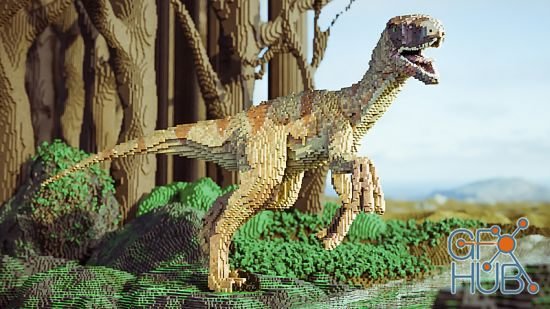
In Blender, stacking blocks is a serious art form! A voxel is just like a pixel but with three dimensions instead of two, and building scenes with them results in a really fun style that has been made popular by things like Lego and Minecraft. This course will show you how to make the most of that style by speeding up your snapping, converting meshes with the remesh modifier, and adding extra pixel detail through the use of a shader.

Fully textured and realistic 3D scene. Learn how to use H17 Vellum to create a sand trail. Plus, everything you wanted to learn about Redshift Shaders will be in this scene. Grunge, scratches, mud, and every detail in this industry-standard Houdini 17 Scene.

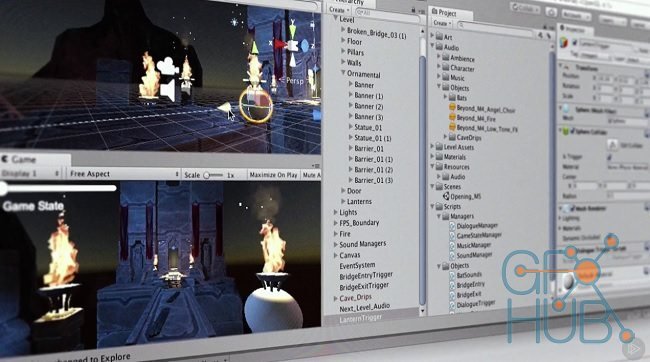
The Game Institute is very pleased to roll out an incredibly detailed new video-based workshop that is going to help get programmers up to speed quickly on the Unity game engine. The goal here is to go step-by-step through the development of a full and proper game with practical hands-on instruction.

Welcome To Unity & C# - How to make a Shooting game-Make a Complete game in Unity | Learn the basic concepts, tools, and functions that you will need to build fully functional 2D Games with the Unity game engine and C#.
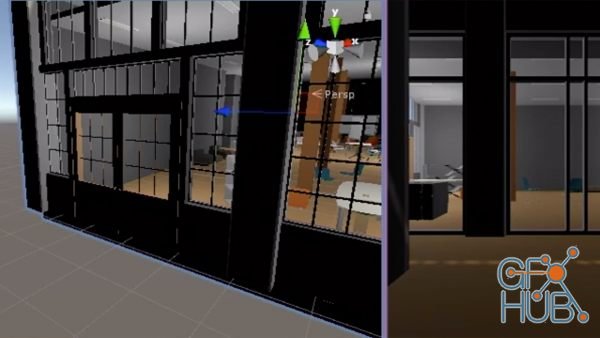
Are you underutilizing your 3D models? Would you like to showcase architecture and engineering by transforming your Revit files into virtual reality experiences? Join Logan Smith and explore strategic export methods for Revit files. Logan covers how to get Revit files ready for export, use the export views, link to a model, and reassign mapping. Then he shows how to import files into Unity and set up scenes. He also demonstrates how to begin
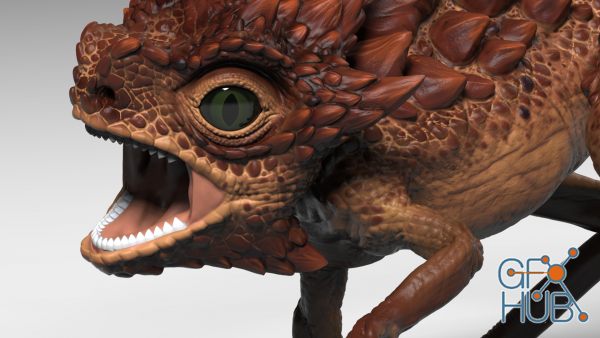
ZBrush combines 3D modeling, texturing, and painting into one digital sculpting workflow. Take a tour of the features in ZBrush and see how to use them in real-world projects. Instructor Ryan Kittleson shows how to create basics forms with meshes, sculpt details with brushes, paint and texture models, and render the results using professional-level project pipelines.
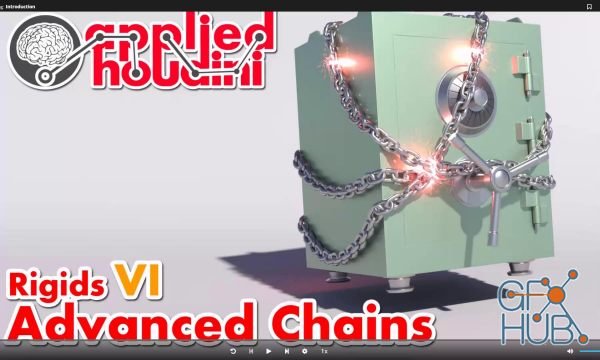
In Rigids VI, we'll learn how to create fast, stable, and easily art directable chains that can be used for all kinds of situations. Common pitfalls of naive approaches will be discussed, while demonstrating advanced constraint chaining, positioning, and orienting techniques to overcome them. Once created, we'll strategically break both the chain links and their constraints as well.
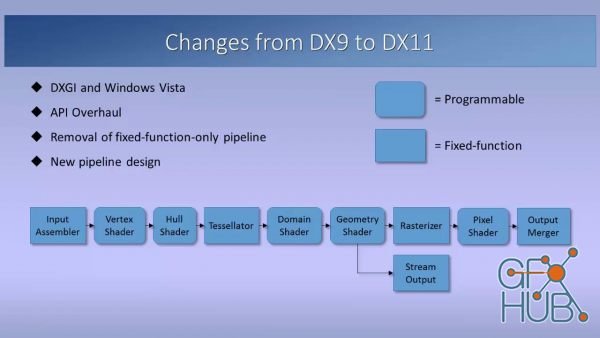
MP4 1280x720 | Total time: 4h 09m | ENG
Tags
Archive
| « October 2026 » | ||||||
|---|---|---|---|---|---|---|
| Mon | Tue | Wed | Thu | Fri | Sat | Sun |
| 1 | 2 | 3 | 4 | |||
| 5 | 6 | 7 | 8 | 9 | 10 | 11 |
| 12 | 13 | 14 | 15 | 16 | 17 | 18 |
| 19 | 20 | 21 | 22 | 23 | 24 | 25 |
| 26 | 27 | 28 | 29 | 30 | 31 | |
Vote


New Daz3D, Poser stuff


New Books, Magazines



