Video Tutorials
 2020-04-27

 0
0
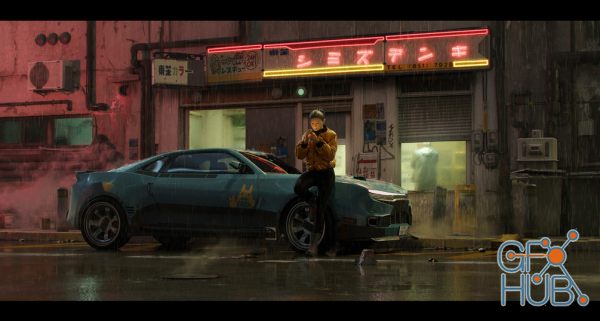
In this tutorial I will discuss my latest workflow, from ideation to finished image. By mixing techniques and tools like projection mapping, curves, and grease pencil I am able to create realistic props in a very quick and efficient manner. I will also show how I set up my character and talk about scene set-up and lighting.
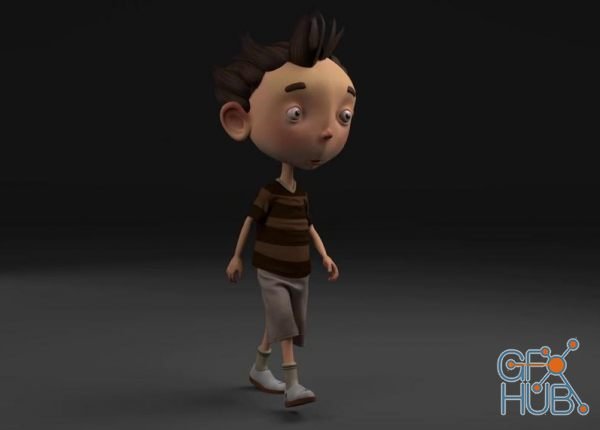
Are you a beginner and want to learn complete character creation process in Maya for production ? I mean Everything from modeling, texturing, rigging, animation, cloth and hair simulation and rendering
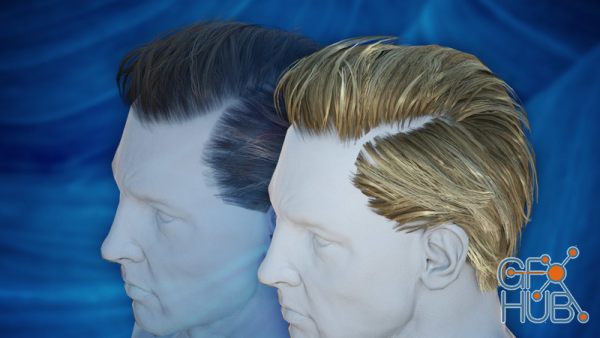
Hair in modern games is more impressive than ever. By mapping hair textures to a bunch of geometric cards, strikingly convincing hair visuals can be achieved. In this course I'll show you how we can accomplish such hair with Blender.
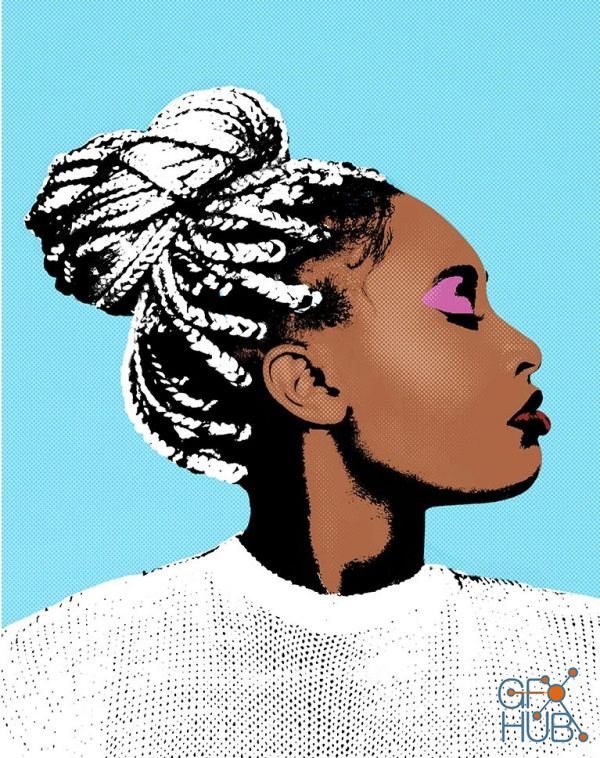
Tap into your inner Warhol by creating pop art in Photoshop! Learn how to transform any photo into eye-catching graphic art as we walk you through multiple examples using the included Photoshop Actions, Photoshop Brushes, and custom textures. From bright and vibrant coloring, to comic book-style halftone effects, we show you how to create your own stunning works of art.
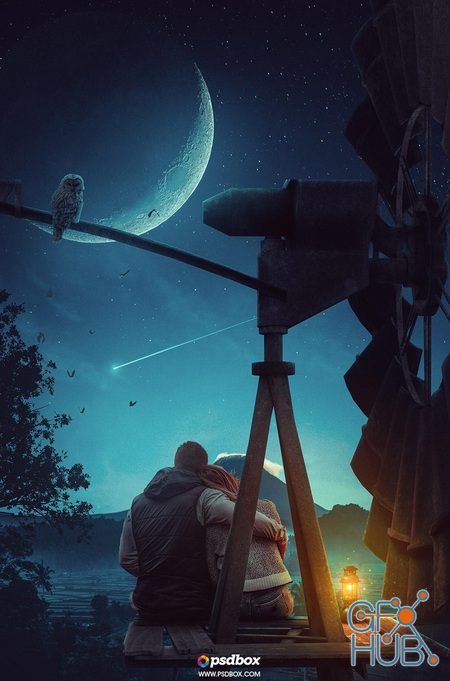
Learn how to effectively use colors and blend modes in conjunction with backgrounds to create the perfect lighting on any scenario. This class is made in Photoshop CC 2019 but you can create this artwork using almost any Photoshop version although at least Photoshop CS6 is recommended if you’re not very experimented with Photoshop.
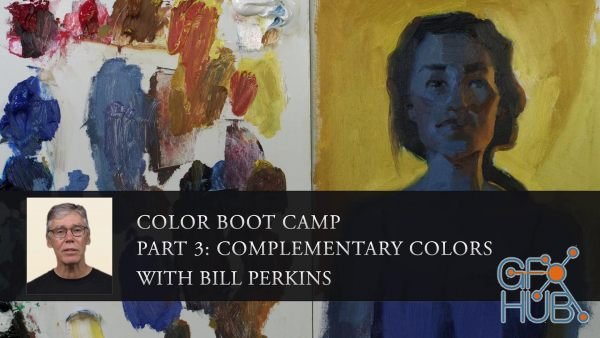
In this series, instructor Bill Perkins brings you his crash course on color theory and practice. This six part series is designed to accelerate your learning curve, allowing you to gain confidence in your paintings and an overall understanding of how color works in various situations. Each lesson will focus on a different aspect of color, and will center around images of a model in different color and lighting set-ups designed by Bill himself.
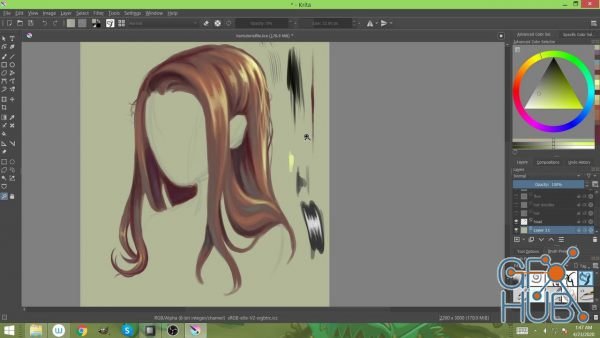
In this tutorial, I demonstrate how to digitally illustrate hair. I walk through steps on how to achieve this and show you do's and don'ts in detail.
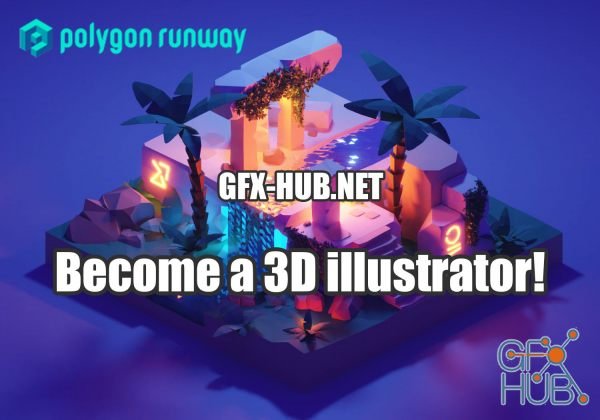
3D can be just another design tool to get things done. It’s on the rise and you can incorporate 3D illustration into your everyday design workflow. I have prepared a little pinboard so you can see for yourself. The tricky part is knowing what to learn. Hunting scattered YouTube videos and putting the puzzle pieces together can take a lot of your time. And your time is an asset.
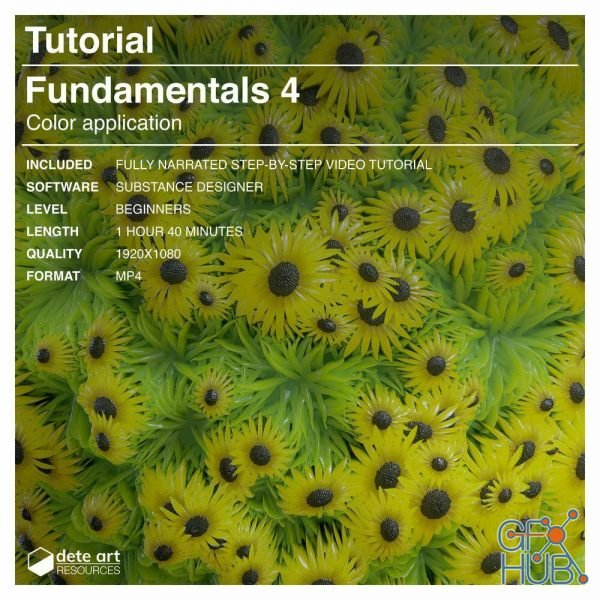
In this tutorial, we will focus on how to blend and layer on colors to bring our projects to life. We'll build several examples, and practice a variety techniques. Both hard and natural surfaces will be covered. At the end of this tutorial, you will have an understanding of how to create completed materials in SD from start to finish.
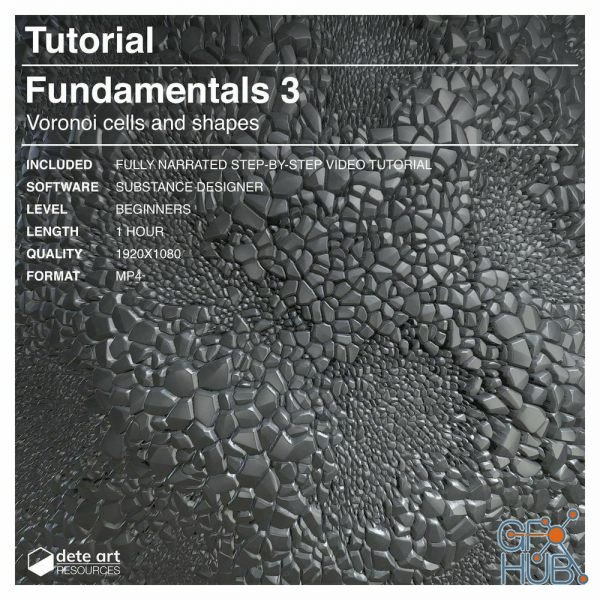
In this third Fundamentals tutorial, we will look in-depth into how to generate a variety of Voronoi cell patterns. We'll learn how to utilize these patterns with several essential nodes, including the powerful Flood Fill node. Understanding how to create these patterns is extremely useful when building organic materials. Combined with the Flood Fill node, you will learn how to build natural shapes efficiently. We'll also learn how to create
Tags
Archive
| « October 2026 » | ||||||
|---|---|---|---|---|---|---|
| Mon | Tue | Wed | Thu | Fri | Sat | Sun |
| 1 | 2 | 3 | 4 | |||
| 5 | 6 | 7 | 8 | 9 | 10 | 11 |
| 12 | 13 | 14 | 15 | 16 | 17 | 18 |
| 19 | 20 | 21 | 22 | 23 | 24 | 25 |
| 26 | 27 | 28 | 29 | 30 | 31 | |
Vote


New Daz3D, Poser stuff
New Books, Magazines