Video Tutorials
 2020-10-22

 0
0
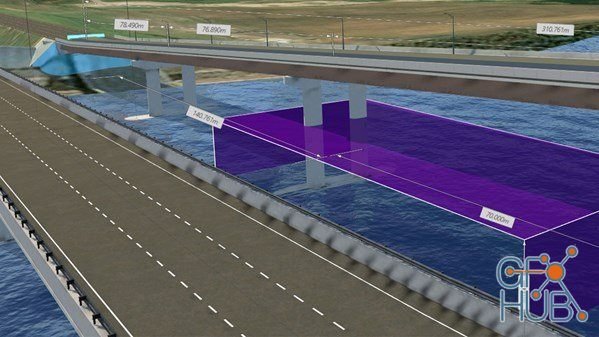
Autodesk InfraWorks boasts an array of powerful tools that can help you craft and visualize preliminary designs in 3D. In this course, instructor Lynda Sharkey shines a spotlight on one key aspect of an infrastructure design project: bridges. Discover how to leverage this design and engineering program to model and design bridges using real-world data and components in the context of a larger project.

Photoshop 2021 is a big, ambitious update, packed with automated features, AI-enabled retouching filters, and time-saving innovations. In this course, expert Deke McClelland brings you up to speed with every single new feature in the software. Learn about the new Sky Replacement command, which lets you swap an ordinary sky for a more dramatic one. Discover Refine Hair, which turns a base selection into an impressive hair mask. Experiment with

Video editing is an art. It’s both creative and technical and requires the vision and knowledge to bring everything together in a nonlinear editing environment. In this course, get a high-level overview of this post-production process from start to finish. Learn about organizing your assets, the basics of editing and trimming, and how to assemble shots to tell a story.
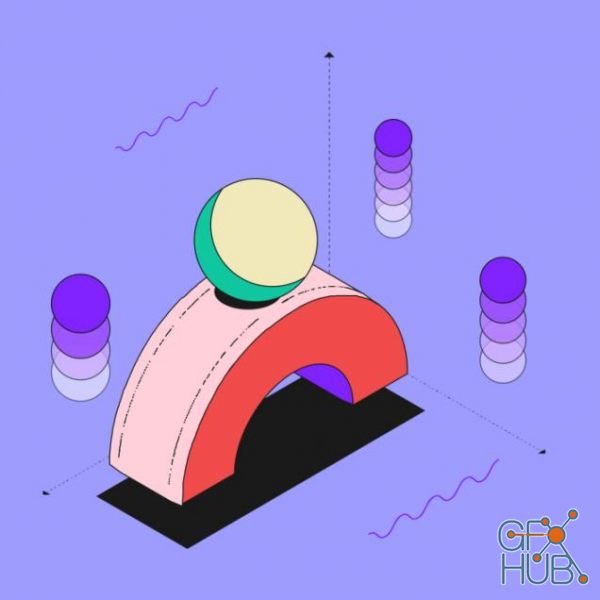
You will master one of the most sought-after design trends. Learn to professionally create visual effects, animation and 3D. Make a showreel for your portfolio, you can start a career in motion design and work on new interesting projects.
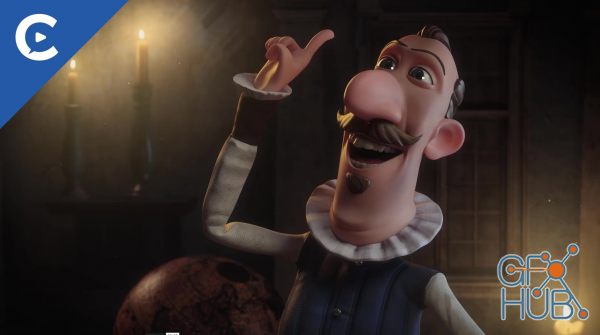
In this series, Can Erduman shows how to create a Face Rig using the new features of Cinema 4D R23 for his short I'Artista.
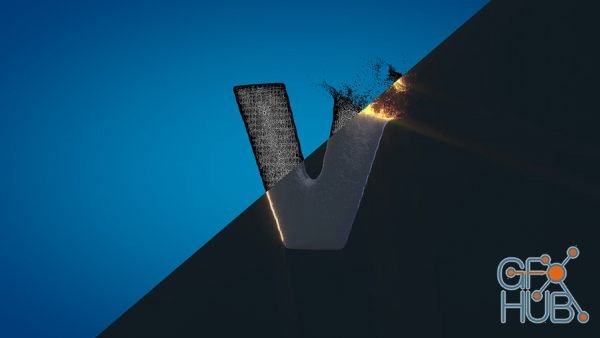
In this tutorial series we will take a look at some techniques that allow us to create an object dissolve effect, using the PolyFX Modifier, MoGraph Effectors and Fields.
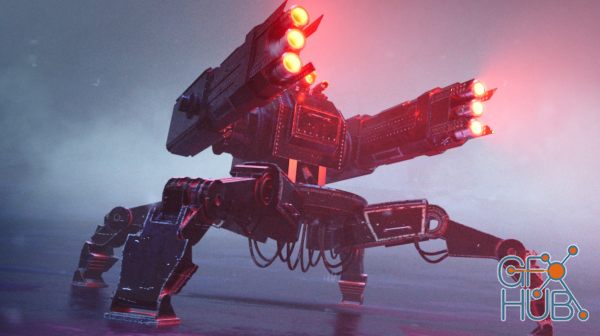
Demystify complex shader networks as you build layered materials inside Blender. Learn how to capture details with cavity, edge, and other mesh properties with these procedural techniques.
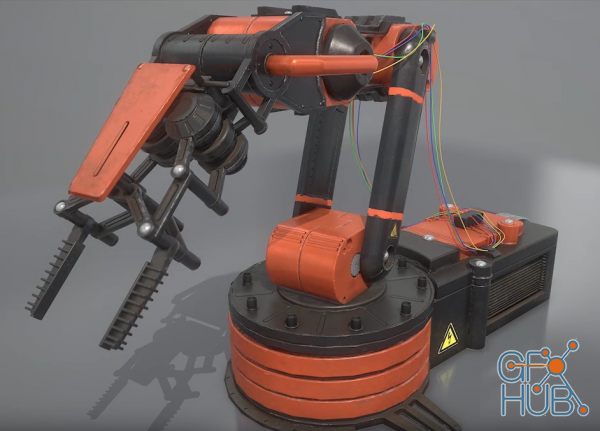
In this course we will be looking on how to create a 3d asset from start to finish. We will be focusing on creating a asset that is focused on being for games by using the correct texture and optimization techniques. We will be going over on how to create a proper high poly and low poly in 3ds max and then on how to uv unwrap our low poly and prepare our scene for baking our normal and AO map.
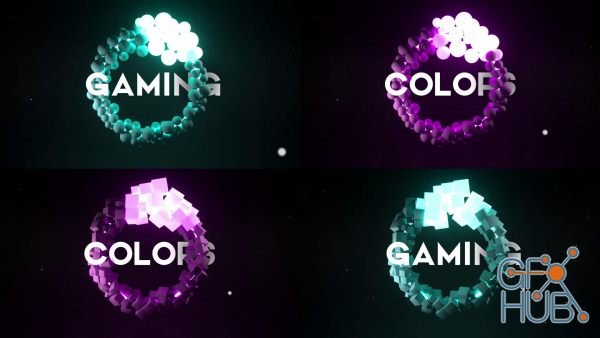
In this class, we will make a Dynamic Glowing Spheres in Cinema 4D and After Effects. We will use Octane Render to texture and light our scene so it is required to have OCTANE render. We will use cinema 4Ds dynamic and mograph effects. create materials and light setup using OCTANE render and finally add post-production effects to after-effects.
In this class, you will be able to create your own 3D model using Google Sketchup Pro 2020. It will help you develop your skills with the 3D modelling and drawing techniques.
Tags
Archive
| « October 2026 » | ||||||
|---|---|---|---|---|---|---|
| Mon | Tue | Wed | Thu | Fri | Sat | Sun |
| 1 | 2 | 3 | 4 | |||
| 5 | 6 | 7 | 8 | 9 | 10 | 11 |
| 12 | 13 | 14 | 15 | 16 | 17 | 18 |
| 19 | 20 | 21 | 22 | 23 | 24 | 25 |
| 26 | 27 | 28 | 29 | 30 | 31 | |
Vote


New Daz3D, Poser stuff


New Books, Magazines



