Video Tutorials
 2021-01-26

 0
0
Skin is one of the hardest textures to retouch. We all have it, but it varies greatly in tones, age, luminosity, and color. It's easy to overdue and go too far. Tutorial focused equally in Capture One Pro 20 and Photoshop CC 2020.
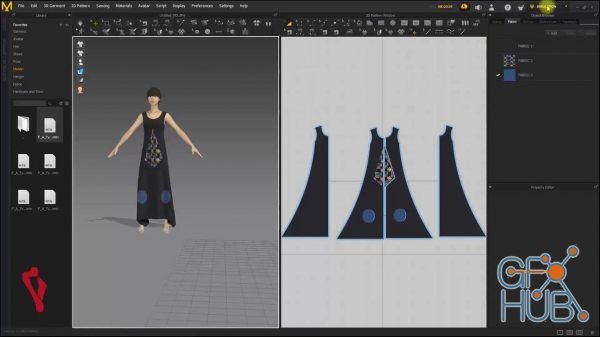
You will learn how to navigate the 3D fashion interface of the amazing Marvelous Designer, you will take a tour of its tools and learn to use the main goodies it offers. In addition, you will learn to load in your 3D model to Marvelous Designer.
Do you want to streamline your workflow and increase productivity? Are you ready to land your first developer role? By the end of this course, you will be able to CREATE, PACKAGE, and SELL tools, making you a commodity among developers.
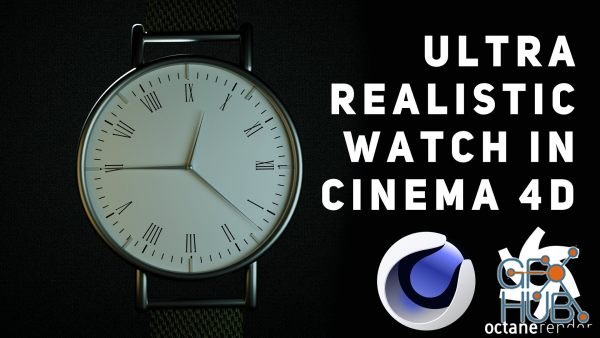
How to Model, Texture and Light a VERY EASY and ULTRA REALISTIC Watch in Cinema 4D and Octane
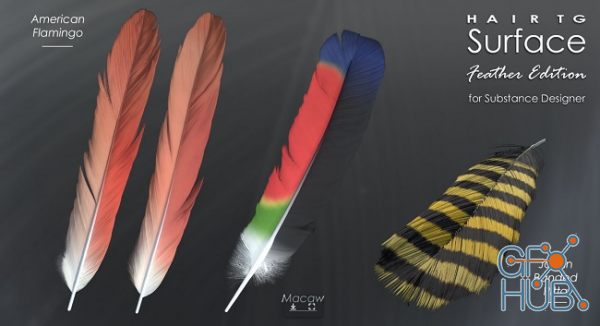
HairTG – Surface, Feather Edition is a procedural feather texture generator for Substance Designer. It generates PBR (Physical Based Rendering) textures for game engines/renderers as well as outputs which may be used in 2D works/illustration.
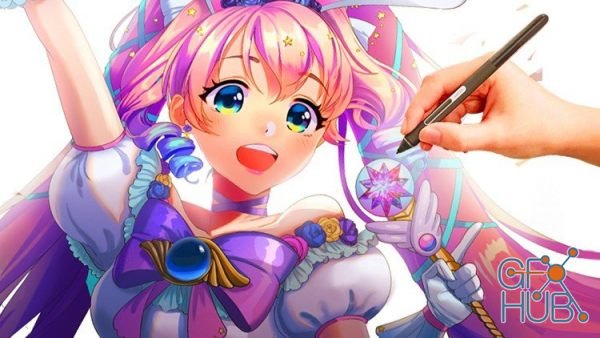
This course is your go to for anime drawing and illustration and design making. You will learn everything from drawing the body, to learning digital painting and compositions! This course will take you from having little to no knowledge in anime drawing and painting, to having a much better foundation so that you can build and customize your own artwork at a much more advanced level.
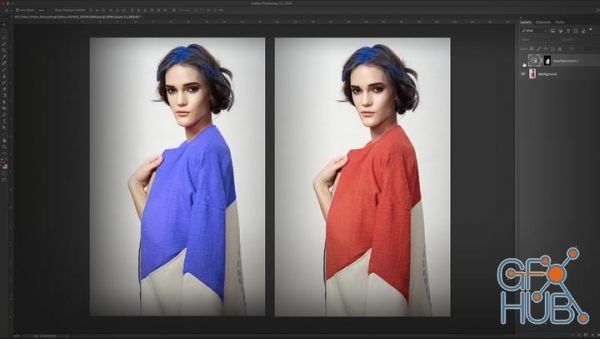
Learn how to retouch clothing like a pro with Viktor Fejes! Retouching clothing requires its own set of tools, tricks, and techniques, and Viktor takes you through a series of exercises that demonstrates how to get the job done. In this class you’ll learn everything from removing wrinkles to toning down shiny surfaces, removing moire patterns to cleaning up dust, defining the shape of your subject to changing the color of the clothing, and so
Welcome to this class on learning about the application of materials in Blender 3D. This is the second class in our material series and focuses on a process called UV mapping.
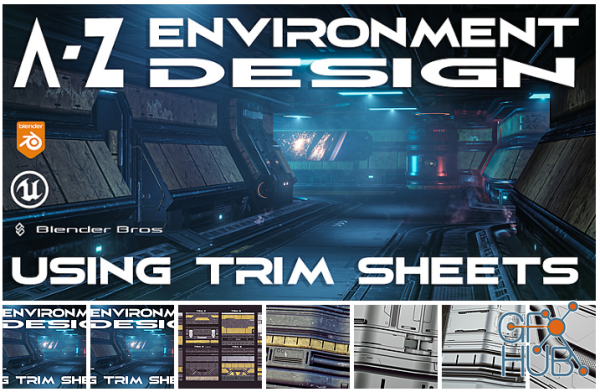
Trim Sheets are simply texture planes that you unwrap over objects. The process is exactly the same as unwrapping and projecting a texture onto a mesh.
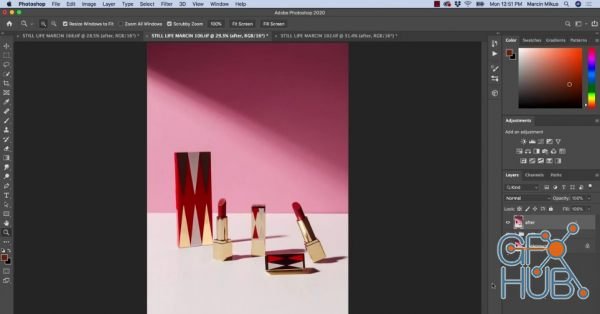
In this course I am going to show you product retouching on few different examples from start to finish. We are going to retouch such things as dirt, scratches, clay, surfaces and many other parts of the images.
Tags
Archive
| « March 2026 » | ||||||
|---|---|---|---|---|---|---|
| Mon | Tue | Wed | Thu | Fri | Sat | Sun |
| 1 | ||||||
| 2 | 3 | 4 | 5 | 6 | 7 | 8 |
| 9 | 10 | 11 | 12 | 13 | 14 | 15 |
| 16 | 17 | 18 | 19 | 20 | 21 | 22 |
| 23 | 24 | 25 | 26 | 27 | 28 | 29 |
| 30 | 31 | |||||
Vote


New Daz3D, Poser stuff


New Books, Magazines



