Video Tutorials
 2021-02-24

 0
0

Unreal Engine 4 is one of the most powerful and accessible game engines currently available and with the release of Unreal Engine 5 just around the corner, there's no better time to start your Epic journey.
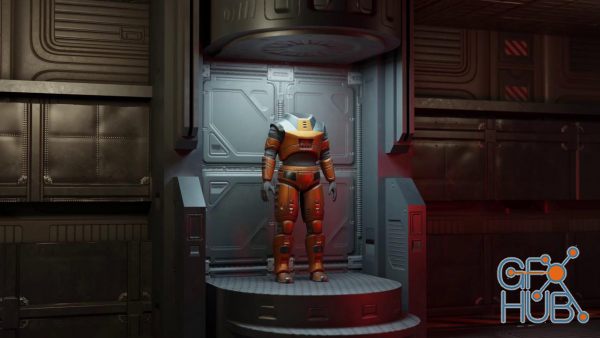
This course will take you through the steps of creating a cool looking science fiction armor outfit for a video game character. The tools we'll be using are Blender 2.9 and Substance Painter.
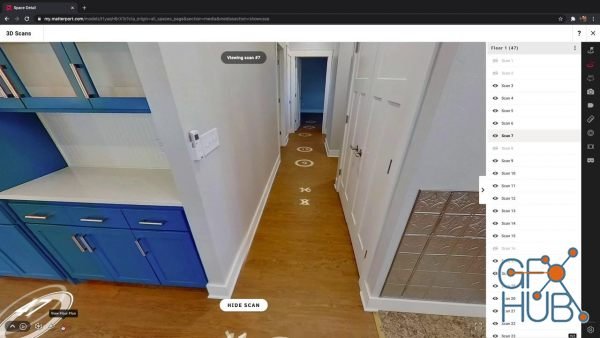
The year 2020 flipped the world upside down and the real estate industry was no exception. In record numbers, real estate agents & architectural professionals turned to non-traditional methods of showing properties to potential buyers. As contactless 3D Home Tours gained in popularity; builders, agents, and other industry folk quickly realized that scanning properties with 360 Cameras through virtual Matterport technology was more than just
Did you know that blender could be used as a video editor for creating movie files? Yes that blender, the same program used for creating and editing 3D objects can also be used to edit your videos. The video sequencer has been around in Blender for a long time now but how good is it.
![ArtStation – "Duen Queen" fast key frames – Tutorial [Octane 2020 : Photoshop]](/uploads/posts/2021-02/1614014958_screenshot_2021-02-22-artstation-duen-queen-fast-key-frames-tutorial-octane-2020-photoshop-artworks.png)
in this Tutorial, you will gonna learn how Octane stand alone is working and how you can use it as an incredible fast tool for your renders also, you can learn how you can pose and set up characters and props from Daz3d to Octane or other soft you need, you can upgrade some technics about post-processing in Photoshop.
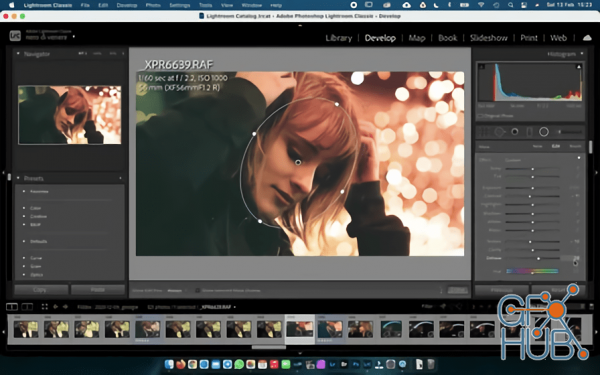
In this class I will show you all my entire editing process, from the RAW file straight form the camera, to the final result printed on paper. I really hope you will enjoy my workflow, and i really hope you can compare my workflow, to your workflow, because is the best way to find the difference, to learn something you, or I probably missed.
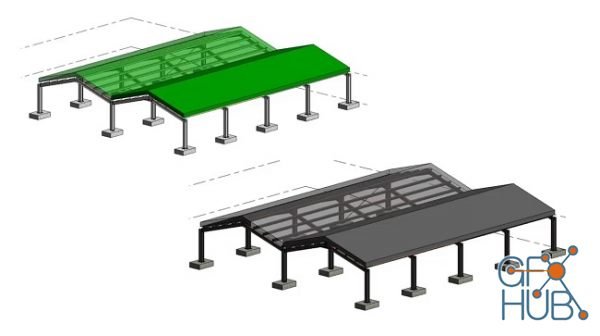
In this class, we will be focusing on Revit Structural. This course has around 20 videos lessons which will help understand and use Revit Structural with ease and will get you to a level where you can start working on your own, with Revit. With hands-on practice, you will be able to become very efficient and learn everything you need to know in order to create professional BIM projects using this course.
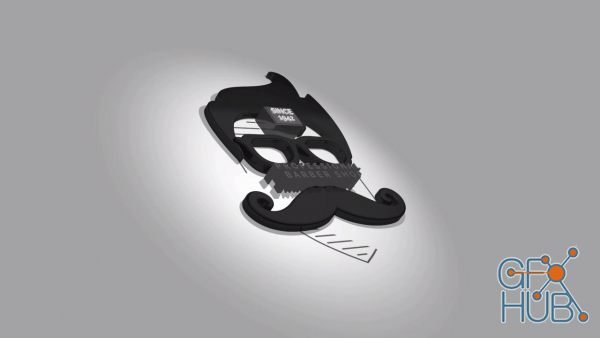
In this class, you will learn how to turn your logos into 3D Motion Graphics with lighting and reflections.
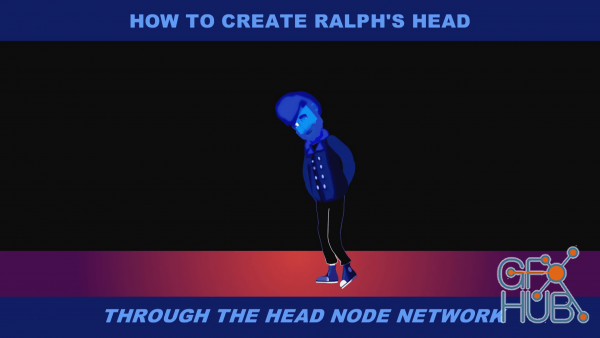
In this class, we will be taking the first steps in starting up the skeletons of our character by creating the skull: the head node network.

How to Animate Vector Logos & Icons in After Effects from Ukramedia’s co-founder, Sergei Prokhnevskiy
Tags
Archive
| « April 2026 » | ||||||
|---|---|---|---|---|---|---|
| Mon | Tue | Wed | Thu | Fri | Sat | Sun |
| 1 | 2 | 3 | 4 | 5 | ||
| 6 | 7 | 8 | 9 | 10 | 11 | 12 |
| 13 | 14 | 15 | 16 | 17 | 18 | 19 |
| 20 | 21 | 22 | 23 | 24 | 25 | 26 |
| 27 | 28 | 29 | 30 | |||
Vote


New Daz3D, Poser stuff


New Books, Magazines



