3D Tutorials
 2021-11-25

 2
2

3D Modeling,Texturing,Lighting and rendering
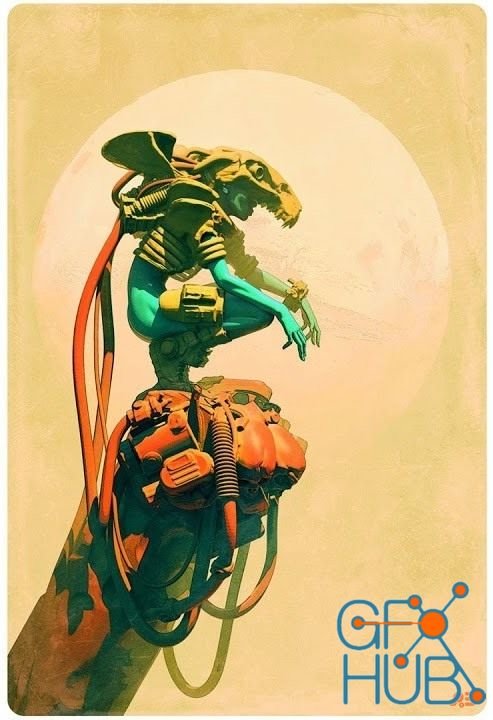
In this workshop, Senior Art Director and Illustrator Pascal Blanché guides you through his entire process of creating an illustration in his signature style. Pascal starts the creative process by gathering reference images and inspiration through sci-fi and fantasy. Using 3ds Max, he begins by posing a base character model followed by a kit bashing session to block-out the overall design. He then refines his character and assets with a detailed
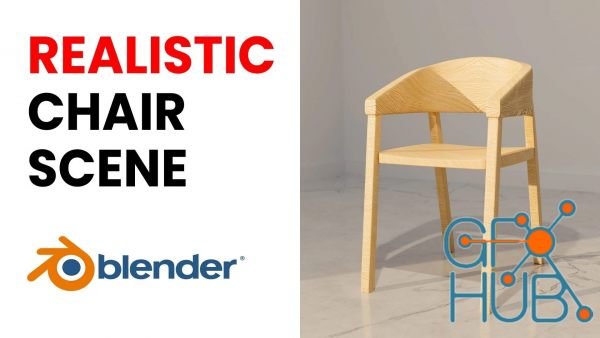
Welcome to my brand new blender tutorial in which we will learn how to create this Amazing Realistic Chair Scene. Now this tutorial is extremely easy and is made for blender beginners who have very little experience.
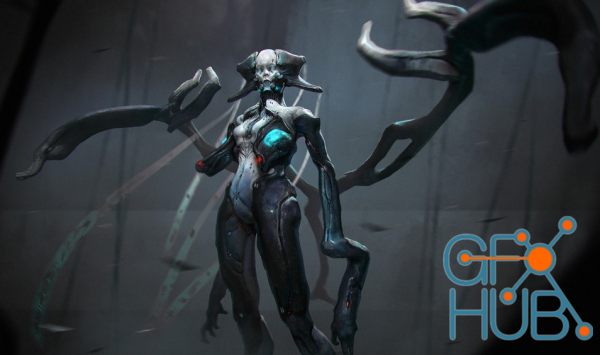
Design stunning creatures for films and video games under the guidance of professional artist Milan Nikolic. You'll start by studying the anatomy of bipeds and multipeds, learn the ins and outs of sculpting in ZBrush and 3D Coat, and finally how to pose, texture, and present your creatures with polish and professionalism.
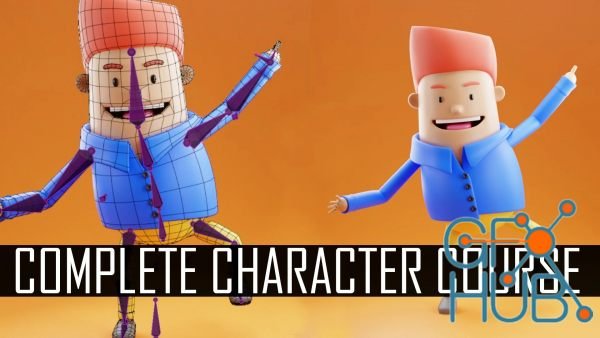
You will learn the full process of modeling and rigging a simple stylized character in Blender 3.0. This is an intermediate-level tutorial, and if you are absolutely new to Blender or 3D, you can watch some of my other Skillshare absolute beginner courses.
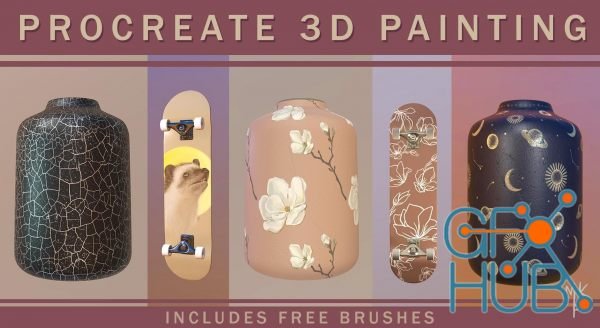
With the arrival of the new Procreate 5.2 update comes an exciting new feature... 3D painting! In this class, I will teach you everything there is to know about this new feature which is sure to blow your mind. If you are a Product Designer, a Pattern Artist or just someone that wants to give 3D painting a go, then this class is for you.
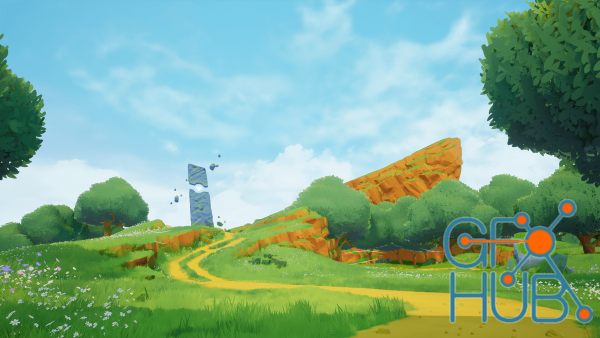
This is an incredibly in-depth guide to environment art that was designed for beginners to help them get over the frustration of learning new workflows – and to show you the exact steps you need to take to start creating beautiful scenes in Unreal Engine, and other industry-standard software.
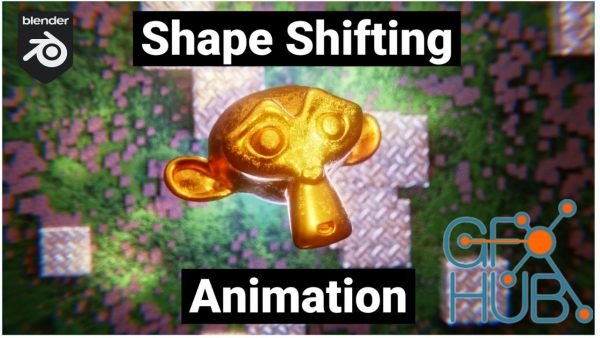
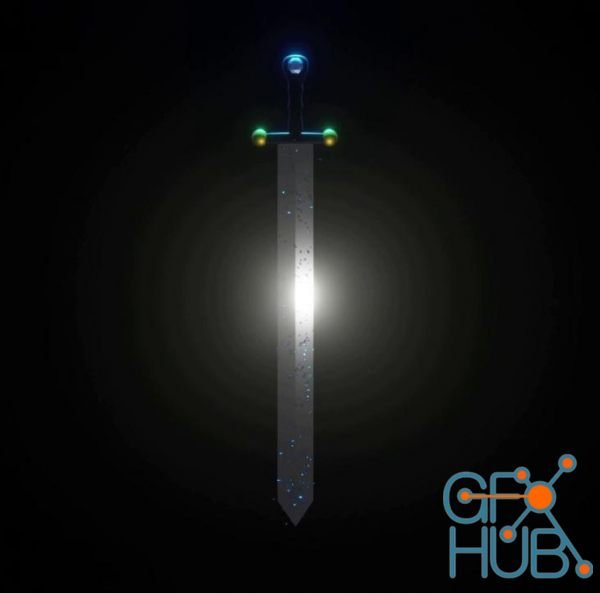
Learning 3D design and 3D animation in Blender is easy through specific projects and practice. For this course is recommended that you already know the Blender interface, but even if you don’t, just by following instructions through video lessons, you will get to learn some basics. In this course, you will learn how to design magic sword (sharp and reflective blade, guard and handle), how to set material, how to decorate that sword, how to
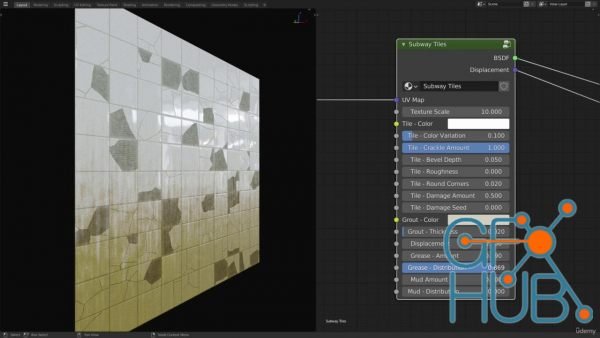
Tap into the unlimited potential of Blender’s incredibly powerful node editor, and learn how to create advanced and highly customizable procedural textures from scratch. In this course I’ll walk you through building complex textures, step by step. You’ll learn about a ton of different nodes and creative ways you can combine them to achieve amazing results.
Tags
Archive
| « April 2026 » | ||||||
|---|---|---|---|---|---|---|
| Mon | Tue | Wed | Thu | Fri | Sat | Sun |
| 1 | 2 | 3 | 4 | 5 | ||
| 6 | 7 | 8 | 9 | 10 | 11 | 12 |
| 13 | 14 | 15 | 16 | 17 | 18 | 19 |
| 20 | 21 | 22 | 23 | 24 | 25 | 26 |
| 27 | 28 | 29 | 30 | |||
Vote


New Daz3D, Poser stuff


New Books, Magazines



