 2023-02-23

 0
0
The Foundry Nuke Studio 14.0v3 Win x64 Nuke, NukeX and Nuke Studio offer cutting-edge toolkits for node-based compositing, editorial and review. The Nuke family's unparalleled flexibility and collaborative workflows help you get the highest quality results-fast. Compositing and much more All the tools you need to get the job done, no matter how you're working. From advanced node-based compositing, to 3D tracking and model building, to editorial
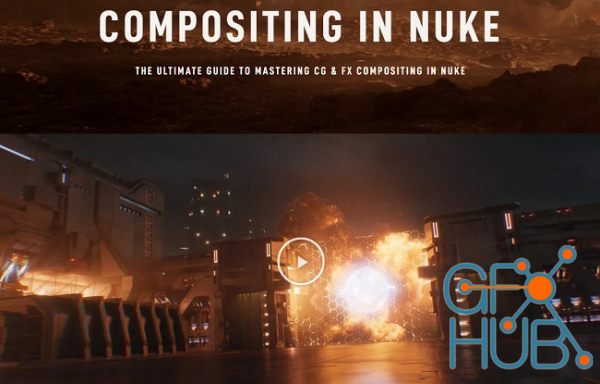
COMPOSITE INCREDIBLE FX WITH FULL CG SHOTS The most overlooked skill to hone as a CG and FX artist is compositing. With it, you can take a plain-looking raw FX pass and make it shine! That’s where the power of Nuke comes into play… Nuke is the industry-standard compositing program and is (in our opinion) the best tool on the market. In this course, we’ll show you how to use Nuke from the ground up. You don’t need any experience prior to this
The Foundry Nuke Studio 14.0v2 Win/Mac/Linux 64 Nuke, NukeX and Nuke Studio offer cutting-edge toolkits for node-based compositing, editorial and review. The Nuke family's unparalleled flexibility and collaborative workflows help you get the highest quality results-fast. Compositing and much more All the tools you need to get the job done, no matter how you're working. From advanced node-based compositing, to 3D tracking and model building, to
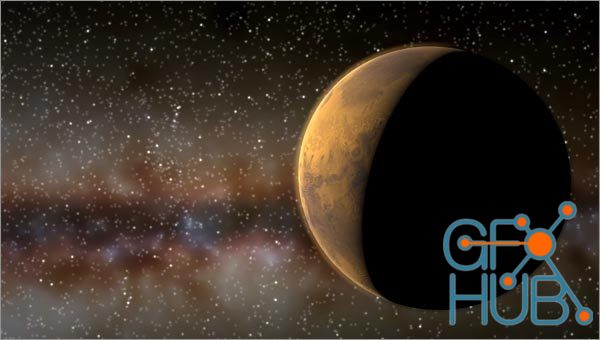
Maas Digital Starpro V2.1 For Nuke 14 Win/Mac Maas Digital’s StarPro is the best way to render beautiful, stronomically correct star fields – now available for Adobe After Effects, The Foundry Nuke, and NewTek Lightwave 3D. StarPro works with any 3D package that can export camera motion to After Effects or Nuke, including Maya, 3D Studio Max, Softimage, and more!
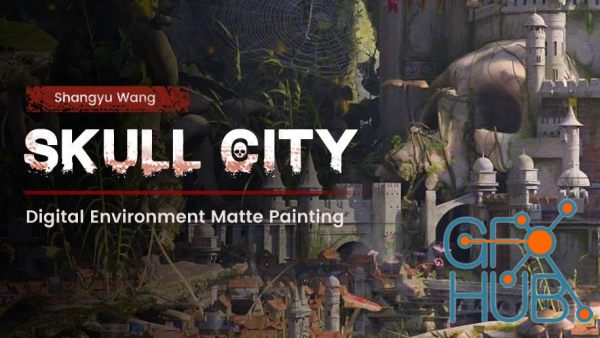
Wingfox – Digital Environment Matte Painting Skull City with Shangyu Wang In this tutorial, you will be able to use Maya, SpeedTree, Photoshop and Nuke to create a large scale digital scene. The operations of these software will be easy for beginners to learn. Even if you have not used SpeedTree before, you will be able to learn it quickly. This set of courses is more suitable for individual to learn single frame large scene work production. It
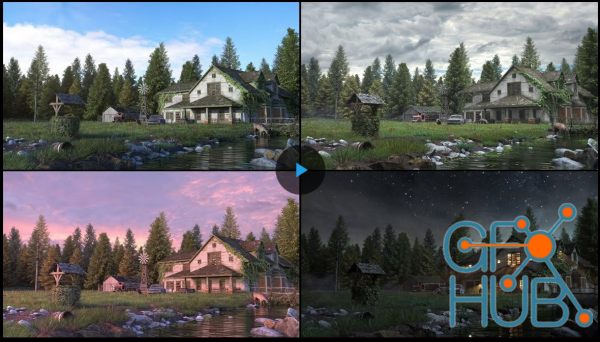
The Gnomon Workshop – Exterior Scene Development MP4 | ENG | Duration: 370 Minutes | Format: HD 1920x1080 In this tutorial, Adrien Vallecilla demonstrates how to create custom textures using decals, stencils, and rgb masks in Mari, lighting and look development in Maya, material layering and rendering in Arnold, and his general asset workflow. The lecture also covers vegetation scattering with Maya MASH, ivy generation with Ivy Generator, and
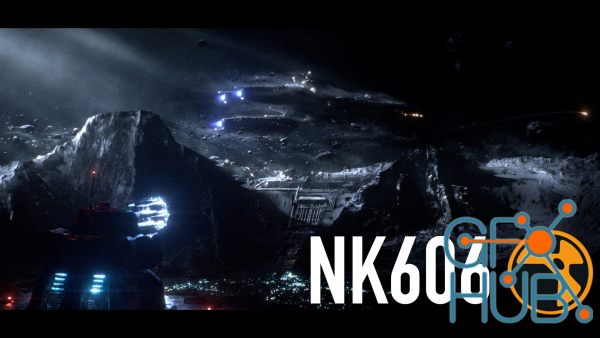
Download video course by Compositing Academy – NUKE: Advanced CG Compositing and Look Development | NK606. Course Summary An advanced CG Compositing class, teaching real world and up-to-date workflows. This class is meant to simulate a feature film level shot, so it requires time, patience and a high attention to extremely small details. Course Length: This course is the equivalent of a multi-week university course. This course is over 40 hours
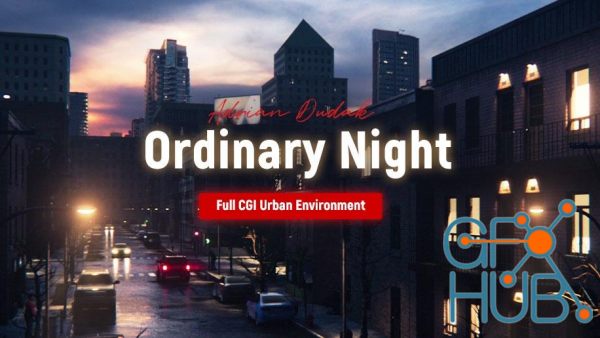
Wingfox – Full CGI Urban Environment – Ordinary Night with Adrian Dudak Ever wanted to build an impressive full-CGI urban environment shot from scratch, all by yourself? In this course, you will learn all the necessary steps to successfully execute this kind of task and on top of that some cool tips and tricks to speed up your workflow and bring life to your shot using industry-standard software and ACES colorspace!
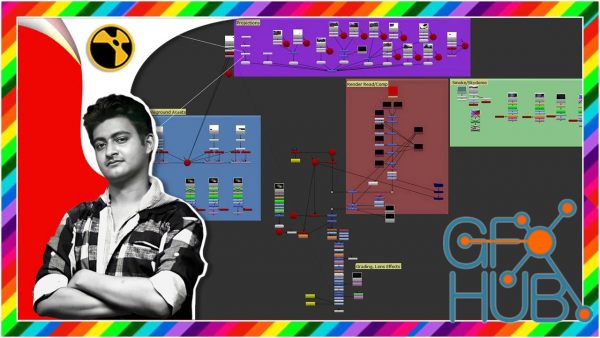
Start Learning Nuke Software To Be A Compositing Artist With This Simplest Way Explained Video Tutorial. What you'll learn 1. Nuke Interface of Workspace 2. Nuke Importing Read Nodes 3. Nuke Project Settings 5. Saving Nuke File 6. Nuke Viewer Zoom and Navigation 9. Nuke Transform Node 10. Nuke Node Common Option 11. Nuke Viewer Channels 12. Nuke Viewer Auxiliary Channel 13. Nuke Viewer Wipe Tool 14. Nuke Veiwer Pause Update Botton 15. Nuke
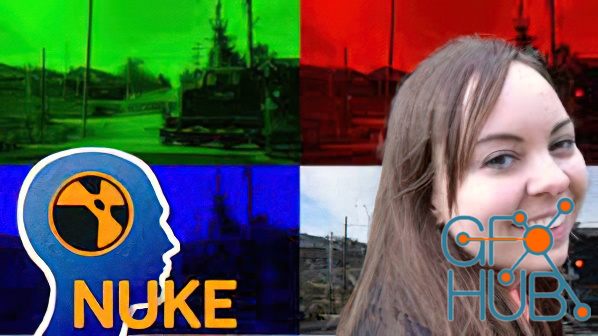
Learn to composite like a pro VFX artist What you'll learn Understand RGB colorspace De-mistify the merge node with math Avoid roto mistakes Use effective roto techniques Link a roto to a 2D track Clean up edges Use simple math to add film grain Quality check your work Render using channels Use a luminance keyer Edit your keyframes with the curve editor Keep a clean and organized Nuke script Create a custom alpha channel
Tags
Archive
| « September 2026 » | ||||||
|---|---|---|---|---|---|---|
| Mon | Tue | Wed | Thu | Fri | Sat | Sun |
| 1 | 2 | 3 | 4 | 5 | 6 | |
| 7 | 8 | 9 | 10 | 11 | 12 | 13 |
| 14 | 15 | 16 | 17 | 18 | 19 | 20 |
| 21 | 22 | 23 | 24 | 25 | 26 | 27 |
| 28 | 29 | 30 | ||||
Vote


New Daz3D, Poser stuff


New Books, Magazines



