3D Tutorials
 2022-08-4

 0
0
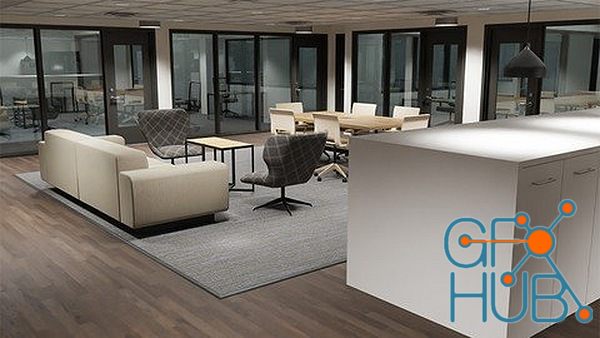
Use Blender and Substance Painter to create an interior scene for animation, games, or architectural visualization. What you'll learn Blender's modeling tools and modifiers UV map 3D objects in Blender Prepare 3D models for export to Substance Painter Create realistic PBR textures for 3D models in Substance Painter Create an Export Template in Substance Painter to be used for Blender Apply PBR textures in Blender Add lights to a scene in Blender
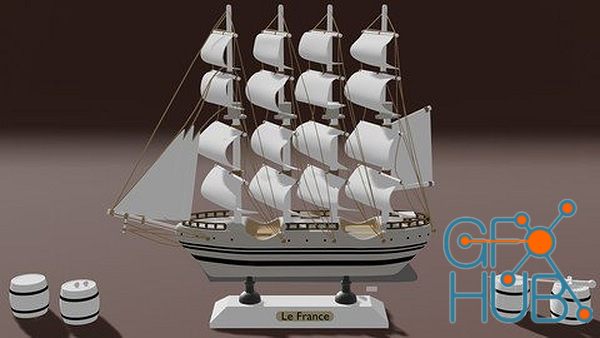
Learn How to Model 3D Objects in Blender 2.8 What you'll learn Students will learn the techniques and skills to modeling in Blender 2.8 so that they are able to model whatever objects they want Students will model 20 different objects and in the process, will learn the modeling skills, techniques and modifiers for modeling Students will learn how to create 20 different models Requirements Just download Blender 2.8 which is FREE and you are good
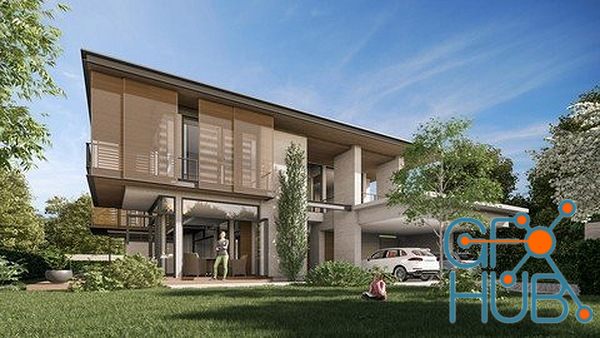
Learn to Make Realistic Living Room with Cinema 4D and V-Ray 5! What you'll learn Working with Cinema 4D S24. Working with V-Ray 5. Creating 3D Spaces Using V-Ray 5 in Cinema 4D. Converting 3ds Max Scene Objects to Cinema 4D V-Ray 5. Realistic Texture and Material Construction in V-Ray 5. Creating a 3D Space From Scratch. Realistic Rendering. Making Realistic Materials. Requirements Basic Cinema 4D Knowledge. Basic Render Engine Logic.

Outgang Studio – Laura Gallagher. Welcome to Outgang Become a better character artist 100+ hours of classes on sculpting in Zbrush, Marvelous Designer, facial anatomy, Substance Painter, Substance Designer and more. Outgang is Laura Gallagher’s initiative to provide affordable, high quality education and other tools to character artists worldwide. Laura is a veteran of the games industry, having worked almost ten years at Eidos Montreal and over
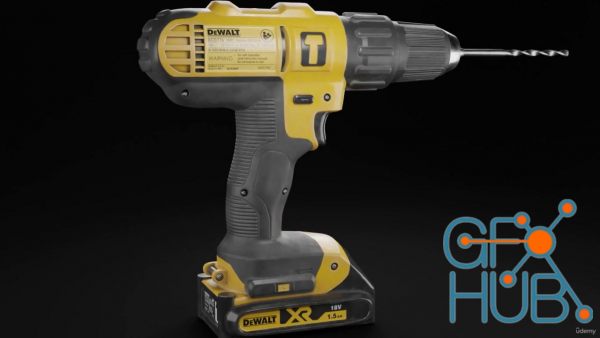
Learn Texturing in Substance Painter from Beginners to Advanced Level with 3 complete projects What you'll learn Learn the UI basics of Substance Painter Setup a New Project and Bake Mesh Maps Learn Realistic Texturing in Substance Painter Learn Texturing in Substance Painter Learn to use Opacity and Emissive Channels Learn to use Masks, Smart Masks, Smart Materials, Generators and all the different features in Substance Painter Learn to Export
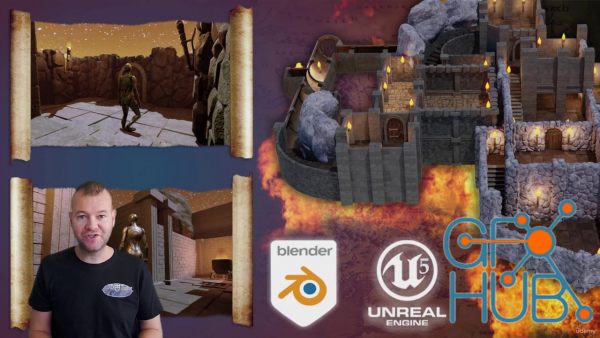
Learn How to Create Massive RPG Worlds & Game Asset Modular Systems From Scratch What you'll learn • Building your own dungeon and walk around it like in a real RPG game • Enjoying the 3D modelling to game environment transition from Blender to Unreal Engine 5 - the only one out there like it for all fantasy RPG fans • Creating nearly 100 stunning medieval dungeon kitbash assets enabling you to build an underground dungeon environment unique
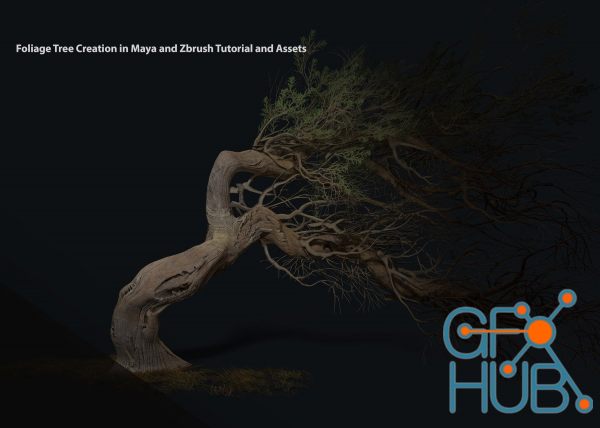
ArtStation – Foliage Tree Creation in Maya and Zbrush Tutorial and Assets. A full run through of creating a wind blown tree from scratch using Zbrush, Maya and Photoshop/Quixel. Showcasing techniques for using paint effects in Maya for creating base meshes. Sculpting and creating tree cards and bark textures in Zbrush. Concluding with showing the workflow of transferring the Zbrush sculptures to a low res game engine friendly mesh for rendering
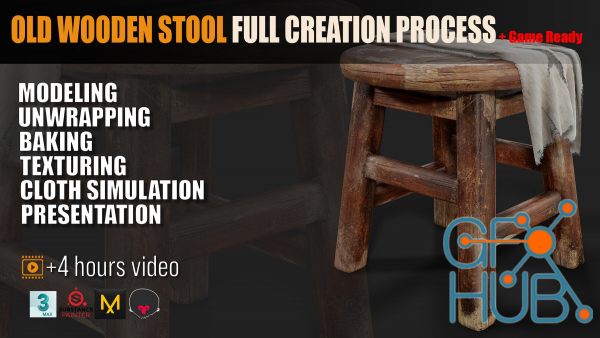
ArtStation – Old Wooden Stool Full Creation Process + Game Ready. We’re covering blockout, high and low poly creation , UV unwrapping, baking maps, industry-standard texturing techniques, and presenting your work using Marmoset Toolbag. This course will teach you everything you need to know about creating props for the games industry! info about this Product : step by step Time: 4 h 12 min Modeling: 3ds Max Unwrapping: 3ds Max Baking: Substance
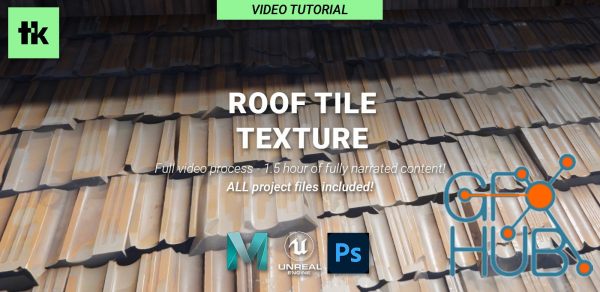
ArtStation – Roof Tile Texture - Complete Workflow From 3D Modeling to Photoshop In this tutorial, I show how you can quickly model tiling textures using your preferred modeling package, finishing it up in Photoshop. Summary I will start with a simple roof tile, and lay it out in a tileable pattern. I then create variation by duplicating and tweaking the original tiles, and randomizing each tiles position/scale/rotation. Next, I fix any
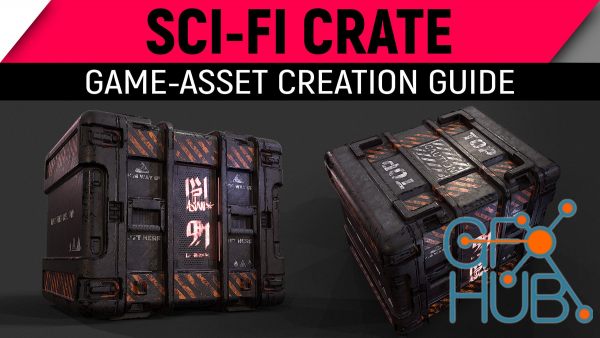
ArtStation – Model and Texture A Game Asset – Full Process. Hey Tutorial heads, this time we are making a game-asset (an optimized mesh rendered in real-time). We will start from scratch and create a high resolution Sub-D model first. Afterwards we will transform it into an optimized game mesh and create some UVs. Then I will show you how to create amazing textures with Substance Painter and render our crate in real-time using Marmoset Toolbag.
Tags
Archive
| « April 2026 » | ||||||
|---|---|---|---|---|---|---|
| Mon | Tue | Wed | Thu | Fri | Sat | Sun |
| 1 | 2 | 3 | 4 | 5 | ||
| 6 | 7 | 8 | 9 | 10 | 11 | 12 |
| 13 | 14 | 15 | 16 | 17 | 18 | 19 |
| 20 | 21 | 22 | 23 | 24 | 25 | 26 |
| 27 | 28 | 29 | 30 | |||
Vote


New Daz3D, Poser stuff


New Books, Magazines



