 2019-07-4

 2
2
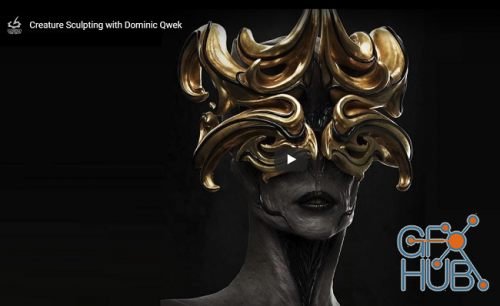
In Creature Sculpting, Character Artist Dominic Qwek shares his workflow for creating a creature bust using ZBrush, KeyShot and Photoshop. He covers the initial design process and how to block out the primary and secondary forms and evolve the design in 3D. He then details the sculpt in multiple stages while covering the features in Sculptris Pro and talks about the various techniques he uses in each stage
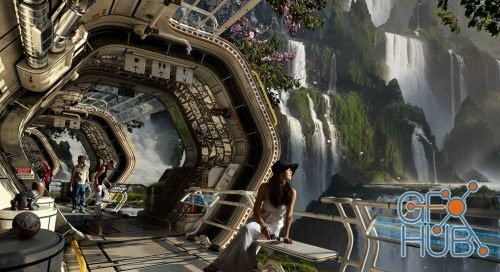
Storytelling, mood, composition, and ultimately the Director's vision, are the essential elements that any successful concept artist must translate on the canvas quickly and effectively. Starting from the initial brief all the way to the final touch-ups, Francesco Corvino shows his daily routine to create compelling images for the film industry.
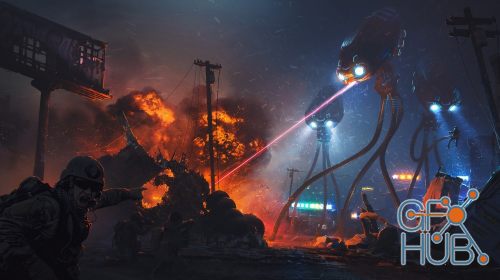
Art Departments in the film industry are constantly changing as new tools and technology make things easier and faster. However, with these new tools comes additional complexity. The never-ending challenge is finding a comfortable balance between art and technology within tight, uncompromising production schedules. As a professional artist for feature film, Alex will cover his pipeline for creating a sci-fi environment set using various 2D and
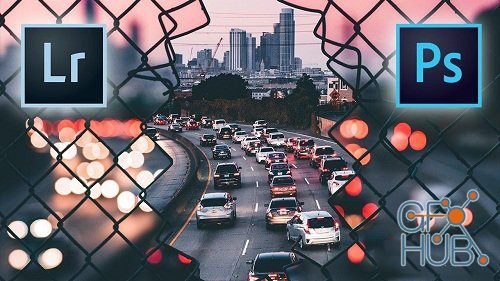
In this course, I will walk you through how I edited this photo in Adobe Photoshop and Lightroom. You will learn to use several key tools in the program and should come out with more knowledge of the programs.
In this course you learn each and every tool one by one with using complete control options.Just follow the guideline in each exercises.This course will make you perfect in each tools and at the end you will be get ready to work on your projects.
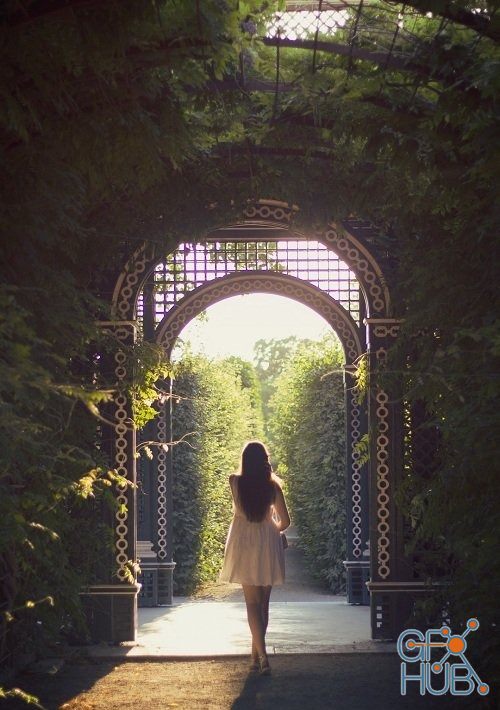
Get complete control over the highlights, midtones, and shadows of any photo for perfect color toning, lighting effects, exposure adjustments, and seamless composites. This is the best way to edit photos in Photoshop!
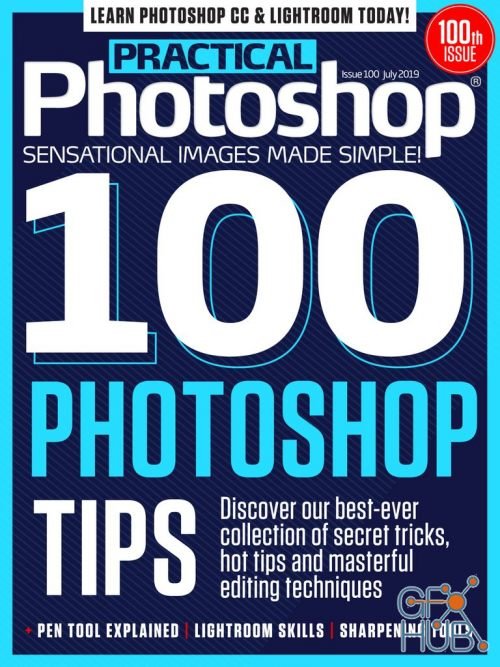
Practical Photoshop – July 2019 | English | 44 pages | True PDF | 57.4 MB
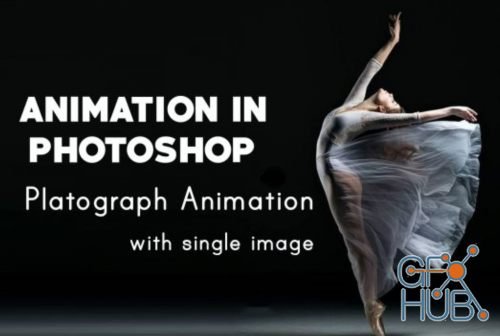
I am Shivangi Dubey and here in this class I will go through the process of masking, layering, animating and making it in a loop in Adobe Photoshop to create eye captivating motion graphic animation from scratch. This can be used for various projects like e-posters, online advertisements, movie scenes, digital wallpapers and much more.
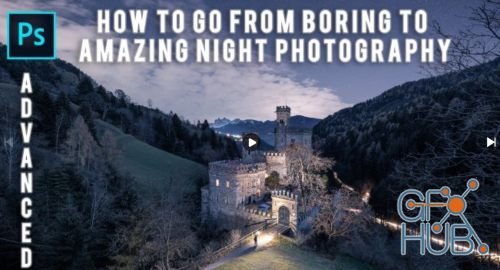
I'm excited to show you how to take your own amazing night & low-light photos to the next Level. By showing you my workflow to get the most out of scene you capture. To combine multiple exposures, taken from the same place at different times. Lessons start in Adobe Lightroom, move to Adobe Photoshop, final touches with the plug-in Color Efex Pro and at the and you will see how to crop an image without losing too much of the image.
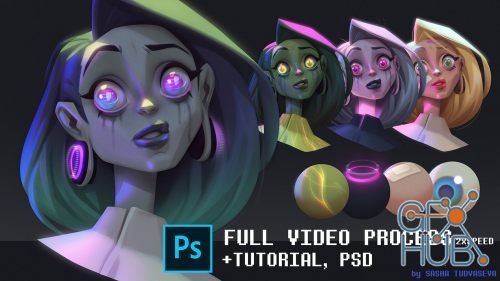
In this tutorial I want to share a few of my favorite tricks I end up using in one of my daily workflows.
Tags
Archive
| « August 2026 » | ||||||
|---|---|---|---|---|---|---|
| Mon | Tue | Wed | Thu | Fri | Sat | Sun |
| 1 | 2 | |||||
| 3 | 4 | 5 | 6 | 7 | 8 | 9 |
| 10 | 11 | 12 | 13 | 14 | 15 | 16 |
| 17 | 18 | 19 | 20 | 21 | 22 | 23 |
| 24 | 25 | 26 | 27 | 28 | 29 | 30 |
| 31 | ||||||
Vote


New Daz3D, Poser stuff


New Books, Magazines



