3D Tutorials
 2022-07-20

 0
0
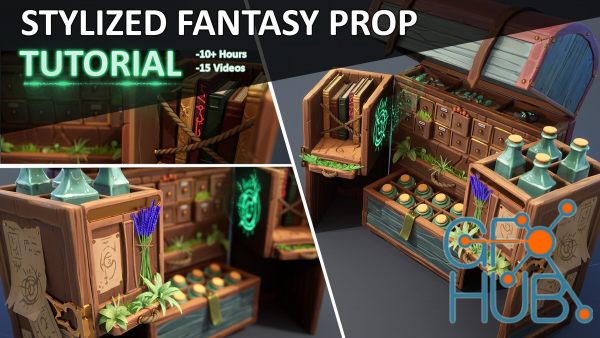
ArtStation – Stylized Fantasy Prop Tutorial Throughout this tutorial series you are going to learn AAA techniques that I use personally and professionally to create props for video games! From blockout to final renders, I take you through my thought process and show you how I use various software like Maya, ZBrush, and Substance Painter to create: blockouts, sculpted wood, sculpting foliage, proper UVs and packing methods, lighting, and
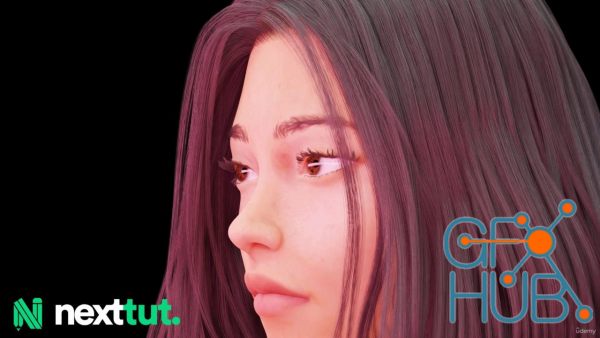
Sculpt realistic characters using blender only What you'll learn Sculpting the female head Texturing workflow Skin shading process Creating hair in blender Rendering with cycles Requirements I expect you have some sort of basic blender experience. You should have blender 3.2 installed on your computer. Description Do you have problems understanding the workflow for realistic character creation in Blender only? Then I welcome you to Nexttut
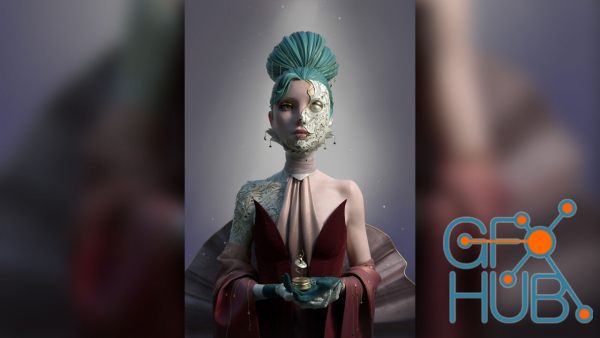
Title: The Gnomon Workshop - Creating a Stylized 3d Character Illustration - Zbrush, Maya, Marvelous Designer & Substance Painter Workflow with Amy Sharpe. DESCRIPTION: Explore the process of designing a character and bringing it to life as a final 3D image using ZBrush, Maya, and Substance Painter, with supporting design work handled in Marvelous Designer and Photoshop. This workshop by Senior Character Artist, Amy Sharpe, demonstrates her
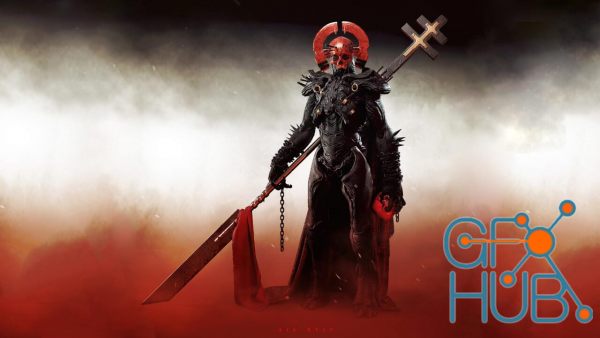
Title: The Gnomon Workshop - The Making of “Red Myst” with Maarten Verhoeven - Concepting Biomech Monsters in Zbrush, Marvelous Designer, Keyshot & Photoshop. DESCRIPTION: Maarten Verhoeven is known for his dark and mysterious character and creature concepts. His optimized workflow allows him to sketch, sculpt, and post-process his signature designs at an impressive speed. This workshop uncovers his personal workflow, using his creature
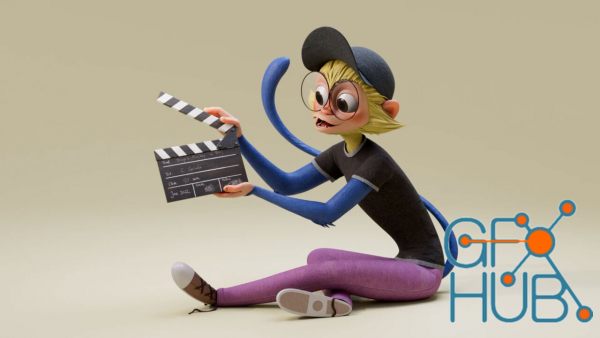
Title:The Gnomon Workshop - Creating Stylized Characters for Production - From Concept to Render in Zbrush, Maya & Substance Painter with Carol Cornils. DESCRIPTION: Discover how to create a production-ready stylized character from a concept, complete with tips for presenting the final result as a high-quality portfolio piece. Carol Cornils reveals her complete process for sculpting stylized characters with personality and shares her methods
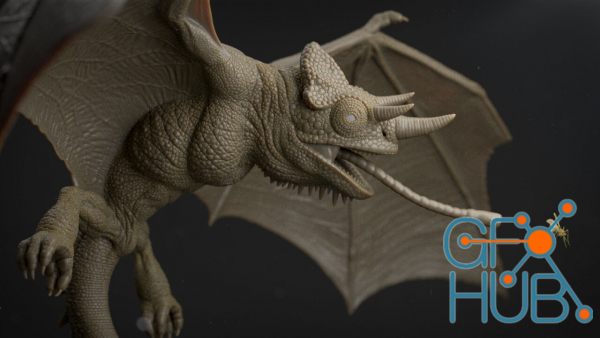
Title: The Gnomon Workshop - Designing & Modeling a Creature with Scales - Creating Production-Ready Assets for VFX using Zbrush & Maya with Dan Weiss Learn how experienced character artists create production-ready creatures for a visual effects pipeline with this in-depth ZBrush and Maya modeling workshop by Senior Character Artist Dan Weiss. Known for his dragon and reptile-inspired creature designs, Dan dives deep into his creative
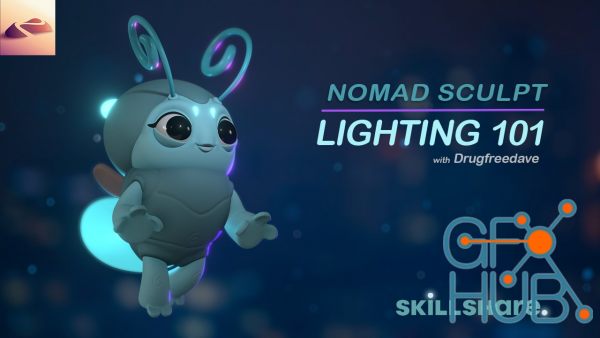
Welcome to 3D Lighting 101! I'll be using Nomad Sculpt, but this lighting information can be used for any and all 3D applications. The basics are the same when it comes to how light affects the physical world and the 3D world. I love lighting, and I'm happy to show you how I create dynamic lighting setups for my 3D models and sculpts. Good or bad lighting can make or break your sculpt, so let's make sure you have some pointers to be able to show
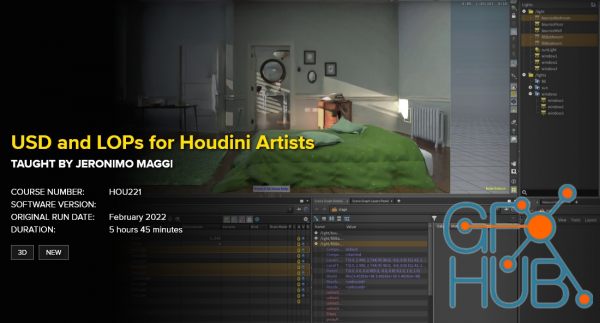
Free download video course by FXPHD – HOU221 – USD and LOPs for Houdini Artists. Taught by Jeronimo Maggi. More and more applications are starting to support USD and most studios are in some way using it in their pipelines. USD is here to stay and it is slowly becoming the industry standard. This course is designed for artists who want to get familiar with how USD works to better understand the pipelines that they are working in. It will cover
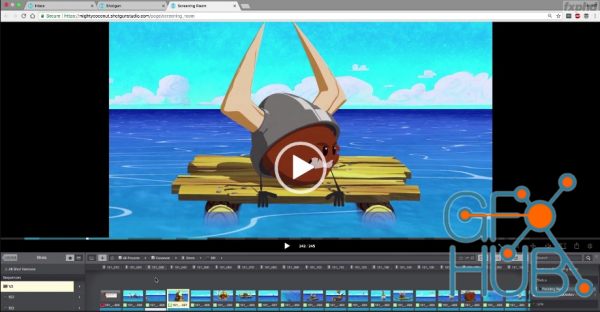
Free download video course by FXPHD – SHG201 – Shotgun in Production Shotgun is the industry standard for production management, but unlocking its full potential requires a firm grasp of organization principles and best practices to keep things running smoothly. Taught by multiple producers, artists and TD’s from Austin-based studio Mighty Coconut, this course covers how to make the most of Shotgun on everything from large animated series to
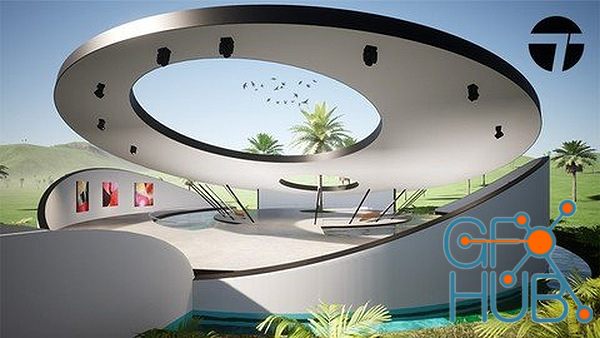
From Basic 3D Spaces To Beautiful Environments What you'll learn Transform your basic 3D architectural designs into stunning virtual environments Create photorealistic renders and animations in Twinmotion Quickly learn how to work with lighting, materials, and objects provided in Twinmotion Learn where all the tools you need are and get accustomed to the UI in Twinmotion Requirements You need to have a computer capable of running Twinmotion
Tags
Archive
| « April 2026 » | ||||||
|---|---|---|---|---|---|---|
| Mon | Tue | Wed | Thu | Fri | Sat | Sun |
| 1 | 2 | 3 | 4 | 5 | ||
| 6 | 7 | 8 | 9 | 10 | 11 | 12 |
| 13 | 14 | 15 | 16 | 17 | 18 | 19 |
| 20 | 21 | 22 | 23 | 24 | 25 | 26 |
| 27 | 28 | 29 | 30 | |||
Vote


New Daz3D, Poser stuff


New Books, Magazines



