 2020-10-20

 1
1

As for this course, it’s an epitome of the instructor’s modeling experience for over a decade. As a model artist and photographer, the instructor will not only introduce the key to modeling in 3ds Max, but also share his unique perspective on light settings. You will learn to build a high-poly model for hard surfaces, to apply Vray materials and light settings, and to composite images in Photoshop. After this course, you will acquire the
V-Ray Next v5.00.21 for Maya 2017 to 2020 Win x64 | Chaos Group, a leading provider of state of the art rendering solutions for the media, entertainment, and design industries, has released an update to VRay 5.00.20 for Maya 2017-2020, a major update to its Academy Award-winning CPU and GPU production renderer. Used on recent television and film projects including "The Fate of the Furious," "Beauty and the Beast," and "Stranger Things," this
"V-Ray 5 Scene Intelligence delivers faster ray tracing, cleaner sampling and more accurate rendering. That means you work smarter — not harder — by automating steps that used to take up valuable time."
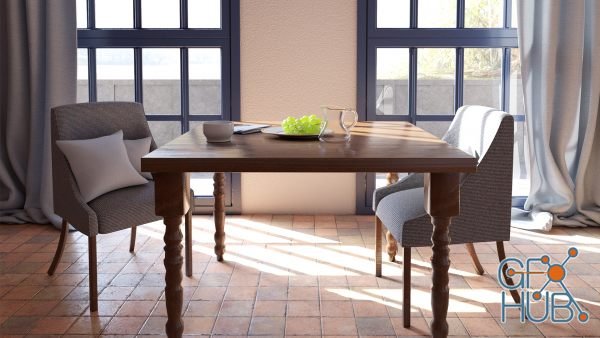
Using render elements, V-Ray Next for 3ds Max offers fine-grained control over parameters necessary for creating high-quality composites, such as reflections, shadows, mattes, and more. In this course, Brian Bradley shows how to use V-Ray Next to create renders specifically for a post-production workflow in applications like Photoshop and After Effects. Explore the render elements UI and workflow and the output options for still images and

Motion Squared – V-Ray Textures Collection extracted from Cinema 4D
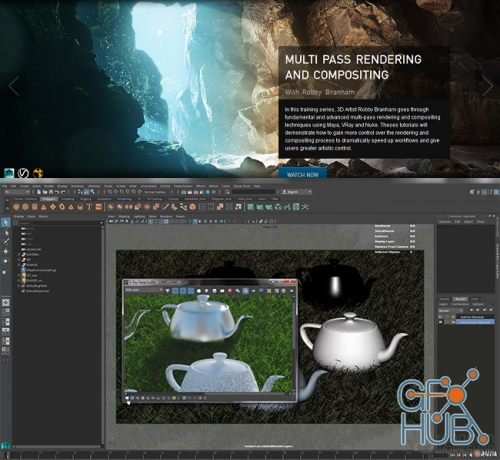
In this training series, 3D Artist Robby Branham goes through fundamental and advanced multi-pass rendering and compositing techniques using Maya, VRay and Nuke. Theses tutorials will demonstrate how to gain more control over the rendering and compositing process to dramatically speed up workflows and give users greater artistic control. Production techniques include how to streamline the render layer, render pass, and compositing trees setups.
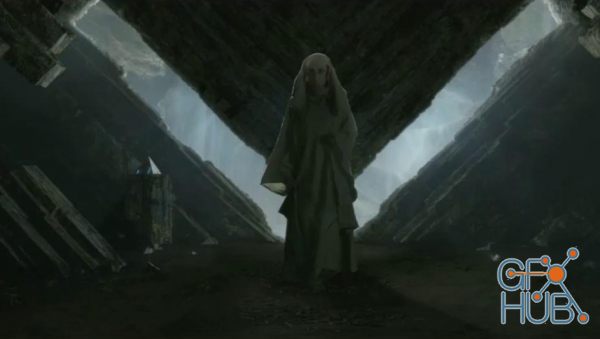
In this 3D Studio Max tutorial I will be covering how I create a full CG environment for a green screen replacement to be used in a film.
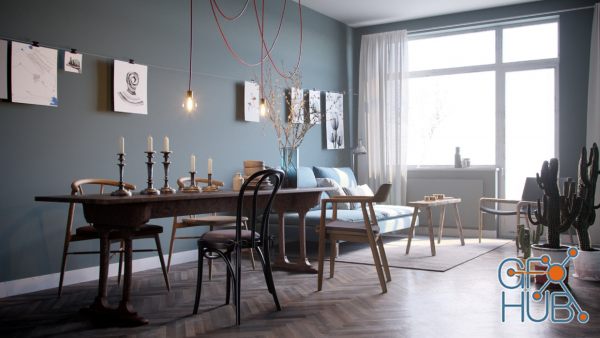
25 hours of high quality educational content / The author promises to teach you how to create visualizations of interiors and exteriors in the 3ds MAX software package.
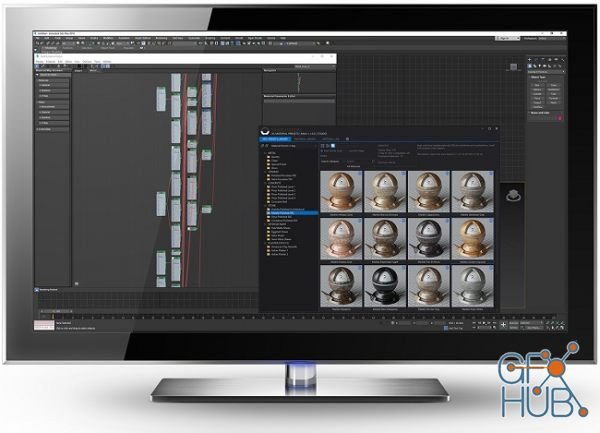
The Siger Studio’s XSMP for 3ds Max is a continuation of well-known plugins family: V-Ray Material Presets Pro (VMPP), Corona Material Presets Pro (CMPP) and Material Repository Pro (MRP).
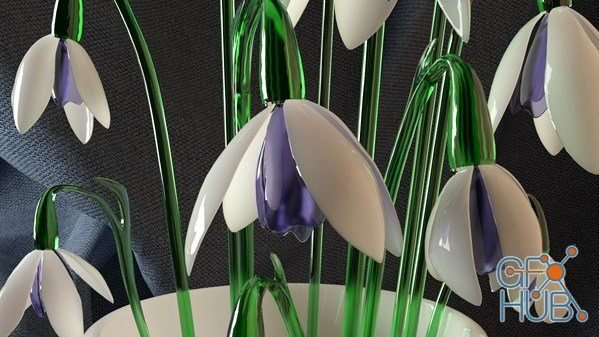
V-Ray Next for 3ds Max offers smart lighting tools that intelligently analyze scenes and optimize ray calculations. In this course, instructor Brian Bradley shows how to use the V-Ray Next VRayLight—also called the plane or rectangle light—in its various operating modes: Plane, Dome, Sphere, Mesh, and Disc. The course starts with a refresher on light behavior in the real world and demonstrates how those principles translate to the rendering
Tags
Archive
| « March 2026 » | ||||||
|---|---|---|---|---|---|---|
| Mon | Tue | Wed | Thu | Fri | Sat | Sun |
| 1 | ||||||
| 2 | 3 | 4 | 5 | 6 | 7 | 8 |
| 9 | 10 | 11 | 12 | 13 | 14 | 15 |
| 16 | 17 | 18 | 19 | 20 | 21 | 22 |
| 23 | 24 | 25 | 26 | 27 | 28 | 29 |
| 30 | 31 | |||||
Vote


New Daz3D, Poser stuff


New Books, Magazines



