 2021-01-27

 0
0
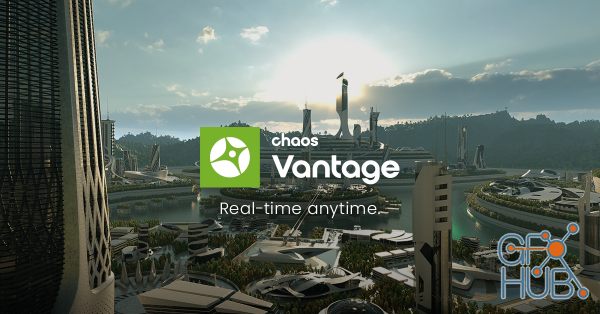
Explore your most complex 3D production scenes ray traced in real-time. With Chaos Vantage, there are no time-consuming conversions. Simply drag and drop your complete V-Ray scene into Vantage and start exploring. There’s also a direct live link available from 3ds Max, so you can use it just like a viewport.
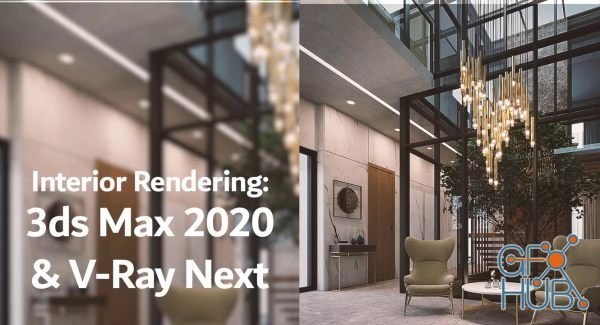
Hello and welcome, in this class you will learn how to create stunning 3d interior renderings using Autodesk 3ds Max and the latest update of the rendering plugin from Chaos Group V-Ray Next.
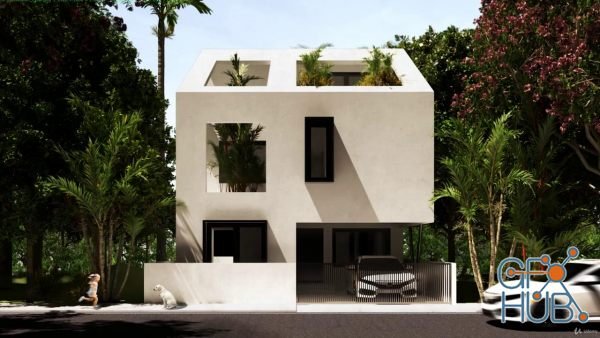
You’ve just stumbled upon the most complete, in-depth Sketchup & Vray course for Exterior Design. These comprehensive Sketchup & Vray tutorials cover everything you’ll ever need to become the best Architect out there.
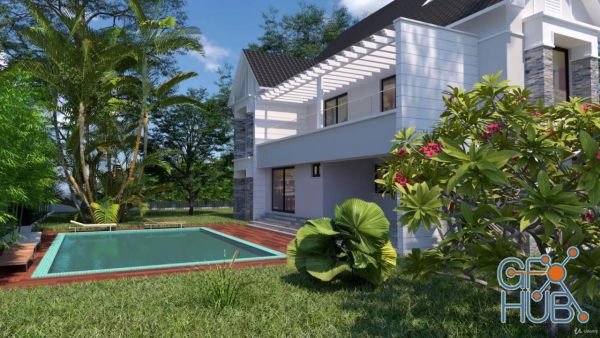
Learn 3D Architecture Designing in Sketchup using VRay 5 from Beginner to Professional level and learn the basics to advanced techniques in Sketchup and VRAY and become an expert in using it.
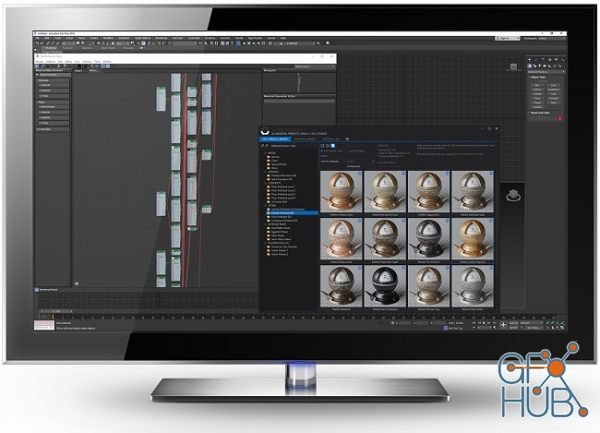
The Siger Studio’s XSMP for 3ds Max is a continuation of well-known plugins family: V-Ray Material Presets Pro (VMPP), Corona Material Presets Pro (CMPP) and Material Repository Pro (MRP).

V-Ray v5.00.50 for Houdini 18.5.408 Win x64 | The ultimate 3D rendering software for procedural effects.
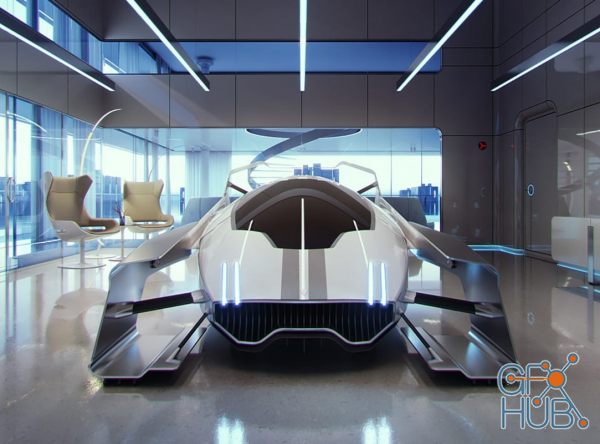
V-Ray Next for Rhino is much more than a do-it-all smart renderer that creates gorgeous images of your designs. It is also a full suite of tools to help you accomplish more in Rhinoceros than ever before. V-Ray Next makes it easier to manage everything in your scene – even the crazy complex ones. It is 50% faster overall, with GPU rendering 2x as fast and 7x faster using the Adaptive Dome Light. V-Ray Next for Rhino is compatible with Rhino 5
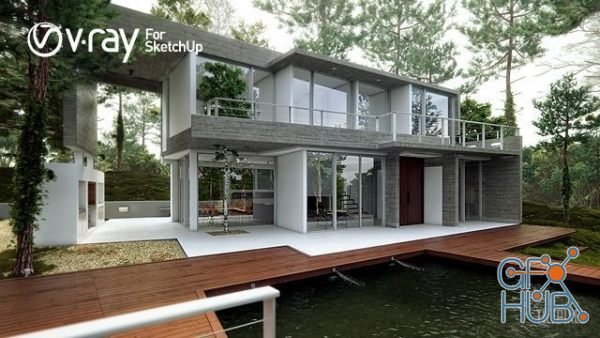
V-Ray 5.00.03 for SketchUp 2017-2021 | The ultimate visualization solution for SketchUp artists and designers. V-Ray for SketchUp is a 3D rendering software that combines real-time and photoreal rendering — all in SketchUp. From beginner to pro, V-Ray has all the tools you need to visualize your SketchUp projects from start to finish.
You’ll learn the animation process in 3ds max from start to finish. After you complete this course you will have all the necessary knowledge. We will cover 100% and we’ll NOT keep anything in secret. After learning theory and principles of animations, we will show you how to recreate our animation from start to finish. We will explain the whole setup and setting, additionally you’ll be able to download all the 25 scene files.

In this course we will learn the procedure of basic rendering automotive and get a photorealistic image with easy and simple steps , we will setup the light, edit the materials and shooting with camera , then we will render using vray for sketchup 4.2 and make a post-production using Adobe photoshop
Tags
Archive
| « March 2026 » | ||||||
|---|---|---|---|---|---|---|
| Mon | Tue | Wed | Thu | Fri | Sat | Sun |
| 1 | ||||||
| 2 | 3 | 4 | 5 | 6 | 7 | 8 |
| 9 | 10 | 11 | 12 | 13 | 14 | 15 |
| 16 | 17 | 18 | 19 | 20 | 21 | 22 |
| 23 | 24 | 25 | 26 | 27 | 28 | 29 |
| 30 | 31 | |||||
Vote


New Daz3D, Poser stuff


New Books, Magazines



