2021-07-20

 2
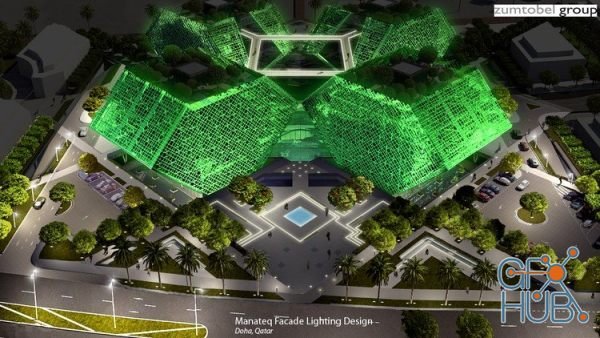
In this course, you will learn how to use Photoshop software to enhance your lighting design presentation or to create a lighting design concept in a fast and effective way.

Adobe Photoshop 2020 v21.2.10.118 Win x64 | Reimagine reality with Photoshop. Millions of designers, photographers, and artists around the world use Photoshop to make the impossible possible. From posters to packaging, basic banners to beautiful websites, unforgettable logos to eye-catching icons, Photoshop keeps the creative world moving. With intuitive tools and easy-to-use templates, even beginners can make something amazing.

Complete Step by Step Pictorial Guide for Beginners with Tips And Tricks | English | July 2021 | ASIN : B099QPLMJV | 127 pages | PDF, AZW3, EPUB | 1.22 MB
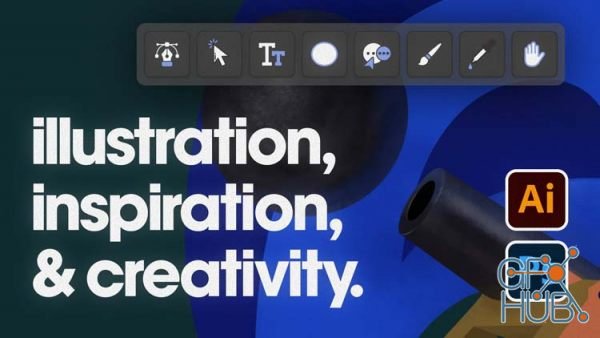
In the second half of this class, you will learn how to draw illustrations in a certain style using Adobe Illustrator and Adobe Photoshop, while also learning nifty Illustrator and Photoshop techniques/shortcuts along the way. I have made this class not only to teach you certain tools, techniques, and processes but as something that would have been of tremendous help to me when I was starting out.
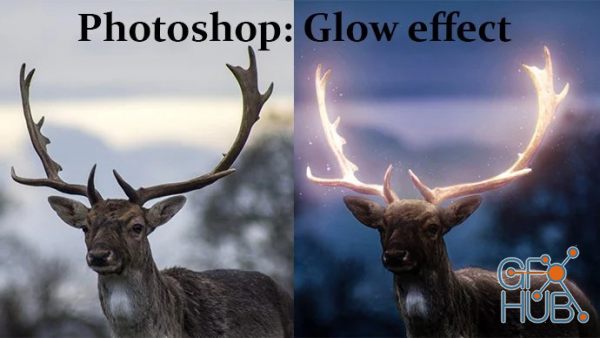
In this Advanced Glow/Glowing Effect Photoshop course, learn how to make glowing effect in photoshop. I will teach you how to add glow to any image or object in photoshop.

User Guide To Master Photoshop Elements 2021 – The Ultimate Beginner’S Step By Step Manual With Tips And Tricks | English | 2021 | ASIN : B099HJS726 | 64 pages | PDF, AZW3, EPUB, MOBI | 1.59 MB
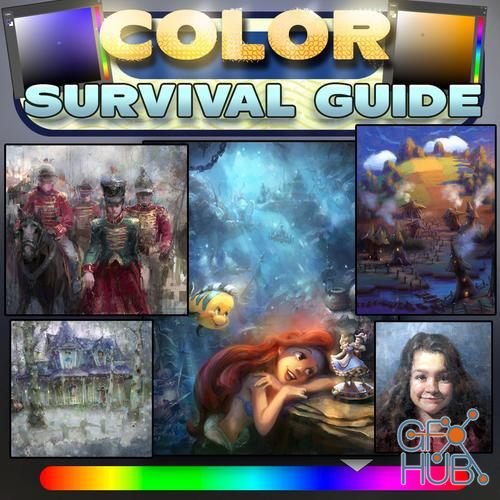
The Color Survival Guide features a selection of color theories and color principles that I use almost every day as a commercial artist. I've selected the things that work and are reliable, time and time again.
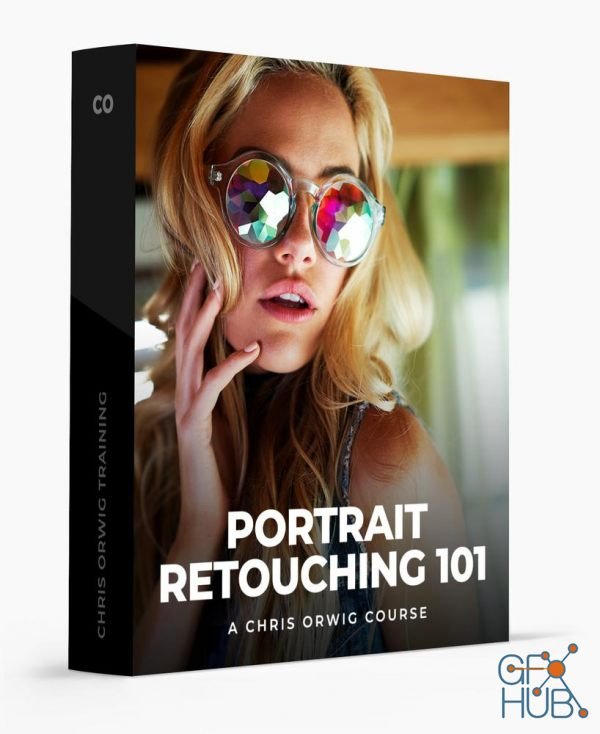
Learn how to improve portraits in Photoshop and Lightroom.
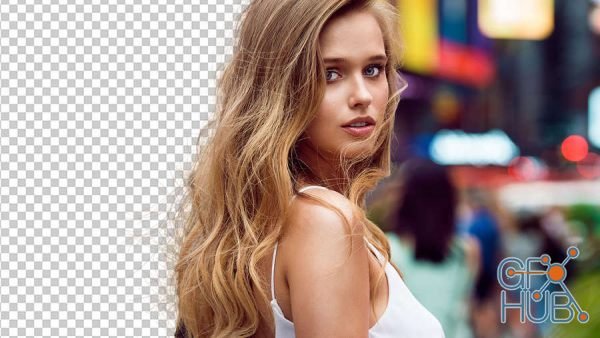
If you want complete control over of your retouching, compositing and designing in Adobe® Photoshop®, you’ve got to know how to mask. The problem is, masking can be a confusing, hard-to-understand process. In this class, Jesus Ramirez will teach you advanced techniques that even beginners can follow to build excellent and editable masks. You’ll learn how to mask and extract objects in Photoshop with Layer Masks, Clipping Masks, Blend if and

The Curves adjustment in Adobe® Photoshop® is one of the most powerful tools to adjust color and tonal values in an image. Unfortunately, it can also be one of the most difficult to use. In this class, Jesus Ramirez will take an in-depth look at how curves work, and how you can use it enhance your photos. This class is made up of multiple step-by-step examples that take you through every major feature of the Curves adjustment.
Tags
Archive
| « November 2026 » | ||||||
|---|---|---|---|---|---|---|
| Mon | Tue | Wed | Thu | Fri | Sat | Sun |
| 1 | ||||||
| 2 | 3 | 4 | 5 | 6 | 7 | 8 |
| 9 | 10 | 11 | 12 | 13 | 14 | 15 |
| 16 | 17 | 18 | 19 | 20 | 21 | 22 |
| 23 | 24 | 25 | 26 | 27 | 28 | 29 |
| 30 | ||||||
Vote


New Daz3D, Poser stuff
New Books, Magazines