 2021-11-23

 0
0
Portraiture for Photoshop eliminates the tedious manual labor of selective masking and pixel-by-pixel treatments to help you achieve excellence in portrait retouching.
Reimagine reality with Photoshop. Millions of designers, photographers, and artists around the world use Photoshop to make the impossible possible. From posters to packaging, basic banners to beautiful websites, unforgettable logos to eye-catching icons, Photoshop keeps the creative world moving. With intuitive tools and easy-to-use templates, even beginners can make something amazing.
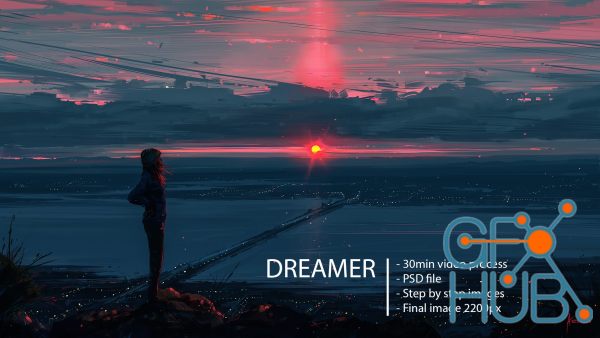
Here is video process of creating illustration “Dreamer” in program Paint tool Sai.
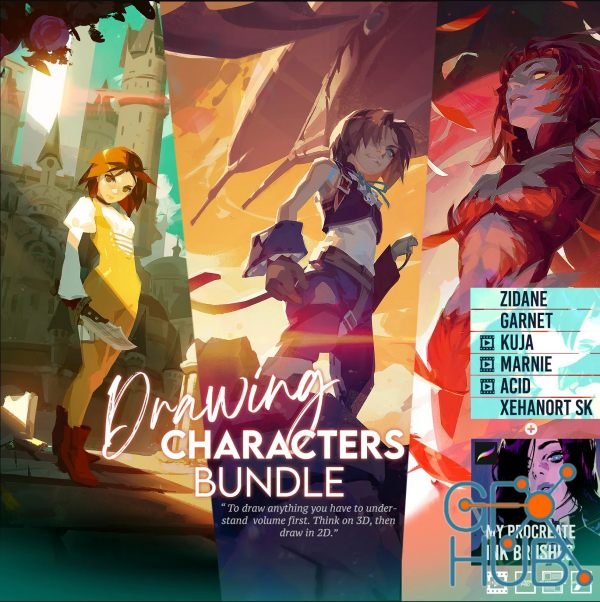
Gumroad – Toni Infante – Drawing CHARACTERS BUNDLE + Dynamic Compositions BUNDLE
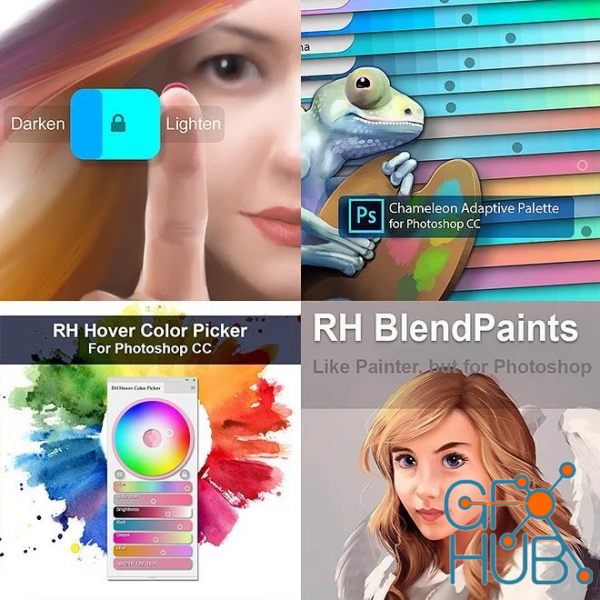
With the resounding success of Chameleon Adaptive Palette, many artists have been asking why I don't have a bundle package available. If you've bought any of my packages or extensions in the past you'll know I'm always open to suggestions - so here it is !
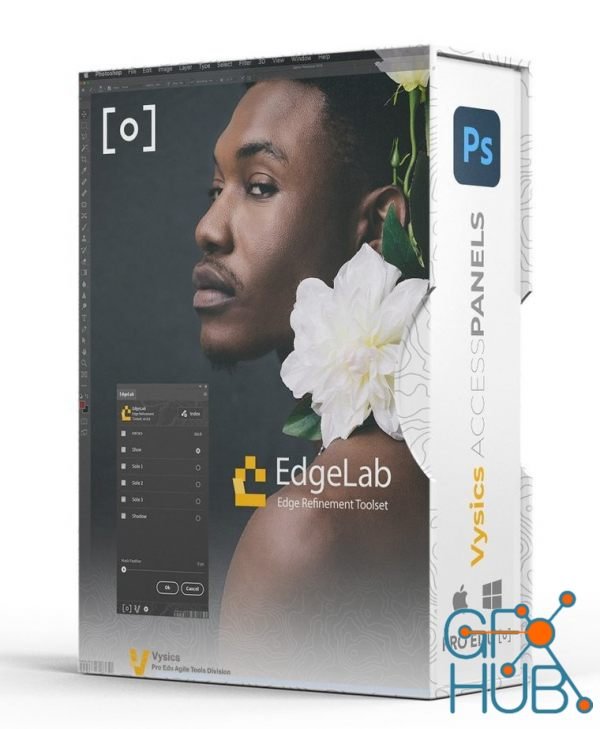
Edge Lab is the ultimate tool for portrait and product photographers obsessed with details and precision. Edge lab is an innovative approach to a new workflow that allows photographers to quickly isolate and manage edges to clean, refine, and composite into any environment they want.
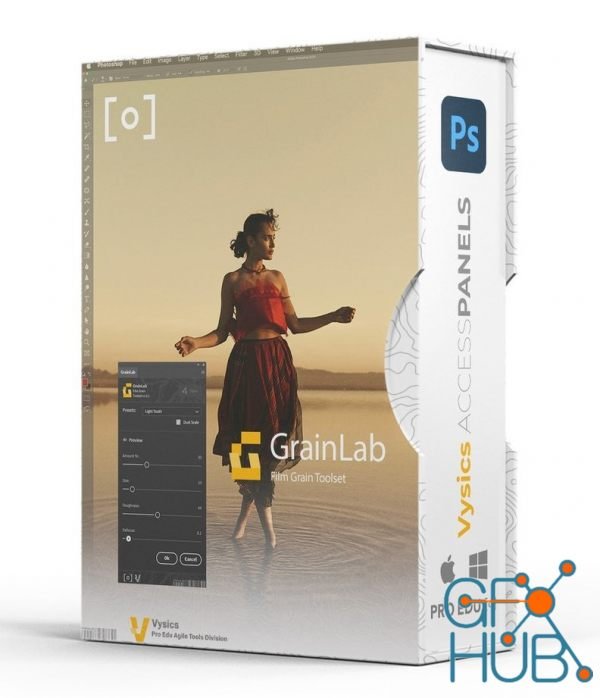
Grain Lab is a toolset engineered by senior retoucher and instructor Sef McCullough to give photographers and retouchers tools to more efficient workflows for portraiture, products, and commercial images that need grain with precision and accuracy in the shadows and highlights featuring a unique dual-tone smart processor.
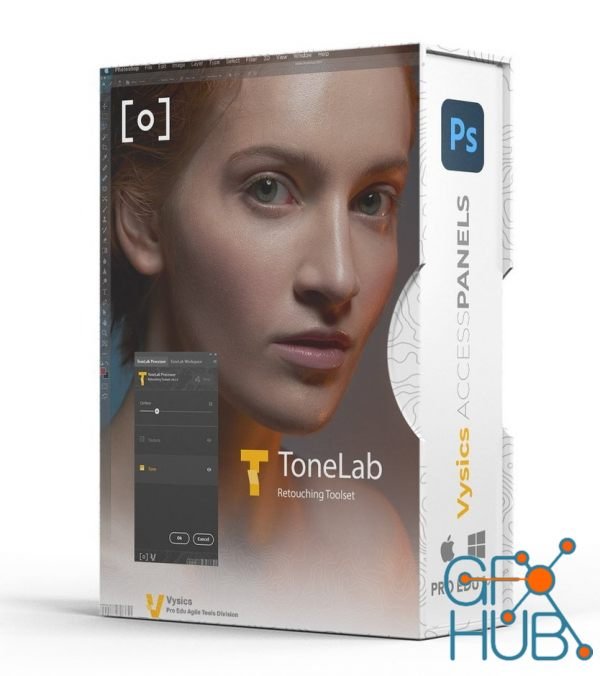
ToneLab is a toolset engineered by senior retoucher and instructor Sef McCullough to give photographers and retouchers tools to more efficient workflows for portraiture, products, and commercial images that need to correct tones and colors in their images, heal imperfections in skins and surfaces, and generally get dodge and burn quality results in a fraction of the time.
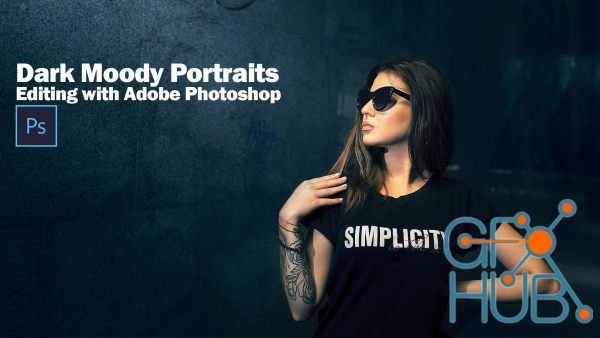
In this course I’ll be editing 5 portraits with a dark moody look. This look doesn’t meant that the images are really dark or sad. It’s more about a feel, an emotion. So the edits are going to be with lots of cold colors like cyan, blue, green that will work great against the orange and reddish colors of the skin.
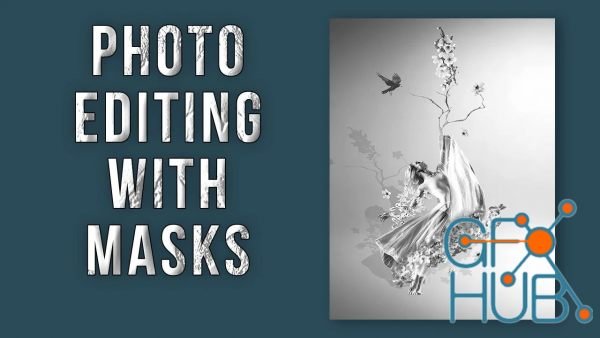
Have you ever wondered how artists blend two vastly different images together? Have you ever had an idea to create a composite using multiple pictures but just didn’t know how? You can do all of this in Adobe Photoshop with masking. This class is for anyone interested in blending multiple images together to create original work.
Tags
Archive
| « April 2026 » | ||||||
|---|---|---|---|---|---|---|
| Mon | Tue | Wed | Thu | Fri | Sat | Sun |
| 1 | 2 | 3 | 4 | 5 | ||
| 6 | 7 | 8 | 9 | 10 | 11 | 12 |
| 13 | 14 | 15 | 16 | 17 | 18 | 19 |
| 20 | 21 | 22 | 23 | 24 | 25 | 26 |
| 27 | 28 | 29 | 30 | |||
Vote


New Daz3D, Poser stuff


New Books, Magazines



