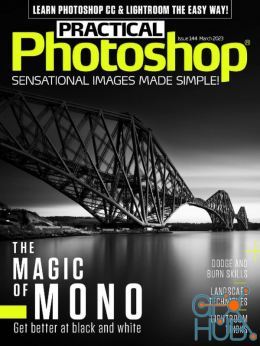
2019-01-16

 0

In this Phlearn PRO Tutorial, you will learn how to take the texture from any background and blend it directly onto your subject. Discover techniques for blending, colorizing, advanced cloning, creating highlights + shadows, making selections and more.

Got something you want to cut out of a photo? Make quick work of the selection using the Magnetic Lasso Tool!
In this tutorial, learn the many uses of the Gradient Tool and add more definition to a sky in Photoshop.
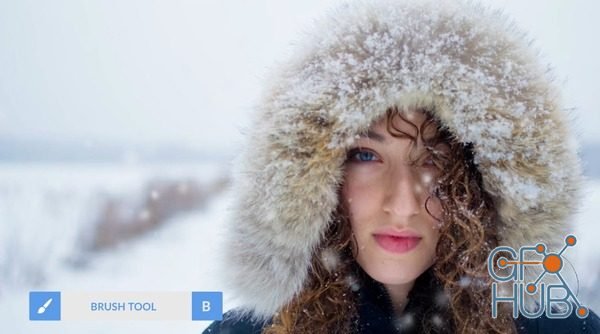
In this tutorial, learn to use one of the most powerful features in Photoshop – the Layer Mask. Hide and Show areas of a layer simply by painting black or white on the mask!

Video: .MP4, 1280x720 | Audio: AAC, 44kHz, 2ch | Duration: 1h 16m
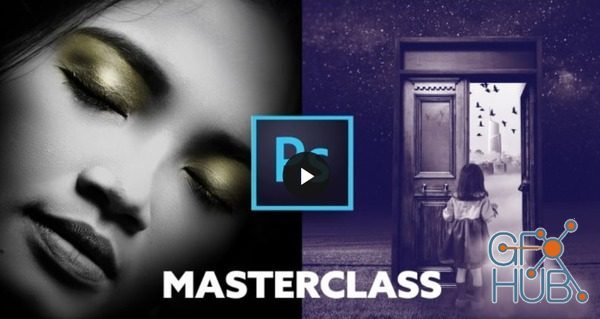
The Photoshop Manipulation and Editing Masterclass Contains projects that help you master both editing techniques and conquer simple and complex photo manipulation projects.

Delicious Retouch Panel v4.1.3 for Adobe Photoshop Mac | Turbo-charge your retouching workflow with a new version of Delicious Retouch plugin – set of powerful portrait & body retouching tools packed into a Photoshop extension panel.

Beauty Retouch panel combines basic Beauty retouching scripts, tool and adjustment layer shortcuts, which will add simplicity to and speed up your workflow by performing the tedious and repetitive parts of your routine.

In this class we’ll work through building our Cathedral Trees Landscape together step by step. We’ll take 4 stock images and composite them into an imaginary landscape from a far and distant land.

Gumroad – Foundation Patreon – Creating Level Variations | 1.04 GB
Tags
Archive
| « November 2026 » | ||||||
|---|---|---|---|---|---|---|
| Mon | Tue | Wed | Thu | Fri | Sat | Sun |
| 1 | ||||||
| 2 | 3 | 4 | 5 | 6 | 7 | 8 |
| 9 | 10 | 11 | 12 | 13 | 14 | 15 |
| 16 | 17 | 18 | 19 | 20 | 21 | 22 |
| 23 | 24 | 25 | 26 | 27 | 28 | 29 |
| 30 | ||||||
Vote


New Daz3D, Poser stuff
New Books, Magazines