 2023-02-18

 0
0
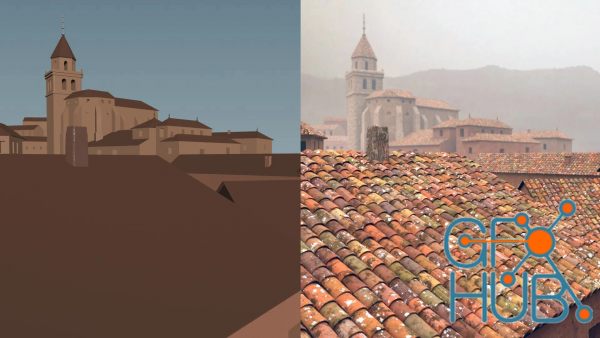
FXPHD – HOU223 – Taking Houdini Digital Assets to the Next Level MP4 | ENG | Duration: 4 hours 30 minutes Digital Assets are at the center of everyday use of Houdini. You have probably created HDAs and also downloaded some created by others. The goal of this course is to analyze what makes a good HDA and how you can apply these concepts to create more robust Digital Assets. As a follow up to HOU140 - Houdini FX Tool Building Foundation, this
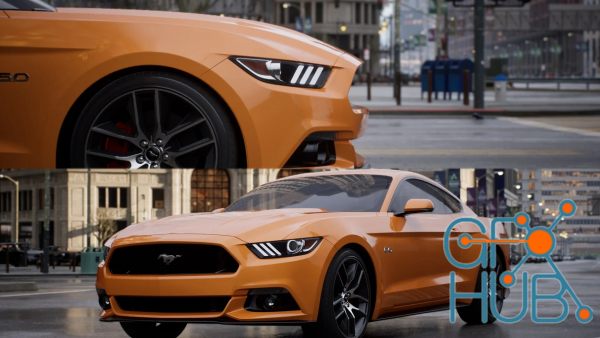
FXPHD – UNR205 – Automotive Cinematography in Unreal Engine, Part 1 MP4 | ENG | Duration: 7 hours 24 minutes This is the first of a two-part course, which teaches how to use Autodesk Maya and Unreal Engine 5 to create a photorealistic cinematic short of a Ford Mustang in an urban city environment. The course covers material authoring, look development, lighting, virtual cinematography, and high-quality render settings in Unreal Engine. Liam is
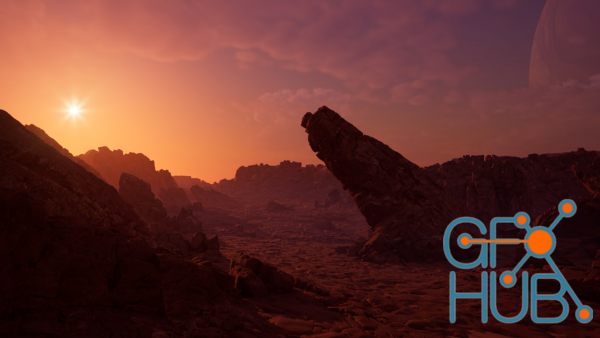
FXPHD – UNR203 – Realtime Cinema Environments in Unreal Engine. Duration: 5 hours 35 minutes. This course covers how to create a highly detailed photoreal real-time environment using World Creator, Quixel Bridge, and Unreal Engine 5. Taught by Liam Whitehouse, the course is first one at fxphd to be distributed in 4K resolution and includes over 20GB of project file downloads (available with a Premium Membership) so you can follow along with the
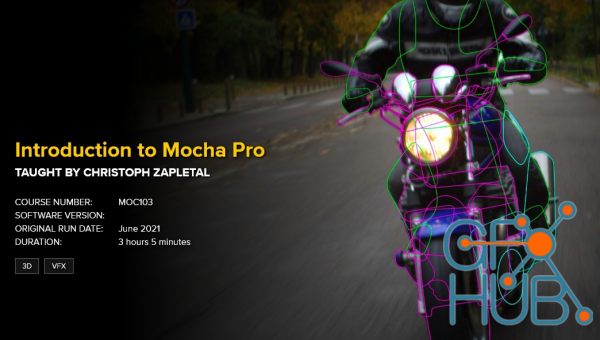
FXPHD – MOC103 – Introduction to Mocha Pro. While tracking and roto are not considered the most glamorous part of a compositor's life, they both are still vital to making your shot work. Mocha Pro has been the industry standard for planar tracking for quite a while now. This course aims to teach the foundations of planar tracking while at the same time providing members with production-level shots to learn and improve these skills. Christoph
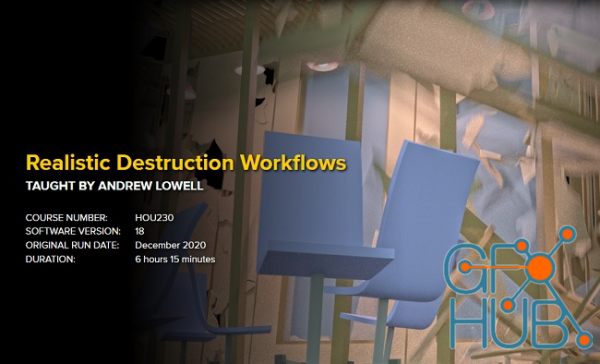
FXPHD – HOU230 – Realistic Destruction Workflows. This course will guide you through the latest destruction processes and workflows using Houdini and Bullet. Technical methods as well as eye development come together in the course and you’ll be guided through the complete destruction process, producing a realistic final result. Realistic destruction starts with reference and high quality, representative fractures. Constraints between rigid body
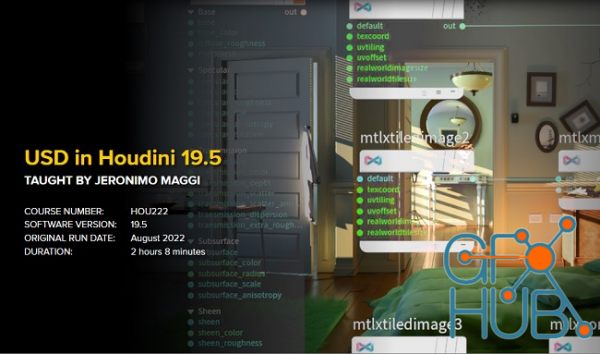
FXPHD – HOU222 – USD in Houdini 19.5. This course is a follow-up of HOU221: USD and LOPs for Houdini Artists which was released using Houdini 18.5. One year later, Houdini 19.5 was released and with it, a lot of changes have been introduced in Solaris and Karma. This course will cover some of the new workflows that were introduced as well as changes in previous workflows that were modified since the last course was released. It is recommended
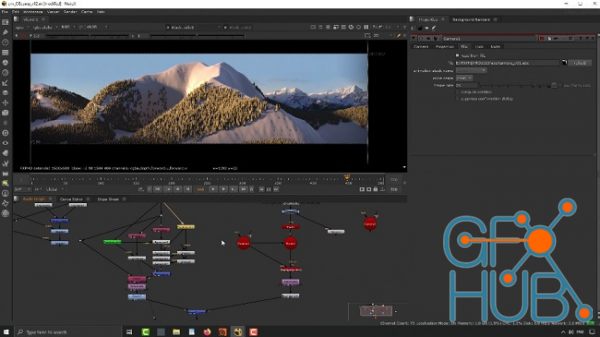
FXPHD – HOU116 – Height Fields in Houdini, Part 2. Houdini height fields have many useful nodes to be able to quickly create a realistic terrain which can be use in Houdini or exported with a displacement map. You can simulation eruption, isolate areas to create water, and many other terrain conditions. This two part course, taught by Charles Chorein, will get you up to speed on using the features in Houdini. This course, part two of the duo,
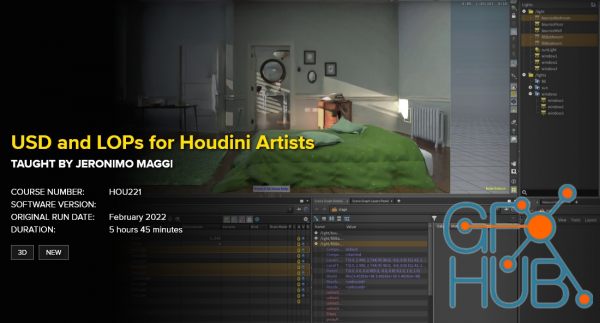
Free download video course by FXPHD – HOU221 – USD and LOPs for Houdini Artists. Taught by Jeronimo Maggi. More and more applications are starting to support USD and most studios are in some way using it in their pipelines. USD is here to stay and it is slowly becoming the industry standard. This course is designed for artists who want to get familiar with how USD works to better understand the pipelines that they are working in. It will cover
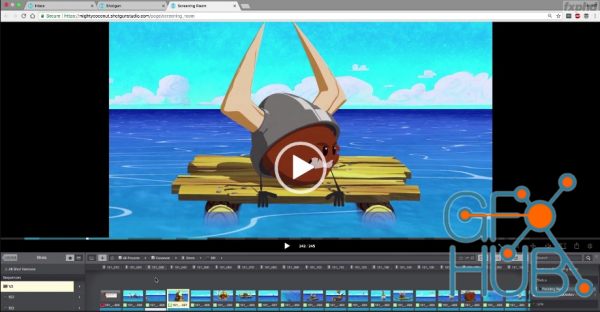
Free download video course by FXPHD – SHG201 – Shotgun in Production Shotgun is the industry standard for production management, but unlocking its full potential requires a firm grasp of organization principles and best practices to keep things running smoothly. Taught by multiple producers, artists and TD’s from Austin-based studio Mighty Coconut, this course covers how to make the most of Shotgun on everything from large animated series to
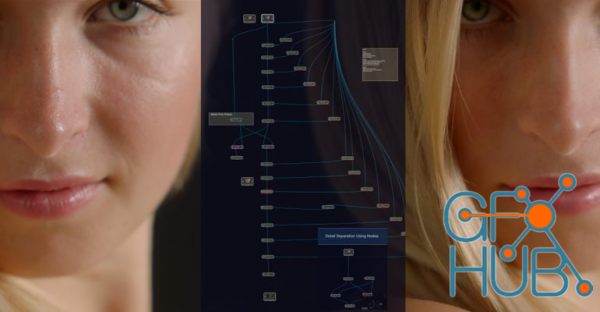
FXPHD – SIL103 – Introduction to Silhouette and Paint, Part 2. DURATION: 3 hours 38 minutes. Course syllabus: CLASS 1: MEGA PLATES, PAINTING AND COMPING Learn how to create a Mega Plate using the Mocha Pro plugin inside of Silhouette and paint a matte painting using the DOD node to use in this A over B comp. Combine tracked roto articulates with PowerMatte to bring it all together. Discover how to manage your Silhouette project file with
Tags
Archive
| « September 2026 » | ||||||
|---|---|---|---|---|---|---|
| Mon | Tue | Wed | Thu | Fri | Sat | Sun |
| 1 | 2 | 3 | 4 | 5 | 6 | |
| 7 | 8 | 9 | 10 | 11 | 12 | 13 |
| 14 | 15 | 16 | 17 | 18 | 19 | 20 |
| 21 | 22 | 23 | 24 | 25 | 26 | 27 |
| 28 | 29 | 30 | ||||
Vote


New Daz3D, Poser stuff


New Books, Magazines



